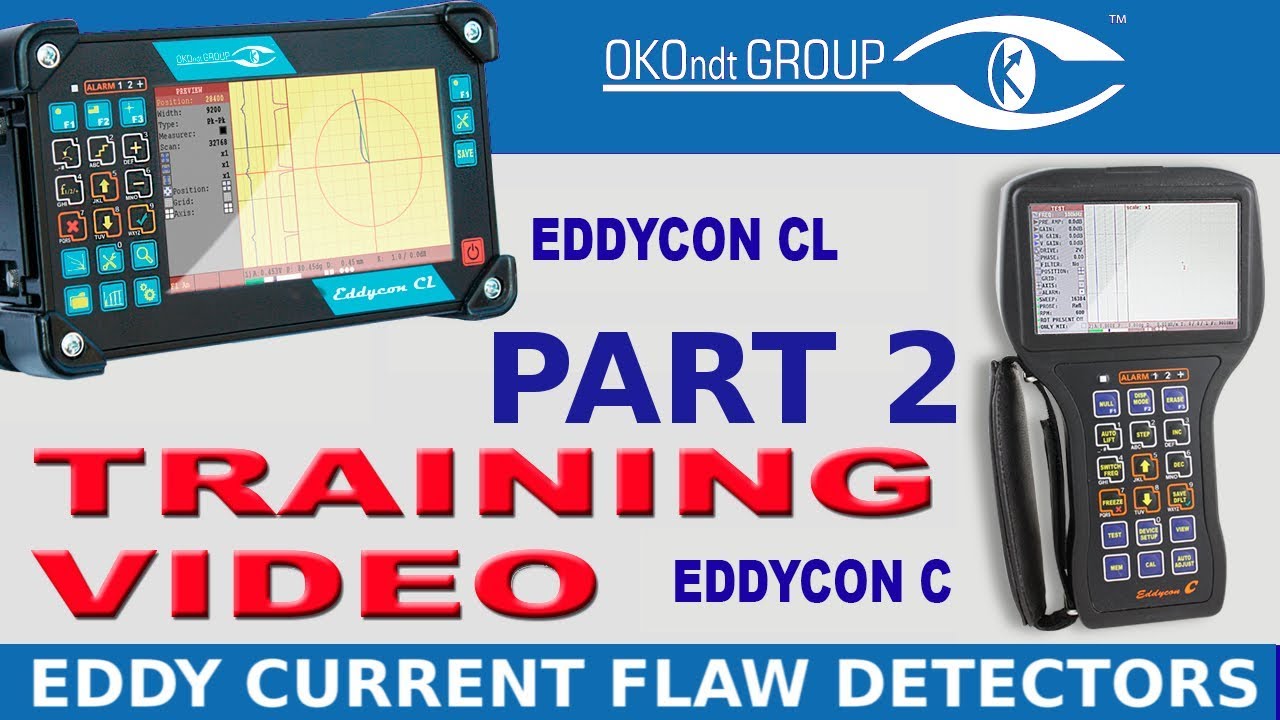
Part 2 (Test Menu Settings) Of Eddy Current Flaw Detector Eddycon C & CL Training
Автор: OKO Group
Загружено: 2019-05-13
Просмотров: 693
Описание:
See more: https://www.ndt.com.ua/en/products/et...
As you know from the previous video, the instrument menu is divided in five sections: "TEST", "SETTINGS", "VIEW", "MEMORY" and "CALIBRATION". In this video we will dwell upon the “Test menu”.
You will learn how to set up all the parameters in this menu before you start working with the eddy current flaw detector. We will also consider the indicators that are displayed in this menu.
The flaw detector can work in 3 modes: Expert, Conductivity and Test. The Test mode is used only for the device maintenance, so there is no need to use it by an operator. Now you will learn how to set up and change the flaw detector parameters for inspection in the Expert mode. The Conductivity mode will be reviewed in one of the following videos.
Find more about NDT equipment on our website: https://www.ndt.com.ua/en/?utm_source...
Contact Us: https://www.ndt.com.ua/en/feedback#fo...
Ultrasonic testing: https://www.ndt.com.ua/en/products/ut...
Eddy-current testing: https://www.ndt.com.ua/en/products/et...
Automated testing: https://www.ndt.com.ua/en/products/at...
EMA testing: https://www.ndt.com.ua/en/products/em...
Повторяем попытку...
Доступные форматы для скачивания:
Скачать видео
-
Информация по загрузке: