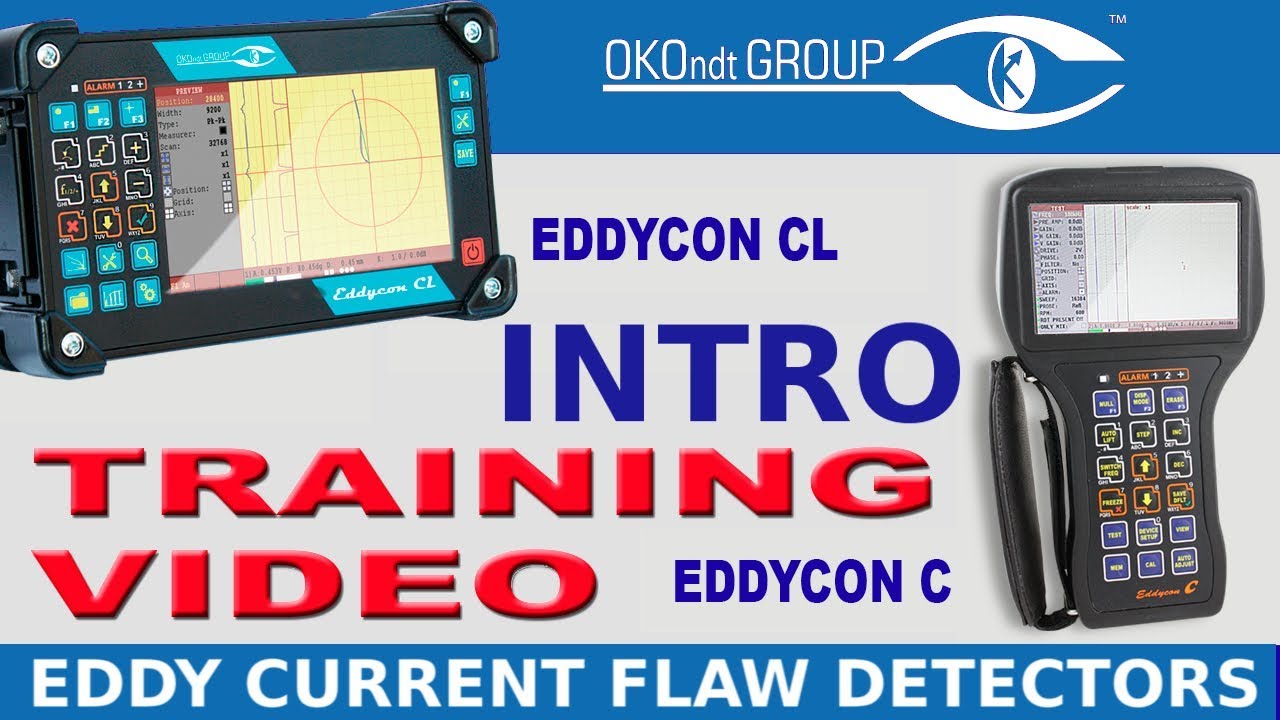
Part 1 (Menu Structure) Of Eddy Current Flaw Detector Eddycon C & CL Training
Автор: OKO Group
Загружено: 2019-01-24
Просмотров: 873
Описание:
See more: https://www.ndt.com.ua/en/products/et...
In the previous video, we focused on the eddy current flaw detectors of the Eddycon family capabilities, fields of application and use.
Also we looked at the appearance, as well as the connector’s designation of the devices.
In this video we will dwell upon the devices main menus. In this and next videos we will work only with Eddycon C, because the principle of operation and the designation of the keys and connectors in both devices are completely identical.
The main feature of the Eddycon’s menus is the absence of the tree structure. It means that there is no need to spend much time accessing the necessary parameters and settings.
The instrument menu is divided in five sections: "TEST", "SETTINGS", "VIEW", "MEMORY" and "CALIBRATION". In this video you will learn how to operate “SETTINGS” and “MEMORY” menus.
The principles of navigation between parameters and changing of their values are also considered in this video.
Find more about NDT equipment on our website: https://www.ndt.com.ua/en/?utm_source...
Contact Us: https://www.ndt.com.ua/en/feedback#fo...
Ultrasonic testing: https://www.ndt.com.ua/en/products/ut...
Eddy-current testing: https://www.ndt.com.ua/en/products/et...
Automated testing: https://www.ndt.com.ua/en/products/at...
EMA testing: https://www.ndt.com.ua/en/products/em...
Повторяем попытку...

Доступные форматы для скачивания:
Скачать видео
-
Информация по загрузке: