Panorama » Placing Flags When Scouting
Автор: Precision Planting Product Support
Загружено: 2024-02-22
Просмотров: 293
Описание:
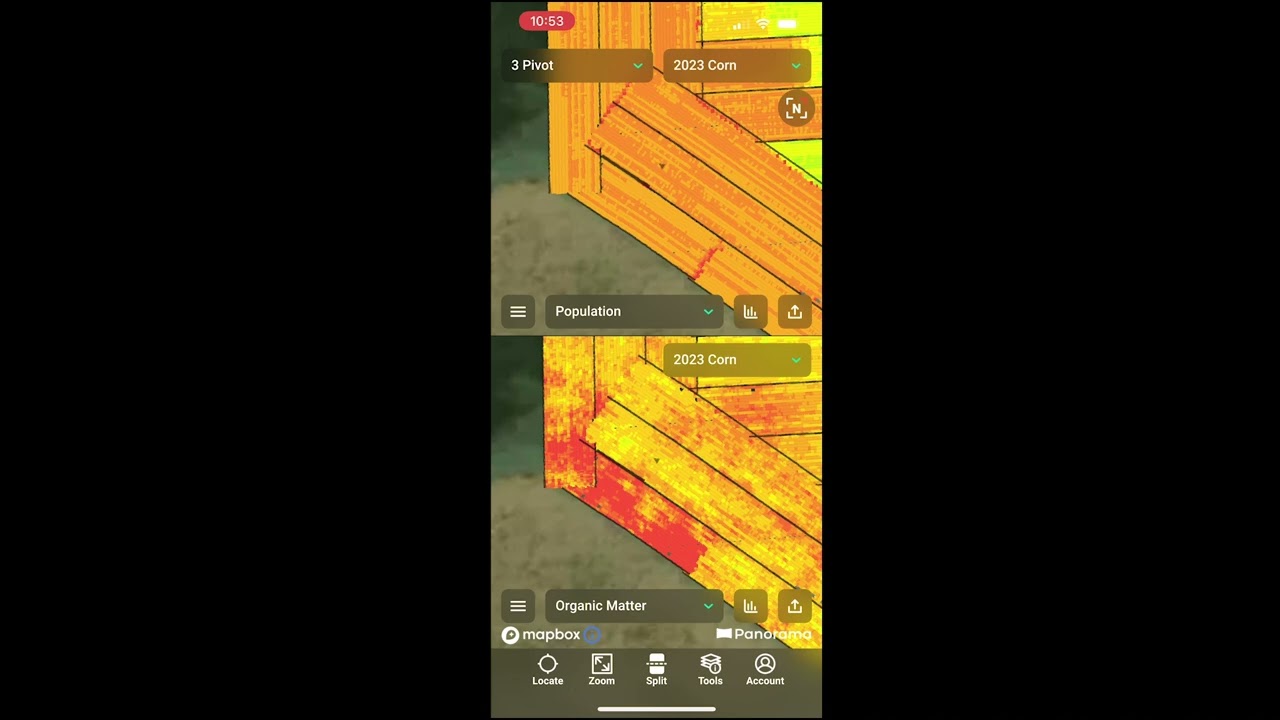
Take pictures and apply notes to geo-tagged spots in the field, all with the Panorama by Precision Planting app on your smartphone. Choose categories related to emergence, insects, weeds, and disease.
How to place a flag in the Panorama app:
1. Choose a field and select a map layer.
2. Select “tools” from the menu bar across the bottom, then “Place Flags.”
3. Zoom in on the field and drop a flag by tapping on the screen.
4. Choose the category, assign a color, and upload images.
Panorama from Precision Planting allows you to easily view maps, input summaries, and agronomic data from a Gen 3 20|20. See all your 20|20 farming data on your phone, computer, or platform of your choice through the Panorama data analysis software.
🌱 Learn more about Panorama from Precision Planting here » https://www.precisionplanting.com/pro...
Повторяем попытку...
Доступные форматы для скачивания:
Скачать видео
-
Информация по загрузке: