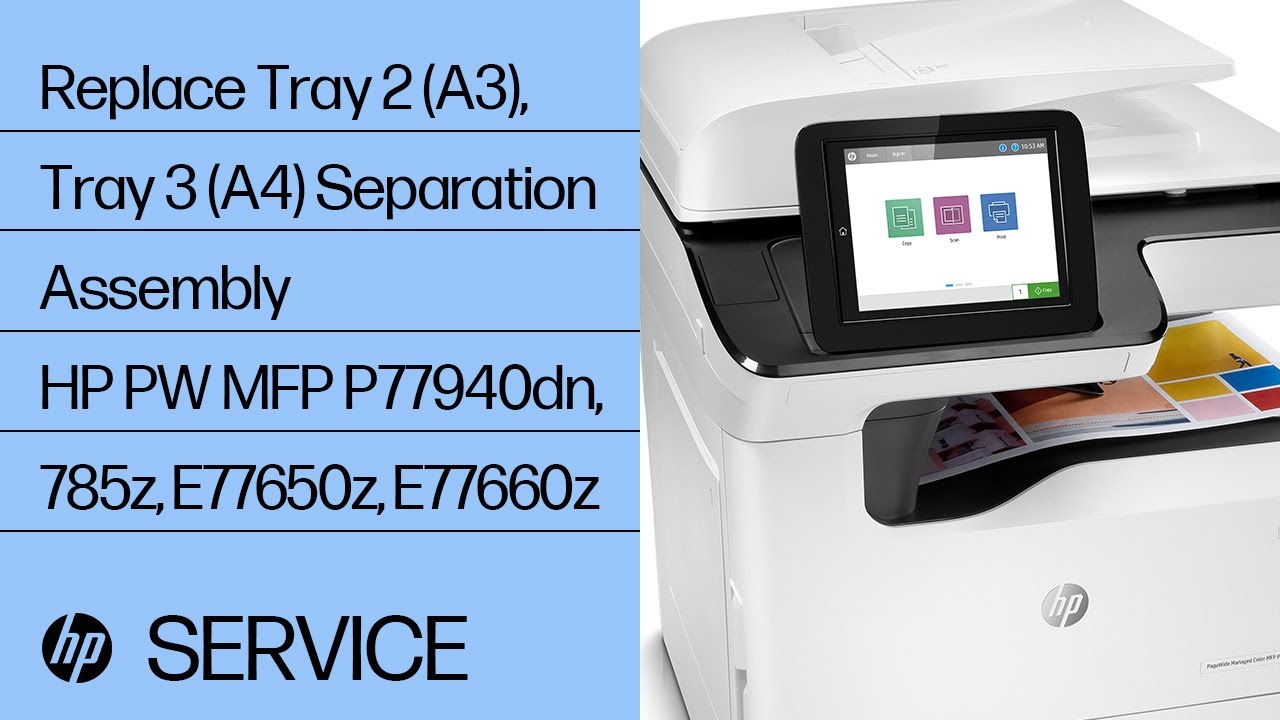
Replace Tray 2 (A3), Tray 3 (A4) Separation Assembly | HP PW MFP P77940dn, 785z, E77650z, E77660z
Автор: HP Support
Загружено: 2020-06-28
Просмотров: 3152
Описание:
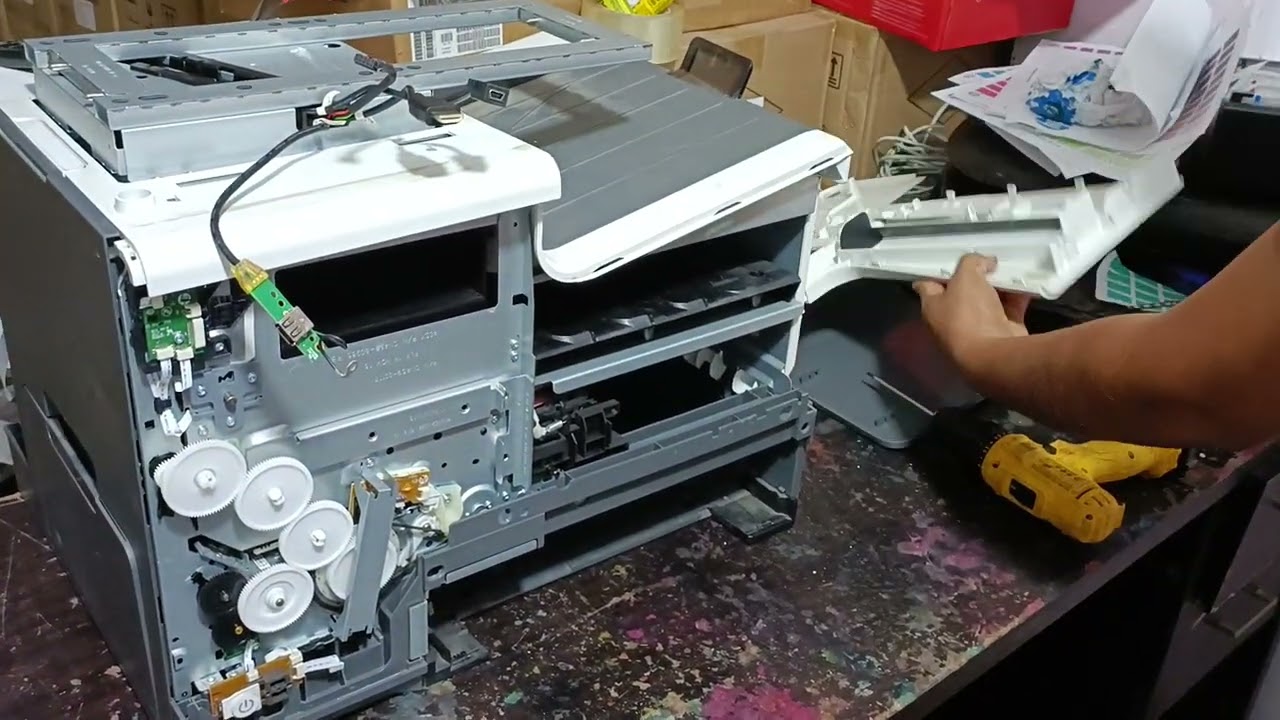
No audio. Learn how to remove and replace the tray 2 (A3) or tray 3 (A4) separation assembly for HP PageWide Enterprise MFP P77940dn+, 785z+, E77650z+, and E77660z+ printers.
Chapters:
00:00 Introduction
00:07 Remove front panel and panel door
01:16 Remove panel under ink indicator
01:42 Remove rest of front panel
02:29 Remove back panel
03:08 Remove back panel door
03:24 Remove parts and disconnect cables
04:42 Remove part
CAUTION: Improperly installing or replacing parts could damage your HP device or void your warranty. Before replacing any parts, check your warranty.
For other helpful videos go to / hpsupport .
More support options for your HP device are available at https://hp.com/support.
For step-by-step guidance, connect with our Virtual Agent: https://virtualagent.hpcloud.hp.com/?...
Continue the Conversation:
SUPPORT FORUM: https://hp.care/SupportForums
FACEBOOK: https://hp.care/FacebookSupport
TWITTER: https://hp.care/TwitterSupport
INSTAGRAM: / hp
LINKEDIN: / hp
#HP #HPSupport #HPPrinterService
SUBSCRIBE: / hpsupport
SHOP NOW: https://www.hp.com/online-store
HP PARTS STORE: https://parts.hp.com
About HP:
HP Inc. creates technology that makes life better for everyone everywhere - every person, every organization, and every community around the globe. Through our portfolio of printers, PCs, mobile devices, solutions, and services, we engineer experiences that amaze.
This video was produced by HP.
Replace Tray 2 (A3), Tray 3 (A4) Separation Assembly | HP PW MFP P77940dn, 785z, E77650z, E77660z | HP Support
• Replace Tray 2 (A3), Tray 3 (A4) Separatio...
Повторяем попытку...
Доступные форматы для скачивания:
Скачать видео
-
Информация по загрузке: