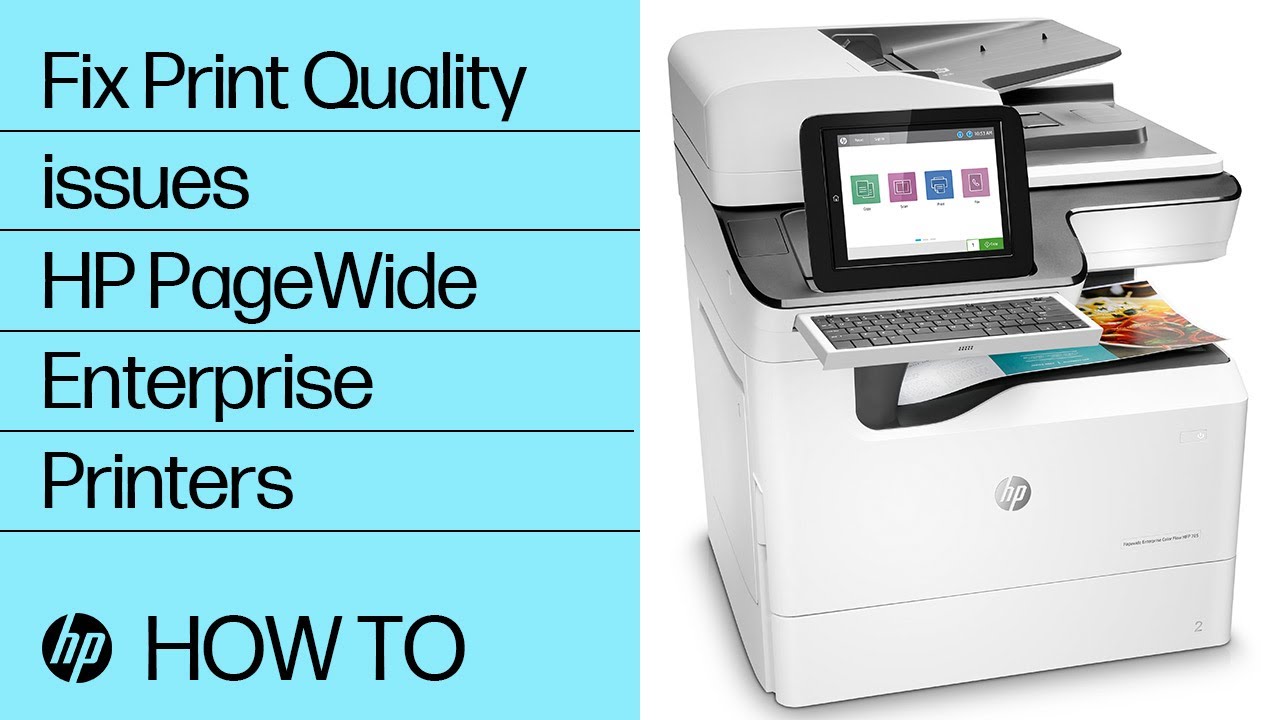
Fixing 61.XX.XX Errors | HP PageWide Enterprise Printers | HP
Автор: HP Support
Загружено: 2020-06-27
Просмотров: 76887
Описание:
Learn how to fix 61.XX.XX Errors on HP PageWide Enterprise Printers.
Chapters:
00:00 Introduction
00:21 Navigate to printer's IP address or host name
00:56 Collect information from configuration and event log page
01:18 Power cycle the printer
01:54 Troubleshooting 61.00.00 error
02:37 Troubleshooting 61.00.04 or 61.00.05 errors
02:58 Troubleshooting 61.30.00 error
More support options for your HP device are available at http://hp.com/support.
Follow these steps to fix 61.XX.XX Errors on HP PageWide Enterprise Printers:
61 error messages generally indicate a print engine, formatter, or firmware-related issue.
If the 61 error does not allow the system to print, use the Embedded Web Server, or EWS, to find the required troubleshooting information.
Identify the printer's IP address or host name from the printer control panel.
From a computer or device connected to the same network as the printer, open a web browser.
Enter the IP address or host name into the browser's address bar.
If entering the host name, make sure HTTP:// is entered before the host name.
If a message displays indicating that accessing the website might not be safe, select the option to continue to the website.
Accessing the EWS will not harm your computer.
Collect the following information with the printer connected to the network.
Configuration Page, Event Log Page, the eight-digit code from the event log description of the 61 error.
Always check the Control Panel Message Document, or CPMD, for the latest detailed information.
Perform these steps for any 61 error.
Power cycle the printer.
Press and hold the Power button for three seconds to power off the printer.
Then press the Power button to power on the printer.
If still reporting a 61 error, repeat this sequence.
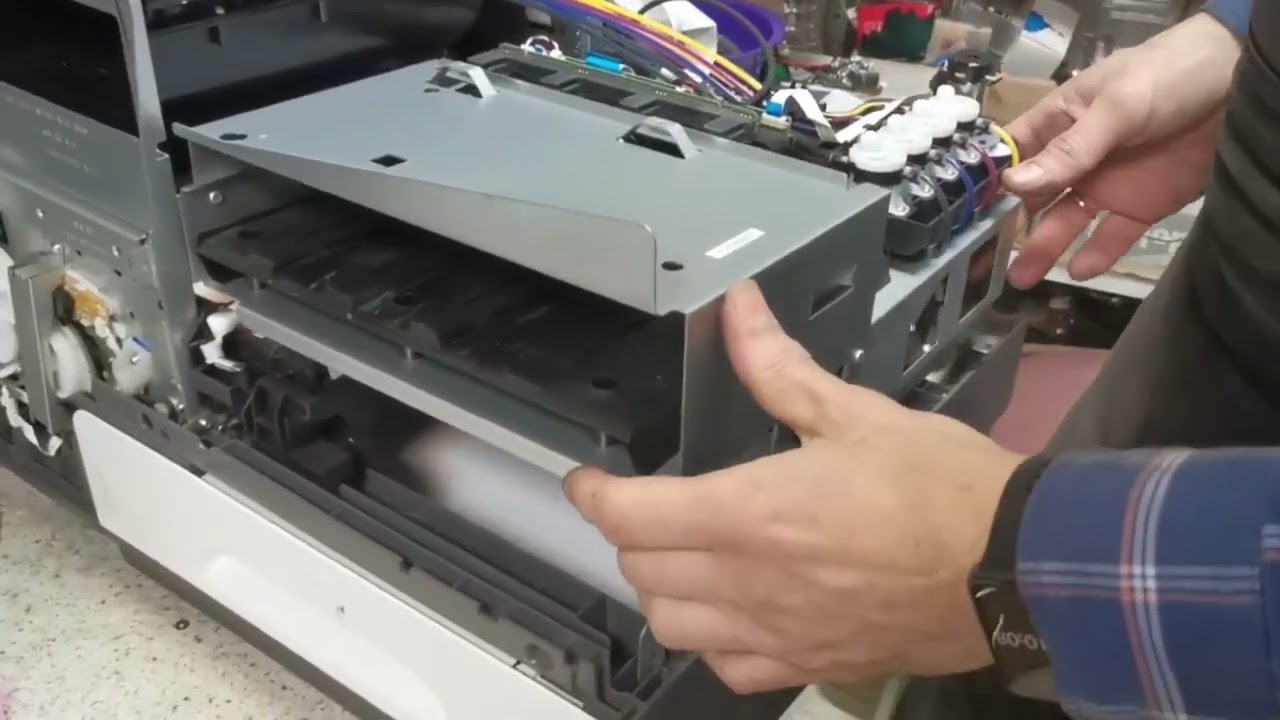
If the error persists, turn the power off and remove and reseat all formatter connections.
At this point, if the 61 error is still present, collect the requested information and follow your support path.
There are different types of 61 errors.
Here is a guide to troubleshoot accordingly.
61.00.00 Connection between formatter and engine lost.
Remove the back cover.
Check the LED light on the engine controller board. If this light is off, check the connection between the formatter and the ECB.
If after checking the connection the LED is still off, replace the power supply.
If tray three is installed, the connector on tray three might be damaged and causing damage to the power supply.
Make sure tray three is properly connected and aligned with the printer.
61.00.04 and 61.00.05, Temperature is too low.
The printhead has detected a very cold temperature and is unable to operate until the temperature warms up.
The product may have been exposed to a cold environment and now needs additional time to adjust before it can operate normally.
61.30.00, Scheduled maintenance complete. 61.30.01, Scheduled maintenance missed.
These 61 errors won't prevent the system from printing, but they will be recorded on the event log.
Caution: Improperly installing or replacing parts could damage your HP device or void your warranty. Before replacing any parts, check your warranty.
Continue the Conversation:
http://hp.care/SupportForums
http://hp.care/FacebookSupport
http://hp.care/TwitterSupport
#HP #HPSupport #HPPrinterService
SUBSCRIBE: / hpsupport
SHOP NOW: http://store.hp.com/us/en/
About HP:
HP Inc. creates technology that makes life better for everyone everywhere – every person, every organization, and every community around the globe. Through our portfolio of printers, PCs, mobile devices, solutions, and services, we engineer experiences that amaze.
Connect with HP:
Visit HP WEBSITE: http://www.hp.com
Like HP on FACEBOOK: / hp
Follow HP on TWITTER: / hp
Follow HP on INSTAGRAM: / hp
Follow HP on LINKEDIN: / hp
This video was produced by HP.
Fixing 61.XX.XX Errors | HP PageWide Enterprise Printers | HP
Повторяем попытку...

Доступные форматы для скачивания:
Скачать видео
-
Информация по загрузке: