EncounterPlus How to Part 4—Using the second screen for handouts, encounters & maps
Автор: Dusey Van Dusen
Загружено: 2020-05-24
Просмотров: 6751
Описание:
0:00 Intro
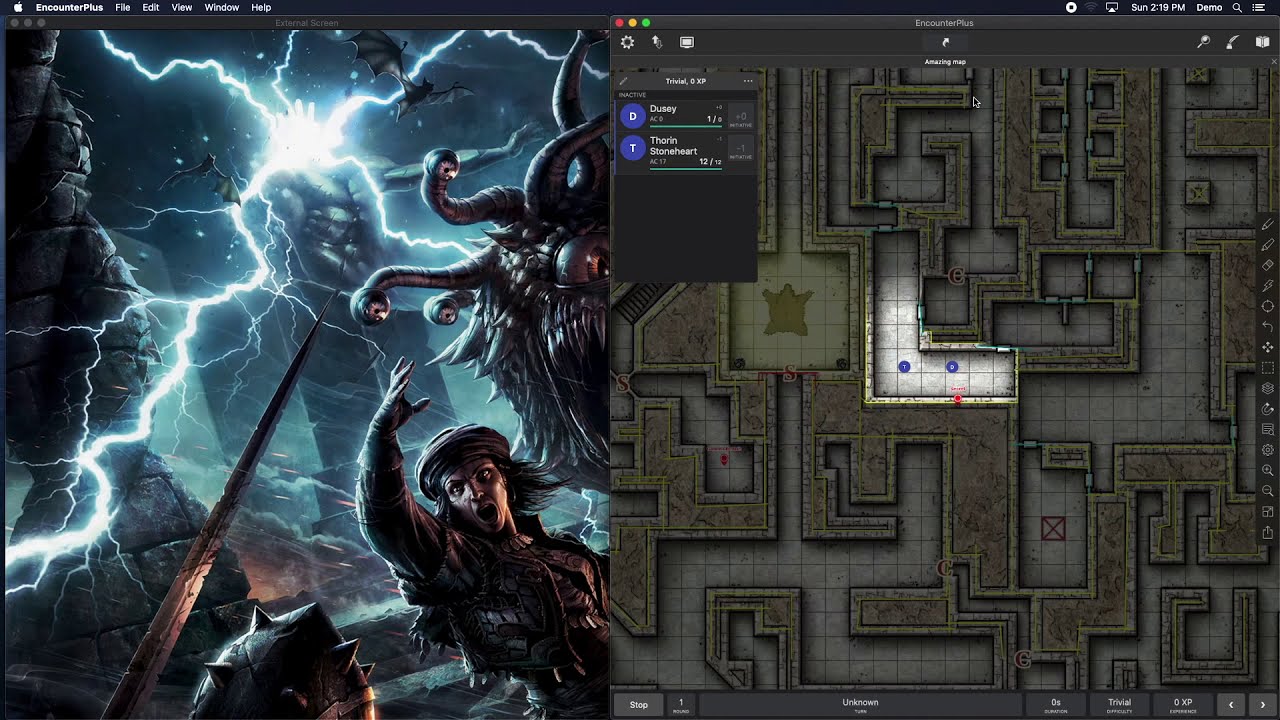
00:21 Starting the 2nd screen
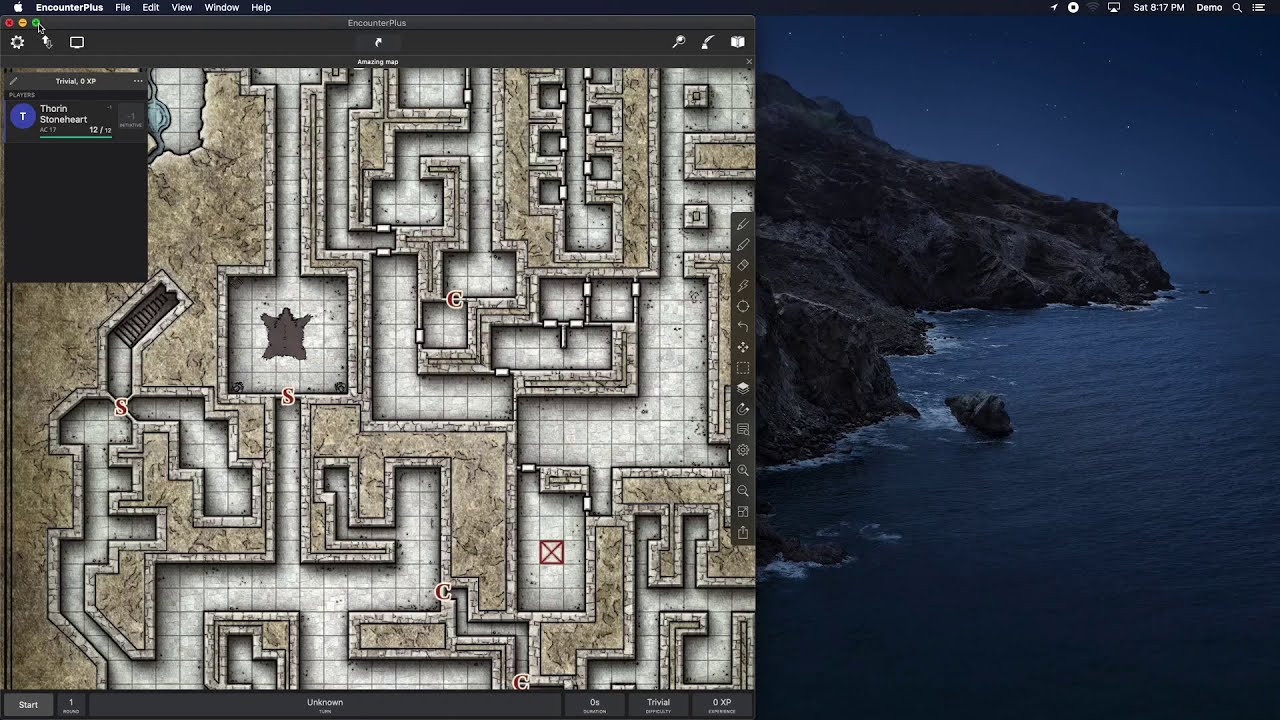
1:31 Presenting a map
1:50 presenting images
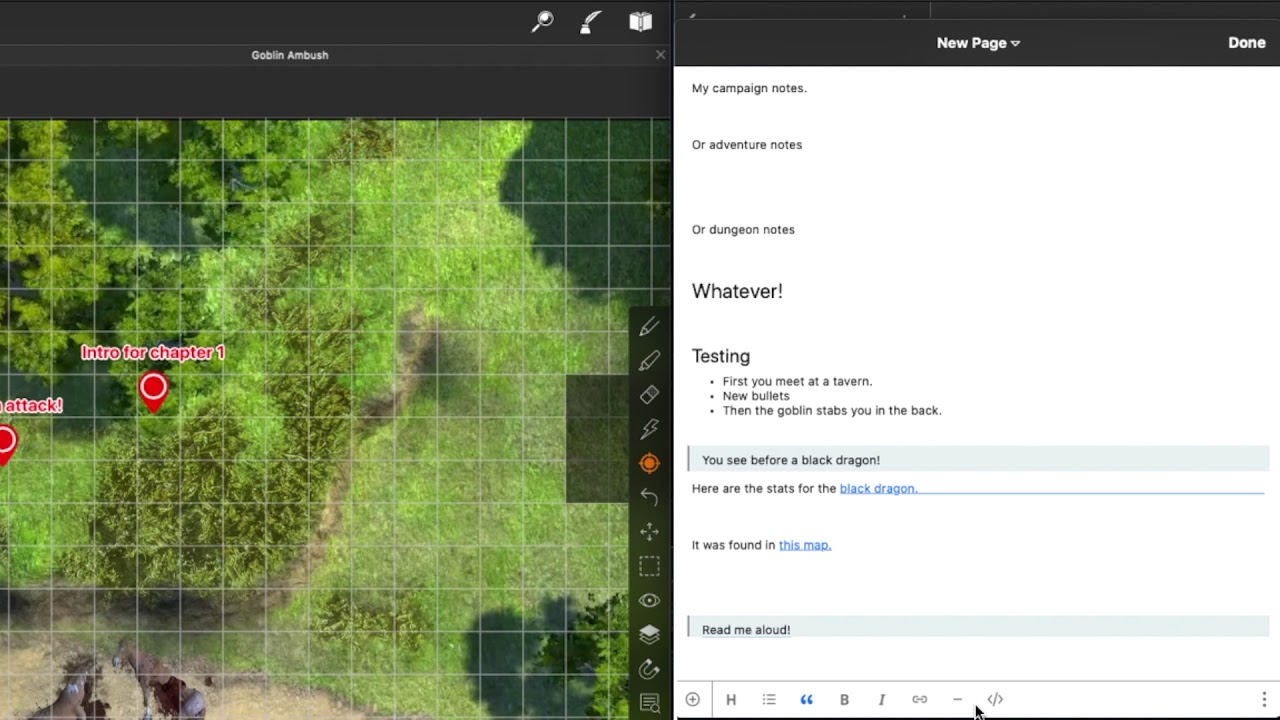
3:28 presenting text handouts
4:22 Default theme
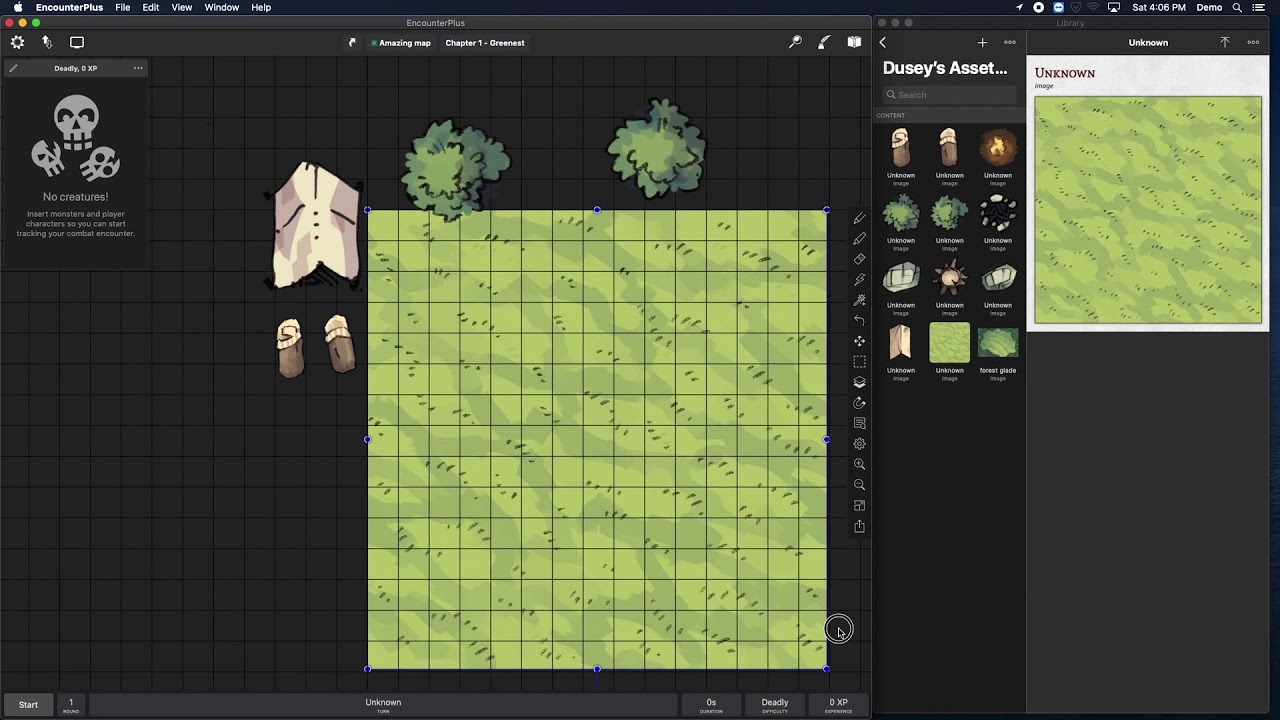
5:14 editing images
5:52 Adding labels
6:24 Combat theme
6:50 Initiative without a map
8:18 Display options
9:19 Using the battle map with a second screen
9:42 Map tabs
10:13 Presenting from tabs
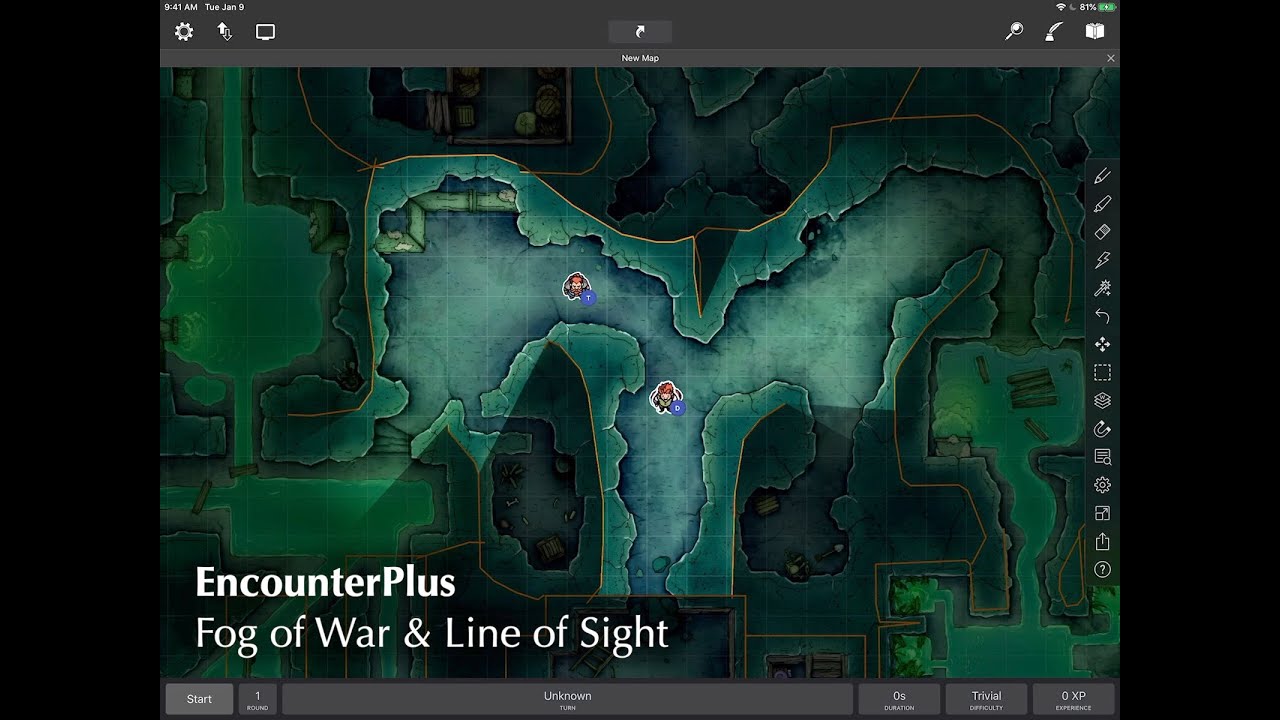
10:48 Line of sight
11:03 Scroll lock, fit screen, zoom
11:50 Running battles with the second screen
12:59 Managing hidden tokens / creatures
14:39 Token shortcuts (damage and stats)
15:10 Hostile, Friendly and Neutral tokens.
16:21 Group movement
17:12 Hiding and showing all monsters or all PCs
18:13 Show/hide taken artwork based on zoom level
Encounter settings
18:43 initiative modes
19:22 Random hit points vs average
19:40 initiative options (auto roll for players/monsters)
20:20 Theater of the mind mode (hide battle map)
20:32 turn off UI elements
20:41 Line of sight options for slower devices
21:05 Disable dice rolling audio
21:27 using line of sight and fog of war simultaneously
22:00 Group movement - floor colors restrict walkable areas
22:48 outro
I'm am just a fan of the app and wanted to show all the great stuff this can do.
Ask questions in the comments or share your tips!
It's available on iOS and Mac here - https://encounter.plus
Join the very active discord - / discord
Help center - https://help.encounter.plus
Повторяем попытку...
Доступные форматы для скачивания:
Скачать видео
-
Информация по загрузке: