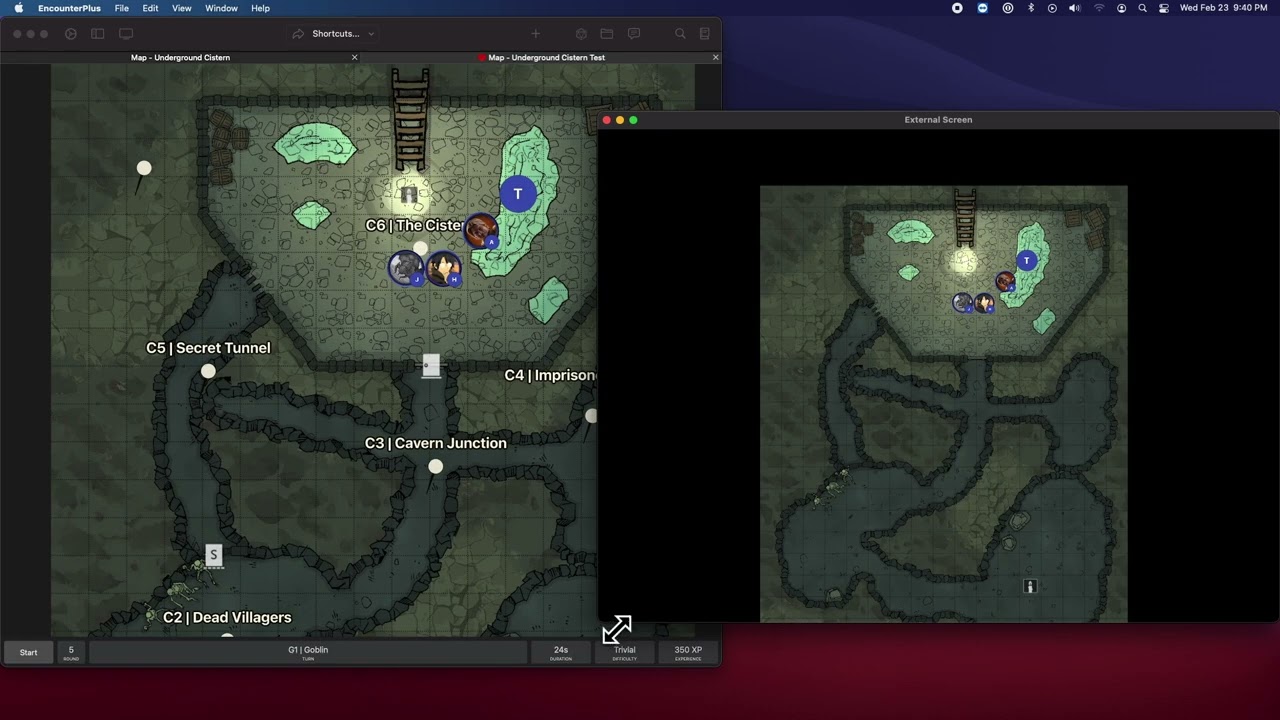
Encounter Plus Updates: Online play using the Web Client
Автор: Dusey Van Dusen
Загружено: 2020-09-26
Просмотров: 6235
Описание:
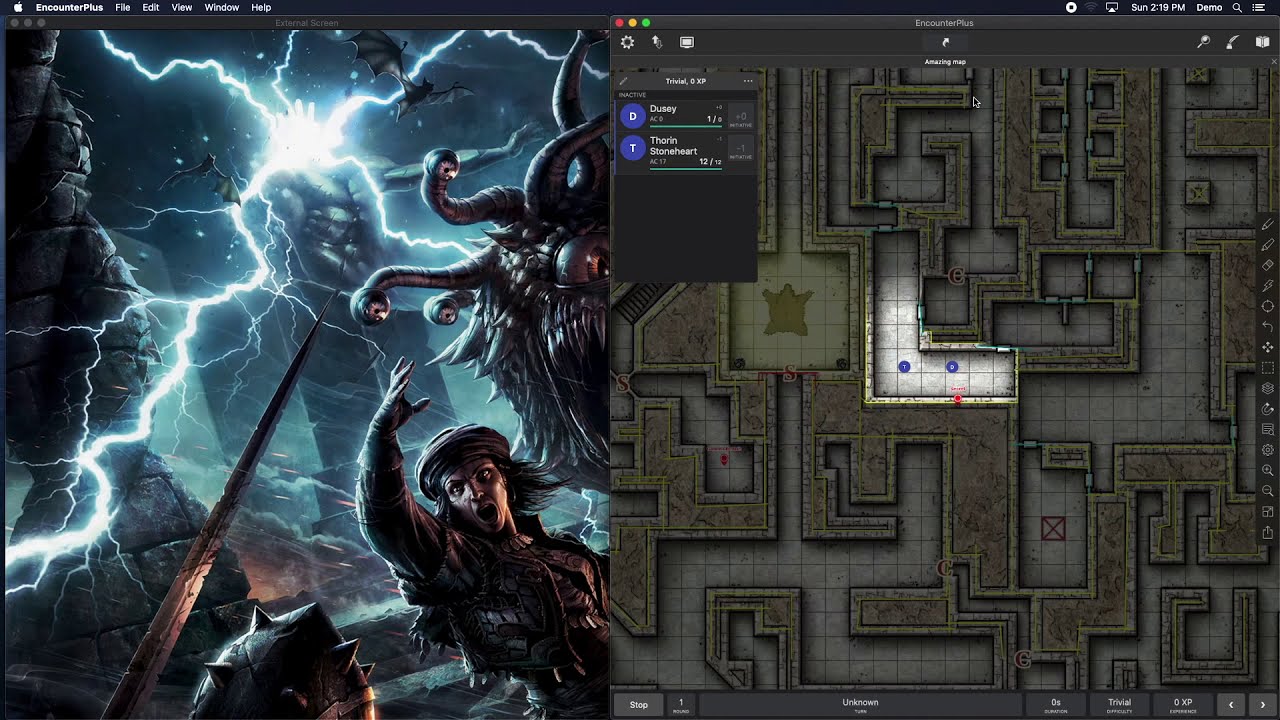
I forgot something about the video maps! The DM can pause the map under settings, and the player can pause the map with the play button at the top left. Also, the player can choose to mute the audio on the video map with the speaker button at the top left.
How to set a static IP address - https://portforward.com/networking/st...
Portforwarding basics - learn the concepts - • Beginners Guide to Port Forwarding
How to set up port forwarding on your router https://portforward.com
Maps by:
Elven Tower — https://www.elventower.com/ (featured map included in E+)
The AP Club — This map will be part of a free adventure with E+ soon. Follow their live play's here https://www.youtube.com/channel/UCLiu...
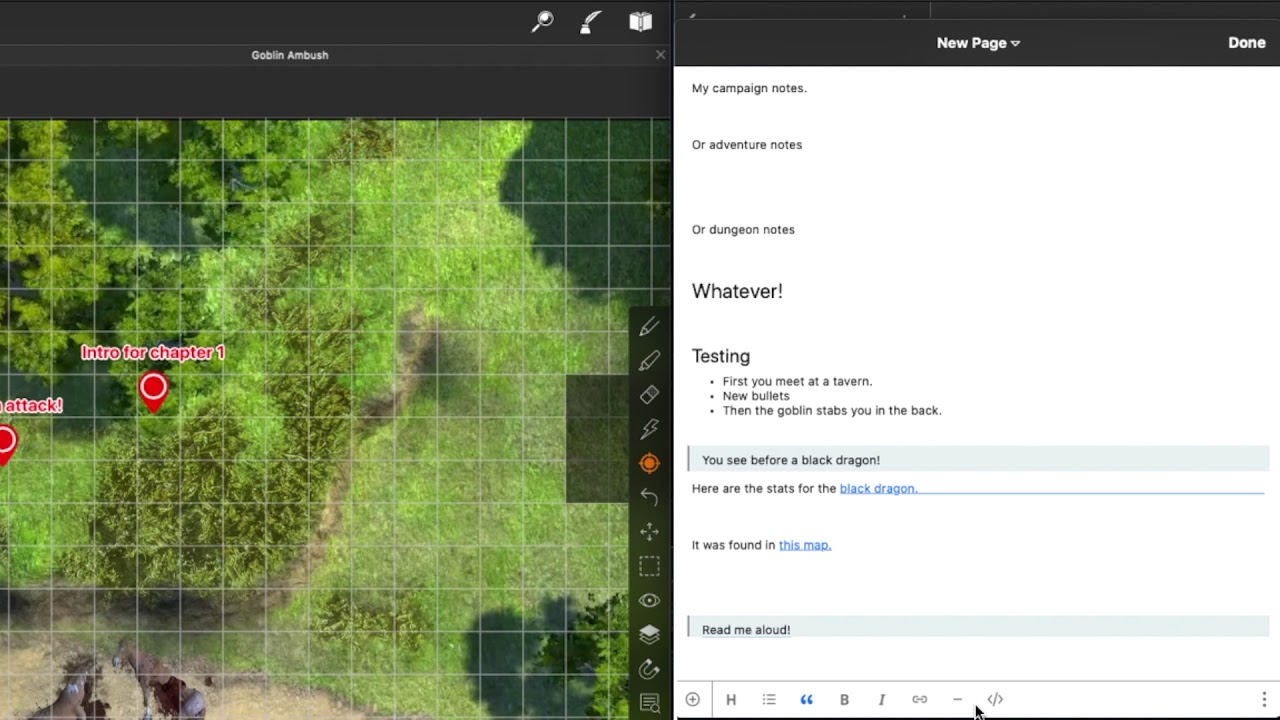
Dynamic Dungeons https://dynamicdungeons.com (featured map available here • Dynamic Dungeons: Goblin ambush - animated... )
0:00 Intro
0:40 For subscribers (for now)
1:01 Turn on web server
2:00 Playing on your local home network using your Local IP address
3:00 Works on mobile browsers
3:35 client.encounter.plus requires internet access
4:14 running in person and online
4:50 Playing over the internet
5:14 Static vs dynamic IP addresses
6:13 Portforwarding
8:03 IPv6
8:35 Public IP address location for playing online
9:05 Using the web client -- Skip to here to skip setup --
9:31 limiting PC movement (Interactions)
10:12 Turn only movement
11:13 No interactions (DM controls movement)
11:30 using the magic wand to point attention to parts of the map
12:08 set custom magic wand color
12:23 setting player / PC names
12:43 dice rolling online
13:16 Public vs private dice rolls
13:38 Player dice roller & chat
14:30 Trouble shooting Common issues (black screen)
16:09 using video maps
I'm am just a fan of the app and wanted to show all the great stuff this can do.
Ask questions in the comments or share your tips!
It's available on iOS and Mac here - https://encounter.plus
Join the very active discord - / discord
Help center - https://help.encounter.plus
Повторяем попытку...

Доступные форматы для скачивания:
Скачать видео
-
Информация по загрузке: