How To Replace The XLERATOR Subassembly By Excel Dryer
Автор: Excel Dryer
Загружено: 2021-11-18
Просмотров: 1969
Описание:
Follow these instructions to replace the XLERATOR hand dryer subassembly.
Hi. I’m Julia, a technical service representative at Excel Dryer. Excel Dryer manufactures hand dryers in East Longmeadow, Massachusetts. We are proud to say we make the only hand dryer that is made in the USA certified. We have created a series of videos to help you maintain your Excel hand dryer. This video will provide you with instructions on replacing the XLERATOR Subassembly
First, disconnect the power supply to the dryer usually located in your electrical panel box and remove your cover.
Confirm power is disconnected by checking if there is any voltage at the terminal block.
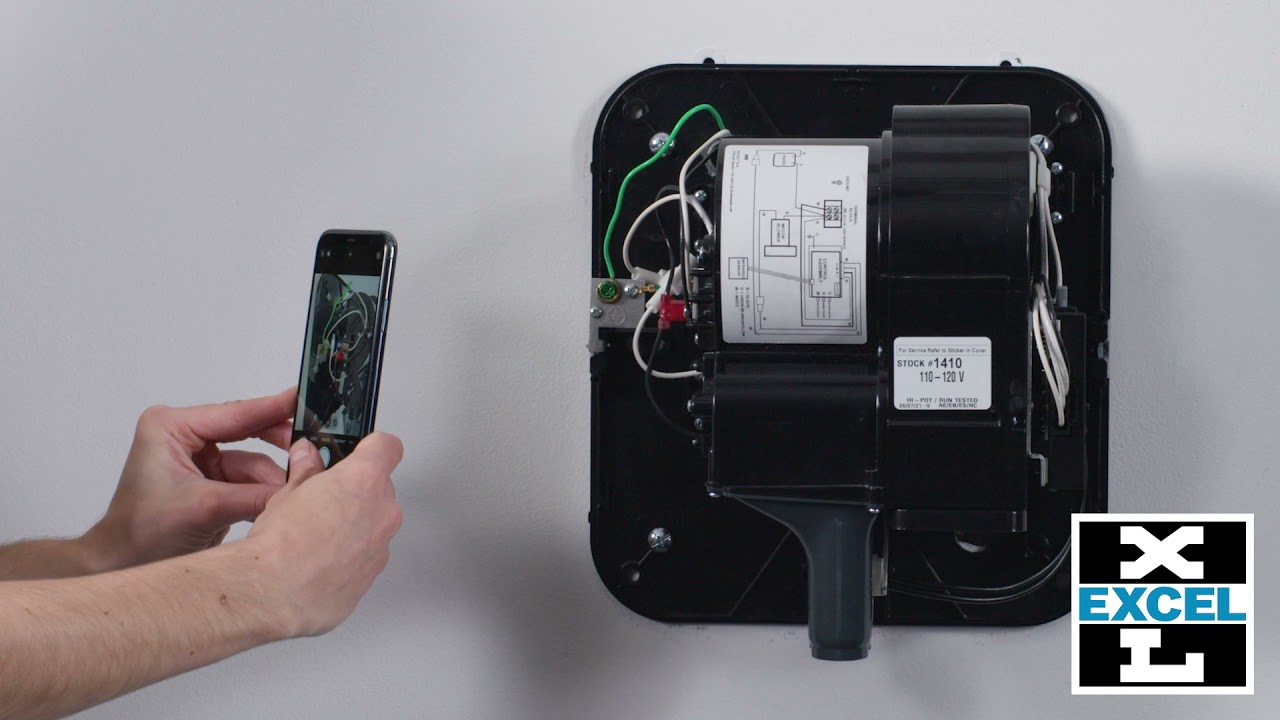
We recommend taking a phone picture to record how wires are attached.
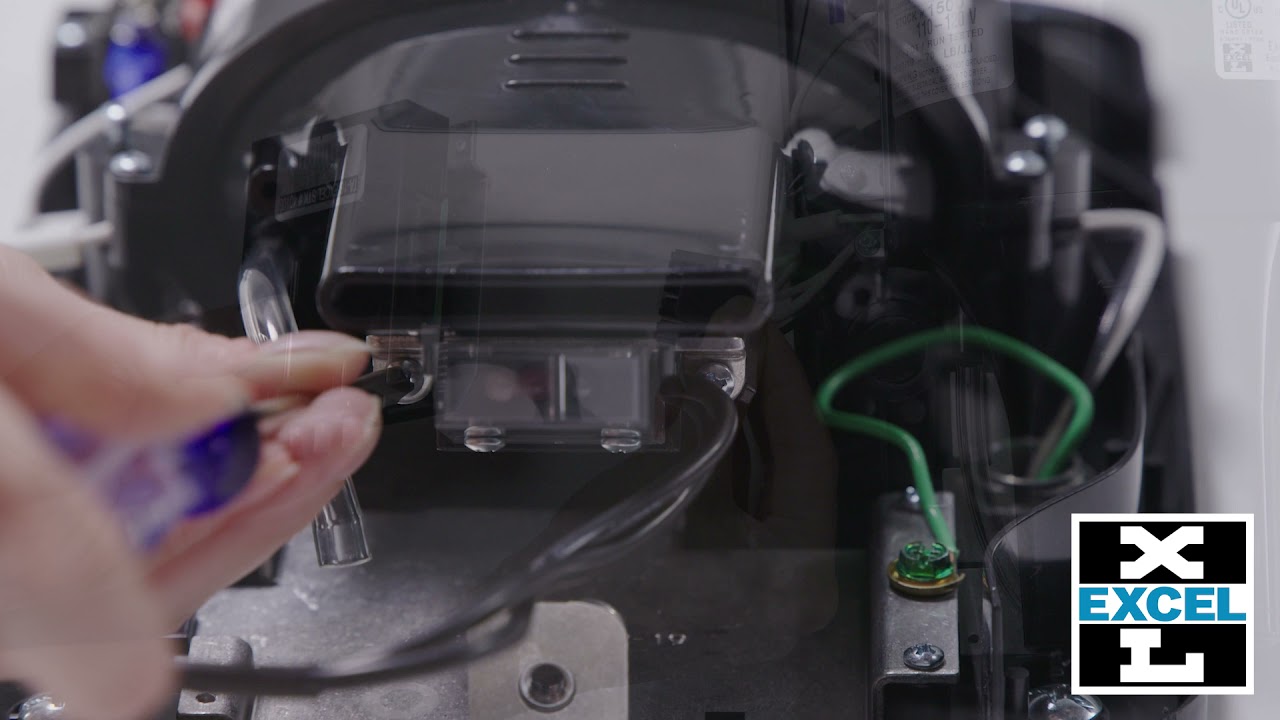
Then disconnect the green ground wire and wire supplying power to dryer from “N” and “L” on terminal block.
Leave other wires connected to terminal block.
Remove bolts holding the wall plate to the wall.
Install new subassembly with wall plate using the same mounting bolts and location, if available.
Reconnect power supply as they were when originally disconnected or refer to the wiring schematic inside the cover or supplied with subassembly.
Thank you for your interest and if this video still leaves you with questions, please call our customer service department at Excel dryer at: (800) 255-9235.
Visit our Website: https://www.exceldryer.com/
Follow us on social media:
LinkedIn: / excel-dryer
Twitter: / xleratorhd
Facebook: / xlerator
Повторяем попытку...
Доступные форматы для скачивания:
Скачать видео
-
Информация по загрузке: