How To Adjust Motor Speed, Sound, Heat, Sensor Range By Excel Dryer
Автор: Excel Dryer
Загружено: 2021-11-18
Просмотров: 3825
Описание:
Our customers' opinion matters. To respond to their requests for control over the air velocity, temperature, and sound, Excel Dryer added controls in its hand dryers.
Watch this video to learn how to adjust your hand dryer motor speed, sound, heat, and sensor range.
Hi. I’m Julia, a technical service representative at Excel Dryer. Excel Dryer manufactures hand dryers in East Longmeadow, Massachusetts. We are proud to say we make the only hand dryer that is made in the USA certified. We have created a series of videos to help you maintain your Excel hand dryer. This video will teach you how to adjust the motor speed, sound, heat, and sensor range on your XLERATOR hand dryer.
In response to customers' requests for control over the air velocity, temperature, and sound, we add controls in the hand dryer. There are three knobs on the control assembly in the unit that allow for adjustments to the motor, heat, and sensor range.
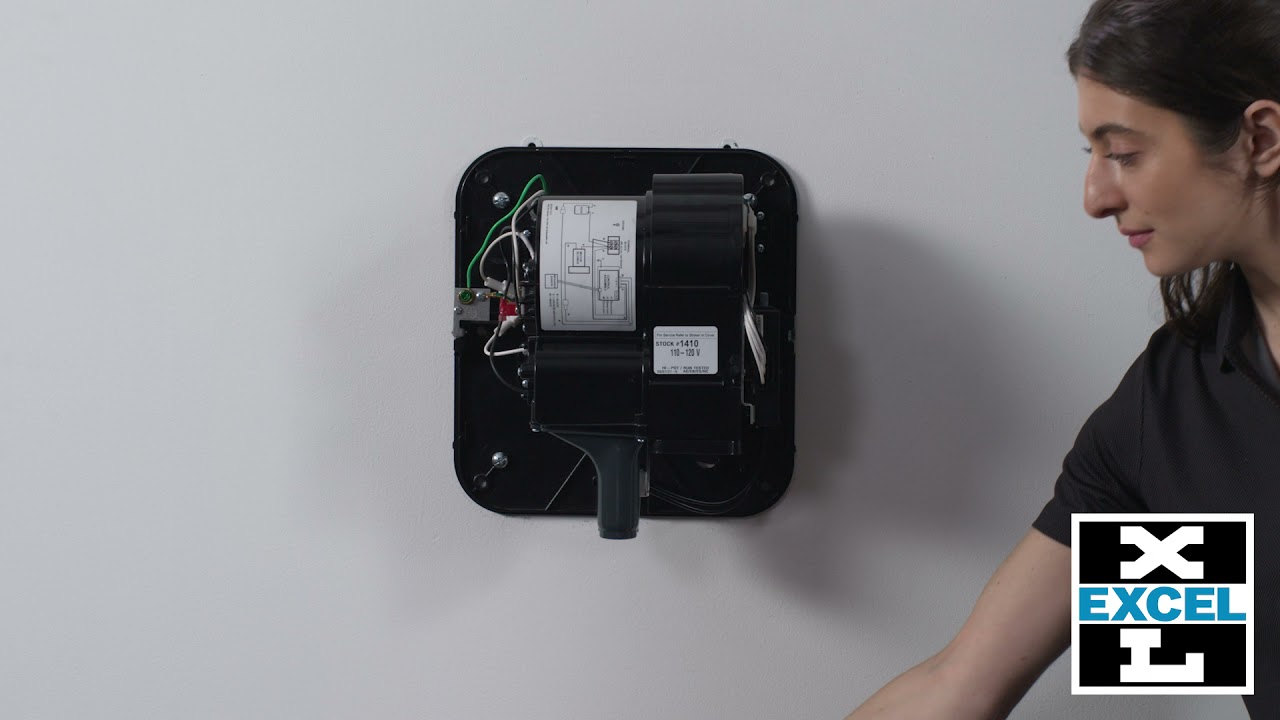
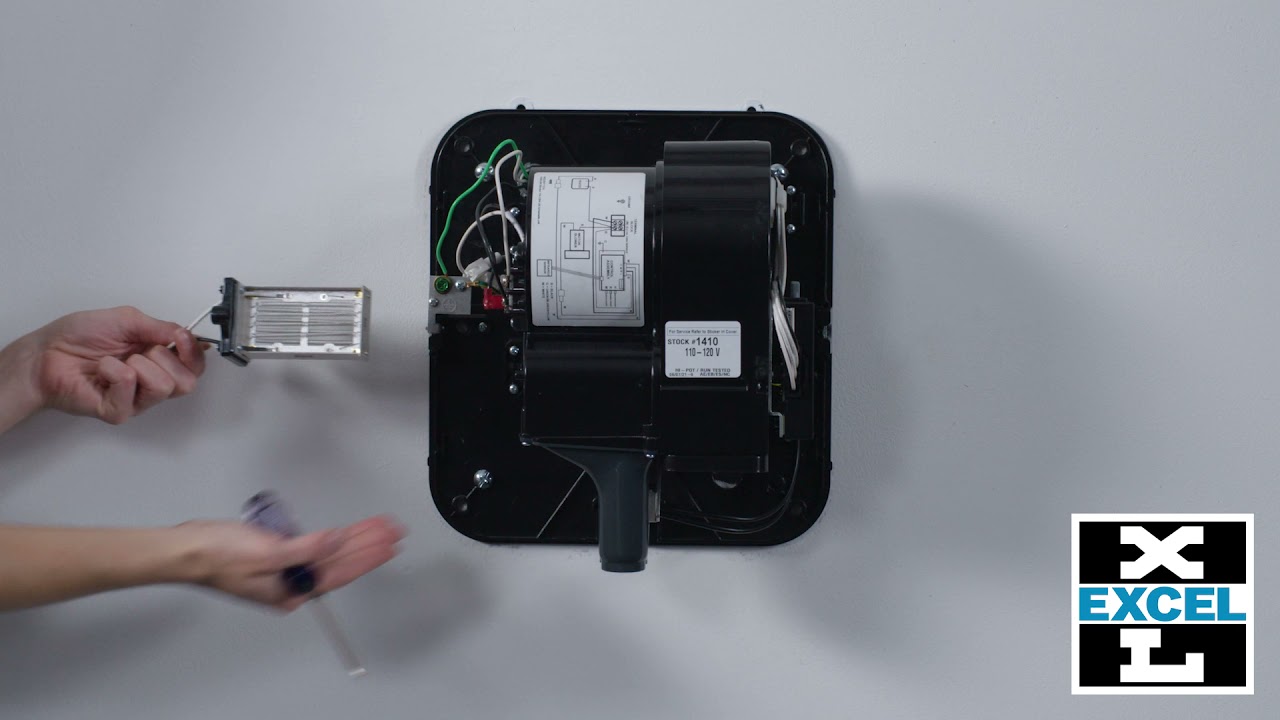
First, disconnect the power supply to the dryer, usually located in your electrical panel box, and remove your cover.
Confirm power is disconnected by checking if there is any voltage at the terminal block.
Facing the unit, the control assembly is on the right. The three knobs are marked “M” for motor, “R” for range, and “H” for heat.
Dialing down the motor results in less power therefore quieter.
Turning the “M” knob counterclockwise turns down the motor speed.
Factory settings are set at the maximum speed for the fastest dry time.
Adjust to the preferred sound level; high, medium, or low.
For the standard XLERATOR, perhaps you want less heat or wattage.
Turning the knob marked “H” counterclockwise will reduce or turn off the heat.
Given the XLERATOReco model has no heating element, only the motor speed and sound can be adjusted.
The “H” or heat knob does exist in these units, however, is non-functioning.
The sensor range can be adjusted as well if you find a unit is false triggering due to an obstruction such as a countertop or basket underneath the dryer.
Turning the knob marked “R” counterclockwise decreases the sensor range.
Once adjustments are complete, replace and fasten the cover.
Thank you for your interest and if this video still leaves you with questions, please call our customer service department at Excel dryer at: (800) 255-9235.
Visit our Website: https://www.exceldryer.com/
Follow us on social media:
LinkedIn: / excel-dryer
Twitter: / xleratorhd
Facebook: / xlerator
Повторяем попытку...

Доступные форматы для скачивания:
Скачать видео
-
Информация по загрузке: