Optimize Windows Graphics – Stop MPO Lag & Micro-Stutters Fast
Автор: The Software Guy
Загружено: 2025-09-02
Просмотров: 10316
Описание:
Ever had buttery smooth FPS one second, then random stutters the next — even though your GPU usage looks fine? That’s not your hardware, that’s Windows Multiplane Overlay (MPO) messing with frame delivery.
In this video, I’ll show you 5 advanced steps to disable MPO and related conflicts at the registry, driver, and system level. This will fix frame pacing, kill micro-stutters, and give your GPU the stable FPS it was built for.
🛠️ Commands & Paths Used:
Step 1 – Disable MPO via Registry
Path: HKEY_LOCAL_MACHINE\SOFTWARE\Microsoft\Windows\Dwm
Value: OverlayTestMode = 5
CMD one-liner:
REG ADD "HKLM\SOFTWARE\Microsoft\Windows\Dwm" /v OverlayTestMode /t REG_DWORD /d 5 /f
Step 2 – Fix HAGS Conflict
Path: HKEY_LOCAL_MACHINE\SYSTEM\CurrentControlSet\Control\GraphicsDrivers
Value: HwSchMode (1 = ON, 2 = OFF)
CMD toggle not required, registry only.
Step 3 – Disable Overlays & Hardware Acceleration
Browsers: Chrome/Edge → Settings → System → disable “Use hardware acceleration”
Discord: User Settings → Game Overlay → OFF
Steam: Settings → In-Game → Disable Steam Overlay
NVIDIA GeForce Experience: Disable in-game overlay
AMD Adrenalin: Disable Performance Overlay
Batch file example:
taskkill /f /im steamwebhelper.exe
taskkill /f /im Discord.exe
Step 4 – Force Proper Flip Model (DirectX Fix)
Path: HKEY_LOCAL_MACHINE\SOFTWARE\Microsoft\DirectX
Value: DisableHWOverlay = 1
CMD one-liner:
REG ADD "HKLM\SOFTWARE\Microsoft\DirectX" /v DisableHWOverlay /t REG_DWORD /d 1 /f
Step 5 – Reset DWM & Drivers
CMD reset:
taskkill /f /im dwm.exe
GPU Control Panel tweaks:
NVIDIA: Disable “Background Application Max Frame Rate”
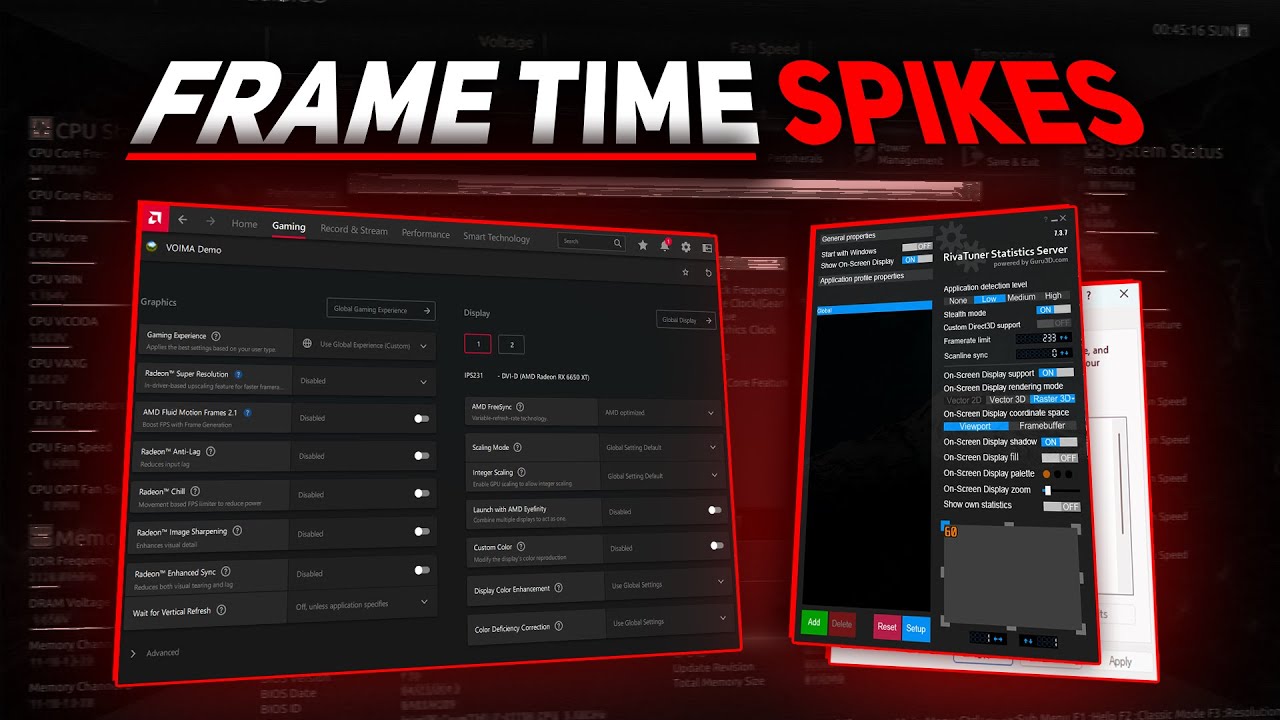
AMD: Disable Radeon Chill & Enhanced Sync
🚀 Steps Covered:
Disable MPO completely (registry + CMD)
Fix Hardware Accelerated GPU Scheduling (HAGS) conflicts
Disable browser, Discord, Steam, NVIDIA/AMD overlays
Force stable DirectX flip model presentation
Reset Desktop Window Manager (DWM) cache + clean GPU drivers
💬 Found this helpful? Drop a like 👍, subscribe 🔔, and let me know in the comments: did MPO cause stutters on your NVIDIA or AMD GPU?
Повторяем попытку...

Доступные форматы для скачивания:
Скачать видео
-
Информация по загрузке: