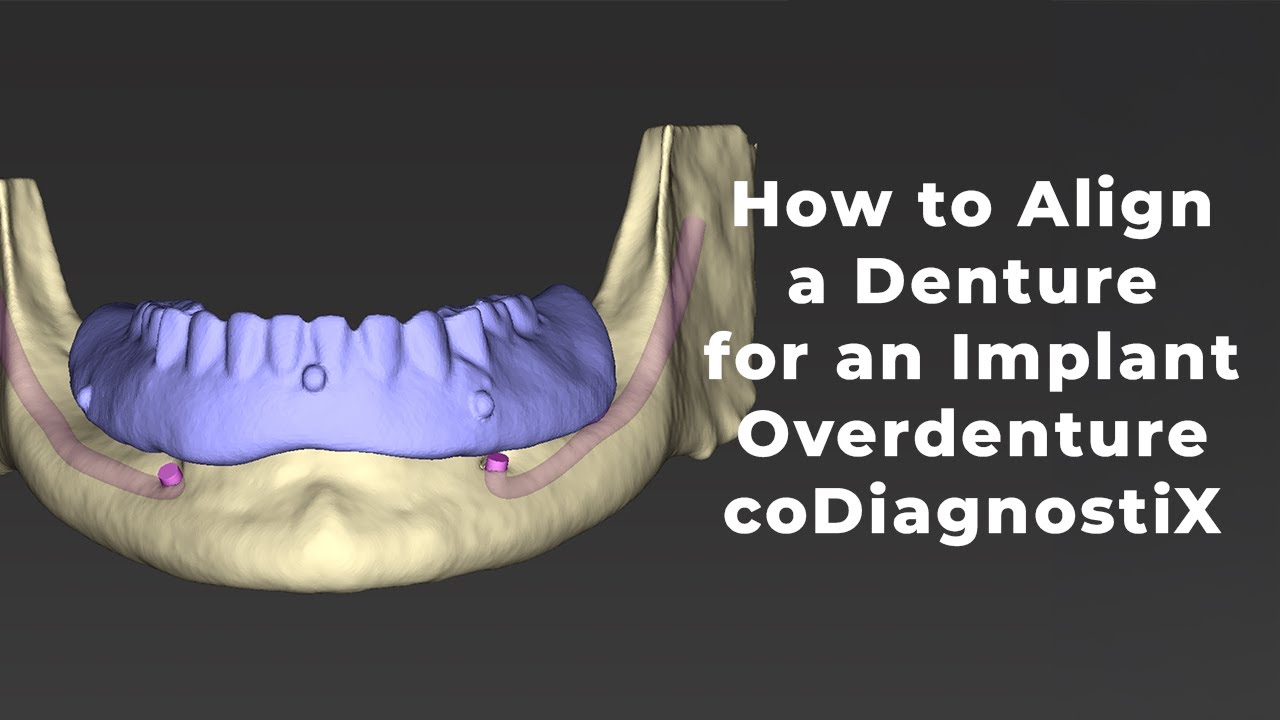
Aligning a Denture to CBCT for Implant Overdenture Planning | coDiagnostiX Workflow
Автор: Michael Gimotty, DDS, MBA
Загружено: 2025-02-12
Просмотров: 823
Описание:
In this video, I walk through how to align a denture to a CBCT scan for an implant overdenture case using coDiagnostiX from Straumann. Proper alignment is crucial for accurate digital implant planning, ensuring predictable outcomes for guided surgery. Follow along to see the step-by-step workflow used in an academic setting.
Disclaimer: This video is for educational purposes only and does not constitute clinical advice on the placement of implants. It is intended to demonstrate the digital workflow for designing a surgical guide. Implant planning and placement should always be performed by a licensed dental professional following proper clinical training and guidelines.
Timestamps:
0:00 Importing CBCT of the Patient Wearing the Denture
0:38 Importing Denture CBCT
1:30 Reviewing AI Assistant Data
2:15 Bringing the Denture CBCT Scan In
3:09 Aligning the Denture to the CBCT
4:12 Reviewing the Alignment
Equipment & Software Used:
Software: coDiagnostiX from Straumann
Scanner: TRIOS F8 Desktop Scanner
CBCT Unit: i-CAT™ FLX V-Series
Watch the Next Video on How to Plan the Case: • Placing Implants & Designing a Surgical Gu...
Watch Digital Implant Planning Tutorials: • Digital Implant Planning | Single, Multipl...
Watch More CEREC Omnicam Tutorials: • CEREC Omnicam Workflow | Scanning, Designi...
Watch Digital Denture Tutorials: • Complete Digital Denture Workflow | Step-b...
Follow me for more digital dentistry content: / gimotty_endo
Connect with me on LinkedIn: / gimotty
Like, Subscribe, and drop a comment below if you have any questions!
#DigitalDentistry #CEREC #CERECOmnicam #CERECWorkflow #MCXL #CADCAM #DentalScanning #DigitalCrown
Повторяем попытку...
Доступные форматы для скачивания:
Скачать видео
-
Информация по загрузке:


