Aligning Intraoral Scans & CBCT in coDiagnostiX | Digital Implant Planning
Автор: Michael Gimotty, DDS, MBA
Загружено: 2025-02-06
Просмотров: 743
Описание:
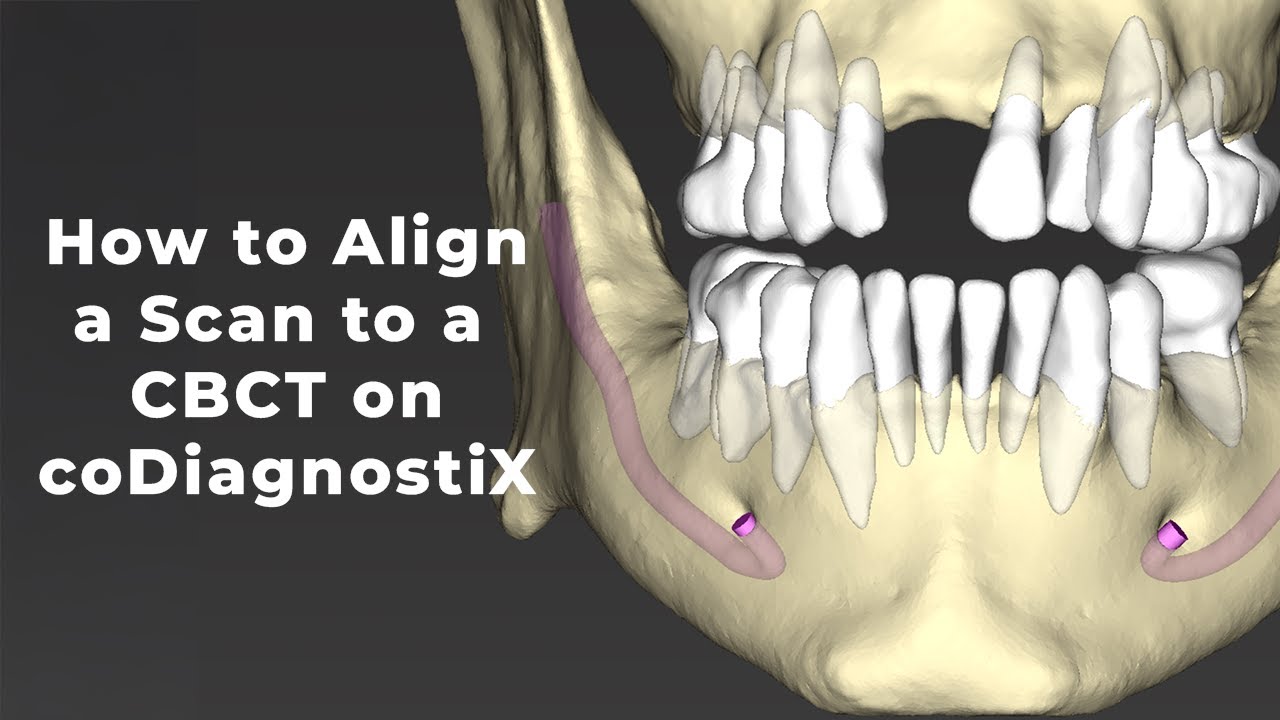
In this video, I walk through the step-by-step process of aligning an intraoral scan or scanned cast to a CBCT in coDiagnostiX. This alignment is essential for accurate digital implant planning and ensures a precise fit when designing and printing a surgical guide. Whether you’re a clinician or a lab technician, mastering this step will improve the accuracy and predictability of your guided surgeries.
Disclaimer: This video is for educational purposes only and does not constitute clinical advice on the placement of implants. It is intended to demonstrate the digital workflow for designing a surgical guide. Implant planning and placement should always be performed by a licensed dental professional following proper clinical training and guidelines.
Timestamps:
0:00 Importing CBCT Scan
2:02 Importing Intraoral Scan / Cast Scan
3:02 Analyzing the AI Assistant Generation
5:12 Next Steps for Implant Planning
Equipment & Software Used:
Software: coDiagnostiX from Straumann
Scanner: TRIOS F8 Desktop Scanner
CBCT Unit: i-CAT™ FLX V-Series
Watch the Next Video on How to Plan the Case: • Designing a Fully Guided Surgical Guide in...
Watch Digital Implant Planning Tutorials: • Digital Implant Planning | Single, Multipl...
Watch More CEREC Omnicam Tutorials: • CEREC Omnicam Workflow | Scanning, Designi...
Watch Digital Denture Tutorials: • Complete Digital Denture Workflow | Step-b...
Follow me for more digital dentistry content: / gimotty_endo
Connect with me on LinkedIn: / gimotty
Like, Subscribe, and drop a comment below if you have any questions!
#DigitalDentistry #coDiagnostiX #DentalImplants #GuidedSurgery #Straumann #CADCAM
Повторяем попытку...
Доступные форматы для скачивания:
Скачать видео
-
Информация по загрузке:


