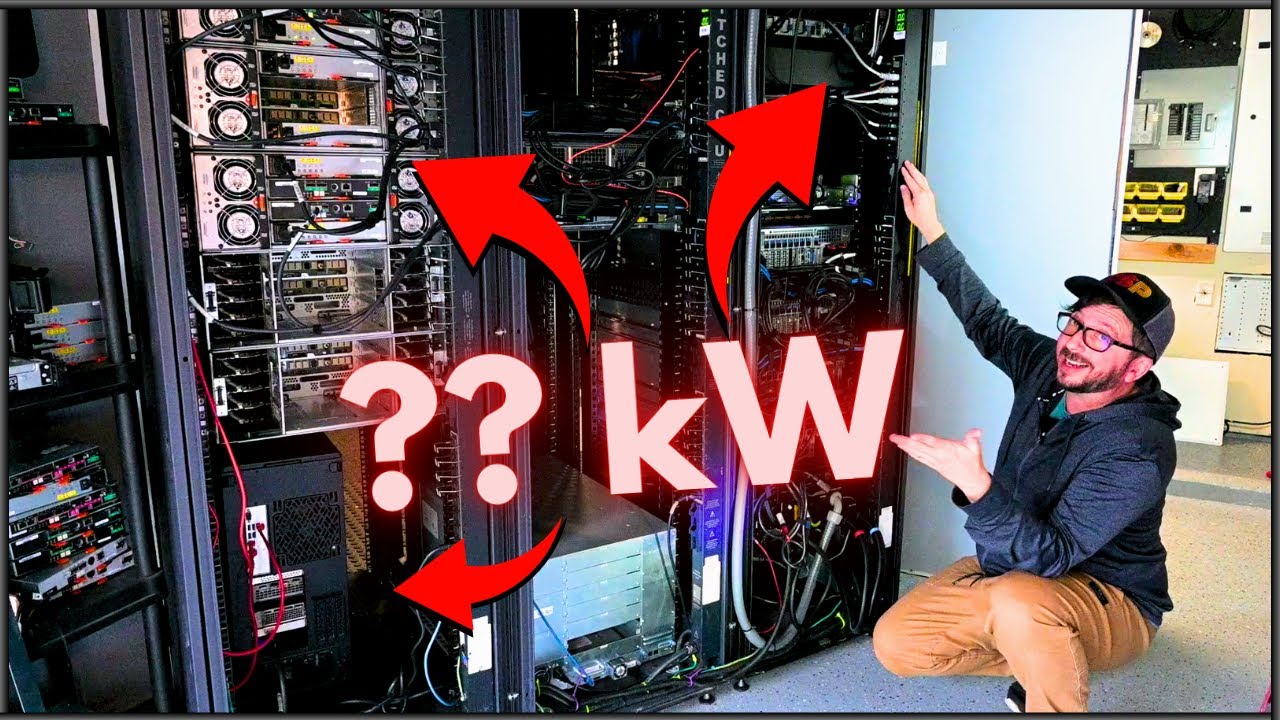
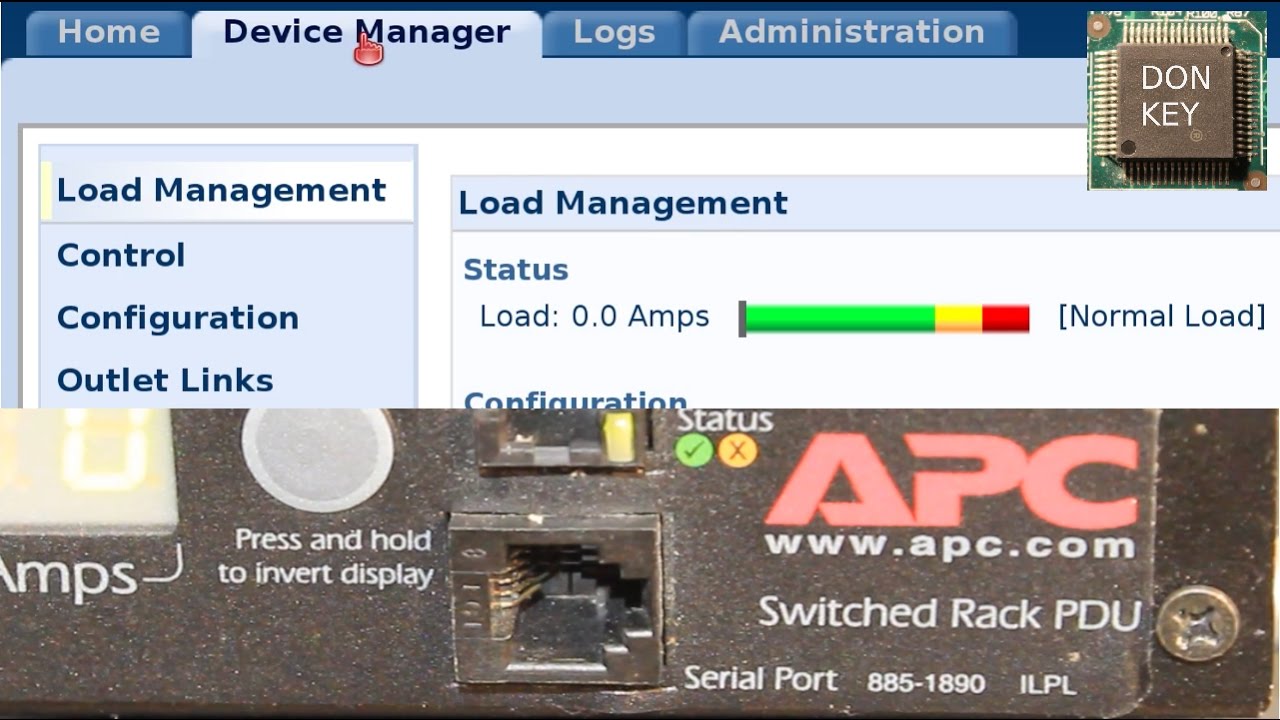
Setting up APC7920 PDU power distribution unit: IP address, web management HTTP, HTTPS, SSL, SSH
Автор: Donkey Learning IT
Загружено: 2017-01-21
Просмотров: 59009
Описание:
00:33 FIRST STEP (optional, do it only if you got a used unit)
=======================================================
04:13 SECOND STEP: SET UP IP ADDRESS VIA FIRMWARE TRAP
=======================================================
Setting an IP address on your PDU in the case if you do have a console cable is really easy.
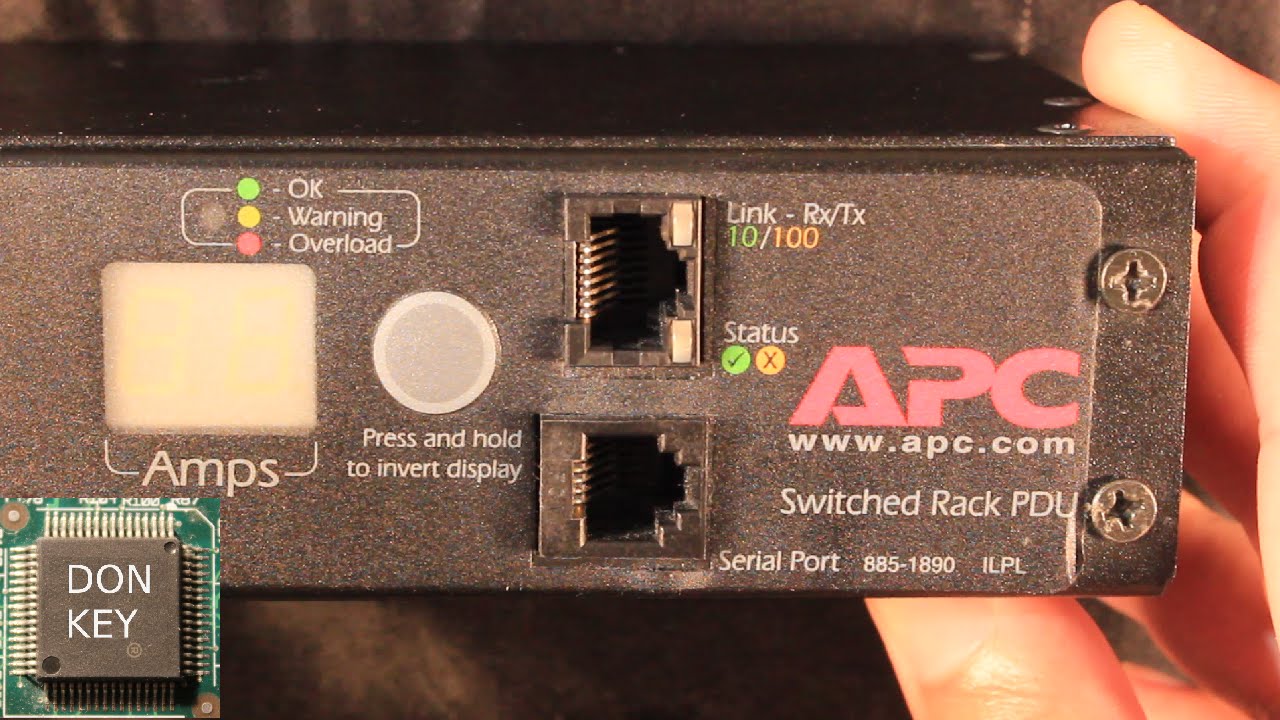
However, I assume that many people who have a new unit or a used one restored to factory defaults do not have such a proprietary serial cable. This is why the IP setup is done via an APC firmware trap using standard RJ45 ethernet, which should be available for all PDU owners. For the firmware trap, you first need to set up a static ARP entry on your computer connected to the network where the PDU is plugged in. First, check the MAC address of your PDU. Mine has the MAC address of 00:C0:B7:CC:70:F9. It should be printed at the bottom of the unit, or in the slip which came with the new PDU. Figure out the IP address of your PC plugged into the same network as the PDU you are trying to set up.
Linux command:
/sbin/ifconfig eth0 #(substitute eth0 with your ethernet interface)
Windows command:
ipconfig /all #(look through the output and search for your IP)
Next, decide on an unused IP address which you would like to give to the PDU. Ping this IP address to make sure, that it is not being used.
In my case I have picked 192.168.0.33. Both the Linux and Windows command is the same:
ping 192.168.0.33
Next, on your PC you set up a static ARP entry. For this you need to become the Administrator user!
On a Linux PC:
arp -s 192.168.0.33 00:C0:B7:CC:70:F9
On a Windows PC:
arp -s 192.168.0.33 00-C0-B7-CC-70-F9
The MAC address is not case sensitive, so you can use upper or lower-case.
Finally, we set the IP address via pinging it, using a specific packet size of 113Bytes, since the APC firmware trap has been set by the manufacturer to this specific packet type.
On a Linux PC:
ping 192.168.0.33 -s 113
On a Windows PC:
ping 192.168.0.33 -l 113
On a Mac:
ping -s 113 192.168.0.33
10:66 THIRD STEP: WEB MANAGEMENT SETUP, SSL AND HTTPS.
=======================================================
Open up a web-browser on the PC connected to your PDU, which now has an IP address set up on it. Paste into the address bar the IP address of your PDU, and open up an unencrypted HTTP session. Next, make sure, that you use some form of encryption. Although SSLv3 is no longer considered secure, it is still better than sending your precious passwords over a network through clear text. In newer web-browsers you will receive the SSL_ERROR_NO_CYPHER_OVERLAP, since the new browsers no longer allow you to override their security and use SSLv3. This is because SSLv3 has the so called Poodle vulnerability. Many old APC PDUs will not support newer encryptions (like TLS) so you will need to force your browser to open up an HTTPS session with your device. On my 7920 PDU there should be a firmware upgrade available, which makes it possible to use newer encryption than SSL. However, the microcontroller chip running inside these old PDUs and UPS devices is really bogged down even by SSL, meaning that with TLS they will likely get even slower and less responsive. On Linux you can use the Konqueror browser, where you can still add security exceptions.
When it comes to the DHCP setup, if you use a cheap router as your DHCP server, you need to make sure, that you untick the option regarding the vendor specific cookies. This is because the PDU otherwise will not accept DHCP offers from DHCP servers, which are not sending this specific field in their DHCP advertisement and DHCP offer packets. On more advanced DHCP servers you can set this up without issues, but you need to take care of this yourself, it does not work out-of-the-box.
24:51 FOURTH STEP: SET UP SSH VERSION 2
=======================================================
SSH setup for secure-shell access instead of clear-text Telnet.
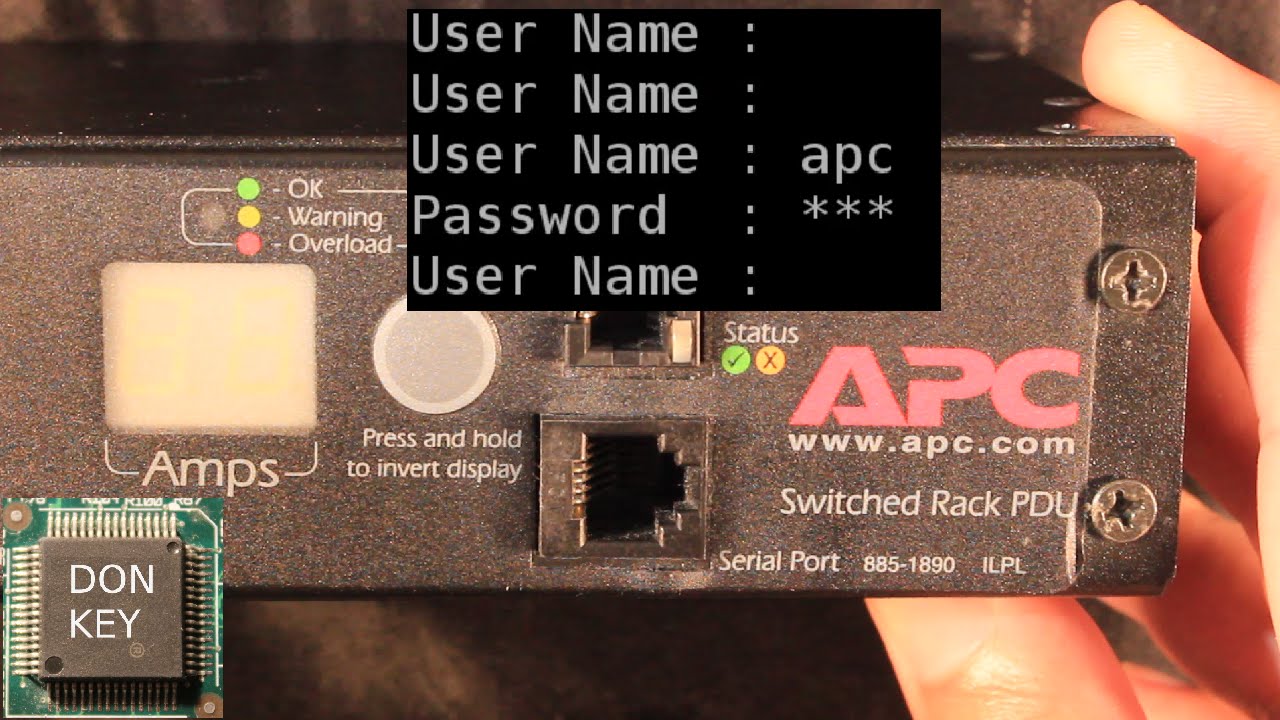
You should set up SSH version 2 via the web management, and wait a while until the crypto-keys are generated on the PDU. Now you should be able to log in via SSH. I found, that one need to use the -M option to run SSH in master mode due to the old SSH server running on the PDU, and even so I often get "Broken Pipe" errors when I try to log in. The command on a Linux shell to log in via SSH, where apc is the username and 192.168.0.33 is the IP address of the PDU:
ssh -2 -l apc
=======================================================
You should most probably get rid of the static ARP entry from your PC. To do so, either reboot it, or remove them as the Administrator user.
Linux command:
arp -d 192.168.0.33
Windows command:
netsh interface ip delete arpcache
Повторяем попытку...
Доступные форматы для скачивания:
Скачать видео
-
Информация по загрузке: