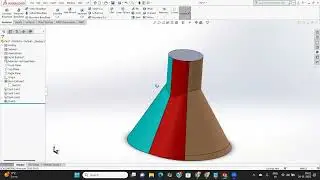
SolidWorks Tutorial: Make Your Models Professional with Fillet, Chamfer & Rib | Part 11
Автор: SA Techno Solutions
Загружено: 2026-01-21
Просмотров: 1
Описание:
In today's SolidWorks English class, we are moving from basic shapes to professional part design! 🛠️ We will cover three essential features that every designer needs: *Fillet**, **Chamfer**, and the often-misunderstood **Rib* tool.
Whether you are designing for 3D printing, injection molding, or machining, understanding how to apply these features correctly will save you time and make your parts much stronger and more realistic.
*What You Will Master in This Lesson:*
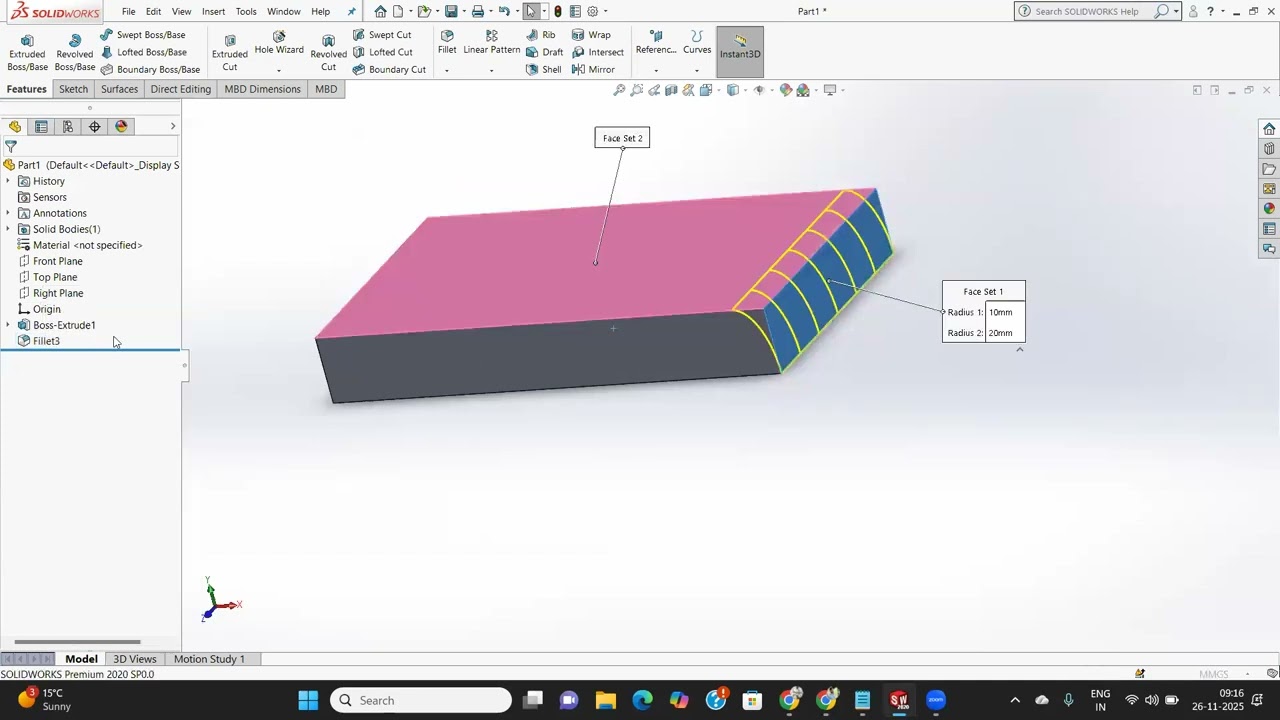
*Fillet Tool:* How to round edges using Constant Size, Variable Size, and Full Round fillets.
*Chamfer Tool:* Creating beveled edges using Angle-Distance, Distance-Distance, and Vertex options.
*The Rib Tool:* The fastest way to add thin-walled support structures to your parts without complex sketching.
*Draft in Ribs:* How to add a taper to your ribs for manufacturing requirements.
*Best Practices:* Why you should usually add fillets and chamfers at the end of your design process.
If this video helped you improve your design workflow, please hit *LIKE* and *SUBSCRIBE* for more professional SolidWorks classes in English! 🚀
#SolidWorks #SolidWorksFillet #SolidWorksRib #MechanicalDesign #3DModeling #CADTutorial #SolidWorksEnglish #ProductDesign #engineeringtips
Повторяем попытку...
Доступные форматы для скачивания:
Скачать видео
-
Информация по загрузке: