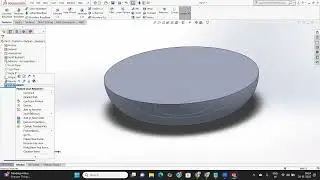
SolidWorks 3D Curves: Split Line, Projected Curves & XYZ Coordinate Paths | Part 14
Автор: SA Techno Solutions
Загружено: 2026-01-21
Просмотров: 5
Описание:
Welcome back to our SolidWorks English series! 🚀 In today’s class, we are moving beyond traditional sketching to master **Curve Features**. These tools are essential for creating the complex 3D paths required for advanced Sweeps, Lofts, and surface boundaries.
We will learn how to manipulate faces using the **Split Line**, create 3D paths with **Projected Curves**, and generate precision curves from **XYZ coordinate points**.
*What You Will Master in This Lesson:*
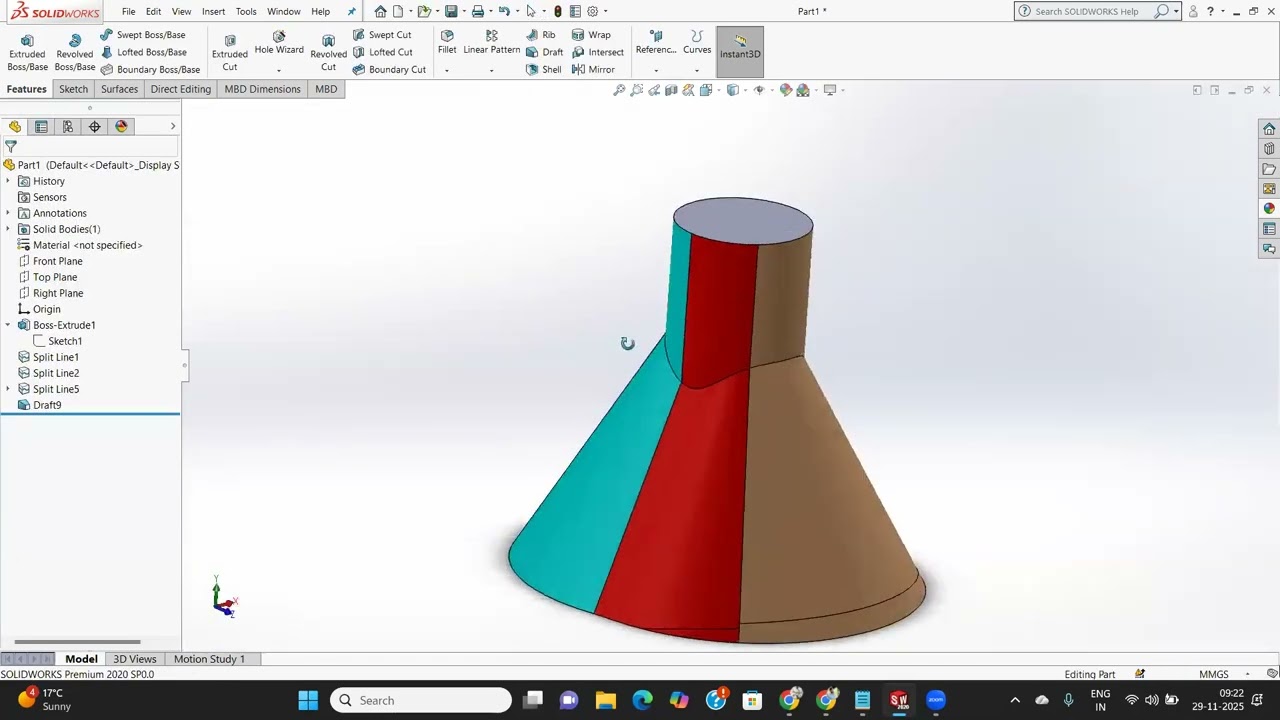
*Split Line:* Learn how to project a sketch onto a face to split it—essential for applying different materials, simulation boundaries, or creating new edges.
*Projected Curve (Sketch on Sketch):* How to combine two 2D sketches to create a complex 3D curve.
*Projected Curve (Sketch on Surface):* Wrapping a sketch onto a curved face for engraving or path creation.
*Curve Through XYZ Points:* The professional way to import coordinate data (from Excel or sensors) to create mathematical or aerodynamic paths.
*Curve Through Reference Points:* Connecting existing vertices or points into a smooth 3D spline.
If you want to master high-end product design, these tools are a must! Hit *LIKE* and *SUBSCRIBE* for more professional English SolidWorks classes! 🛠️
#SolidWorks #SolidWorksCurves #SplitLine #ProjectedCurve #XYZPoints #3DModeling #MechanicalEngineering #CADTutorial #SolidWorksEnglish #SurfaceModeling
Повторяем попытку...
Доступные форматы для скачивания:
Скачать видео
-
Информация по загрузке: