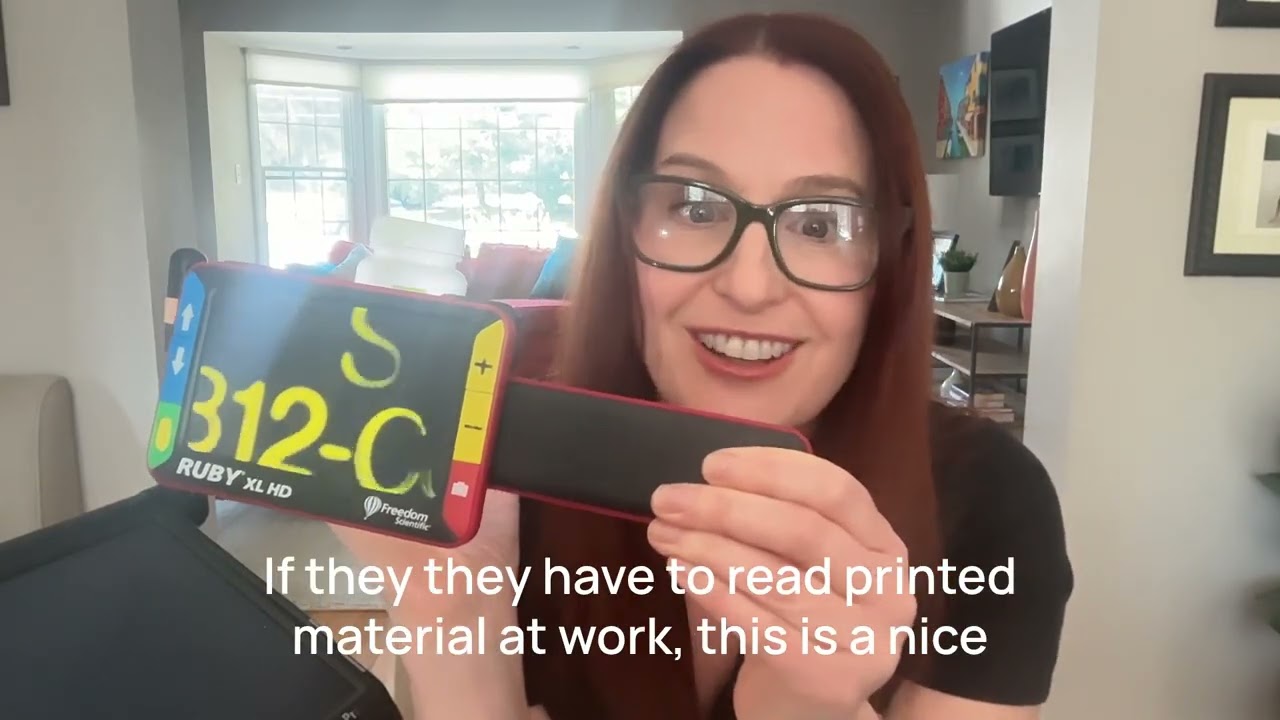
Episode 9: How Can Magnification Apps Help Me Read Again?
Автор: Living With Vision Loss
Загружено: 2026-03-07
Просмотров: 2
Описание:
Episode 9: What Magnification Apps Can Help Me Read Again?
Living with Vision Loss Podcast
Episode 9: What Magnification Apps Can Help Me Read Again?
Host: Dawn Ciccarone, MS OTR/L, CLVT
Episode Type: Educational / App Guide
Episode Summary
Dawn shares her three favorite magnification apps that help people with low vision read small print. She explains why these apps work best for spot reading tasks like medicine bottles, prices at the store, and restaurant menus. Dawn walks through how to use her favorite app, Visor, and shares practical tips for success including proper camera distance (about 4-6inches), using a reading stand, and the importance of practice.
Dawn's Recommended Magnification Apps
Visor (Dawn's Favorite) — Free on Android, ~$18 one-time fee on iPhone
HW Explorer — Free on Android and iPhone
Supervision Plus Magnifier — Free on Android and iPhone
We Zoom Magnifier — Popular on Android phones
Best Uses for Magnification Apps (Spot Reading)
Medicine bottles
Prices and labels at the store
Restaurant menus (especially in dark lighting)
Labels and cans
Note: These apps don't work great for reading books because the phone screens are a small field of view for extended reading tasks.
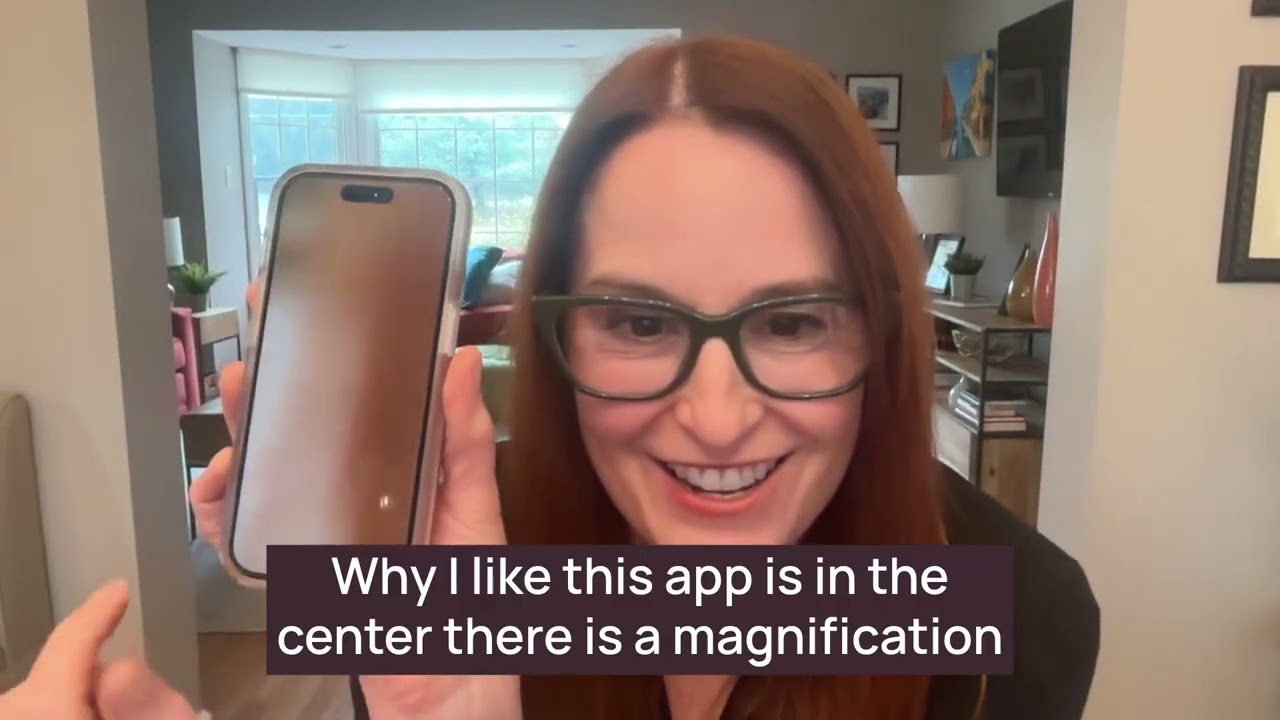
Why Dawn Loves the Visor App
Simple, easy-to-use controls
Plus button (center) — Magnifies in 3 different sizes
Mode button (blue/black) — Changes contrast colors
Sun button (red) — Turns on flashlight
How to Get Started
Download the app — Google Play Store (Android) or App Store (iPhone)
Play with the controls — Magnification, color/contrast, flashlight
Hold camera at correct distance — About 4-6 inches from the material
Line up camera with material — Practice aligning what you want to read
Practice, practice, practice!
Tips for Success
Use a reading stand — Holds material so you're hands free to operate the apps
Start with simple materials — Soup cans, envelopes, medicine bottles
Add the app to your toolbar — Makes it easier to find on your home screen
Use voice commands — "Hey Siri, open Visor" or "Hey Google, open Visor"
Ask for help downloading — Family or friends can help with setup
Things to Consider
Learning takes time — like riding a bike, don't get frustrated
Camera focuses at about 4-6 inches — print won't be clear at wrong distance
Research shows apps help, but only when properly taught and practiced
Also great for anyone over 40 with presbyopia who forgets their reading glasses!
Apps Mentioned
Visor (V-I-S-O-R)
HW Explorer
Supervision Plus Magnifier
We Zoom Magnifier (Android)
Resources
YouTube — Search "Living with Vision Loss Dawn Ciccarone" to see app demonstrations
Questions about apps or to share your favorite app, email [email protected]
Coming in the Next Episode
Dawn's favorite text-to-speech app: Seeing AI
About Your Host
Dawn Ciccarone, MS, OTR/L, CLVT is a Certified Low Vision Therapist and Occupational Therapist with over 20 years of experience helping people with vision loss live independently.
Connect & Subscribe
Subscribe to the Living with Vision Loss Podcast. Contact Dawn on LinkedIn with questions or [email protected]
Keywords: magnification apps, low vision apps, Visor app, HW Explorer, Supervision Plus, magnifier app iPhone, magnifier app Android, reading with low vision, spot reading, enlarge print app, low vision technology, presbyopia reading help
Medical Disclaimer
The information provided is for educational purposes only and is not a substitute for professional medical advice. Consult your physician or low vision specialist before making treatment decisions.
Living with Vision Loss Podcast © 2026 | Become More Independent in Your Everyday Life
Повторяем попытку...
Доступные форматы для скачивания:
Скачать видео
-
Информация по загрузке: