Episode 6: How Can I Magnifiy Print for Reading? Size Magnification on iPhones & iPads
Автор: Living With Vision Loss
Загружено: 2026-02-20
Просмотров: 26
Описание:
Living with Vision Loss Podcast
Episode 6: How Can I Magnify Print for Reading? Size Magnification on iPhones & iPads
Host: Dawn Ciccarone, MS OTR/L CLVT
Episode Summary
In this episode, Dawn begins answering the most common question she hears: How can I read again? She explains that the answer depends on multiple factors including acuity (print size), contrast (colors you can see), visual field (how much of the picture you can see), and your reading goals. Dawn covers size magnification options including iPads, large print books, and how to adjust font size and use the Zoom feature on your iPhone or iPad. She also introduces the concept of critical print size and explains why magnification always involves a trade-off with field of view.
What You'll Learn in This Episode
The factors that determine which reading solution is right for you
How reading devices are selected based on acuity, visual field, contrast, and goals
Why iPads are excellent for reading with low vision
How to increase font size on your iPhone or iPad
How to use the Zoom feature (double tap with three fingers)
What critical print size means and why it matters
How dark mode can help reduce glare
The trade-off between magnification and field of view
Who Is This Podcast For?
People living with low vision or vision loss
Family members supporting people with vision loss
Friends who want to understand how to help
Healthcare professionals seeking to better understand low vision
Selecting the right device depends on:
Acuity – What print size can you see?
Contrast – What colors can you see?
Visual Field – How much of the picture can you see? Are parts of letters missing?
Reading Goals – What you want to read?
Environment – Where you want to read it?
Legal Blindness Status – If you can't see print, other options like audio are available
Size Magnification
iPad for Reading
iPads are excellent for people with low vision because you can:
Increase print size
Increase contrast
Access books through Amazon or the Libby app
Listen to audiobooks if you have reduced visual field or are legally blind
Large Print Books
Low-tech option
If you have reduced contrast, add task lighting.
How to Increase Font Size on iPhone/iPad
Get your critical print size from your low vision doctor.
Go to:
Settings
Accessibility
Display & Text Size
Select "Larger Text" and adjust the font to match your print size.
How to Use the Zoom Feature on iPhone/iPad
Go to:
Settings
Accessibility
Zoom
Turn on Zoom
Select "Zoom Region" (not Zoom Window) for full-screen magnification
Double tap the screen with three fingers to activate zoom
Double tap again with three fingers to return to normal size
Hold the phone horizontally to see more information on screen
Tip: The Zoom feature is easier to learn on an iPad.
Dark Mode for Glare Sensitivity
If you are sensitive to light, try dark mode on your phone.
Important: Magnification and Field of View
When you magnify, you lose field of view. The bigger the print on your screen, the less you can see at once. This is why some people lose their place when using magnification.
Coming in the Next Episode
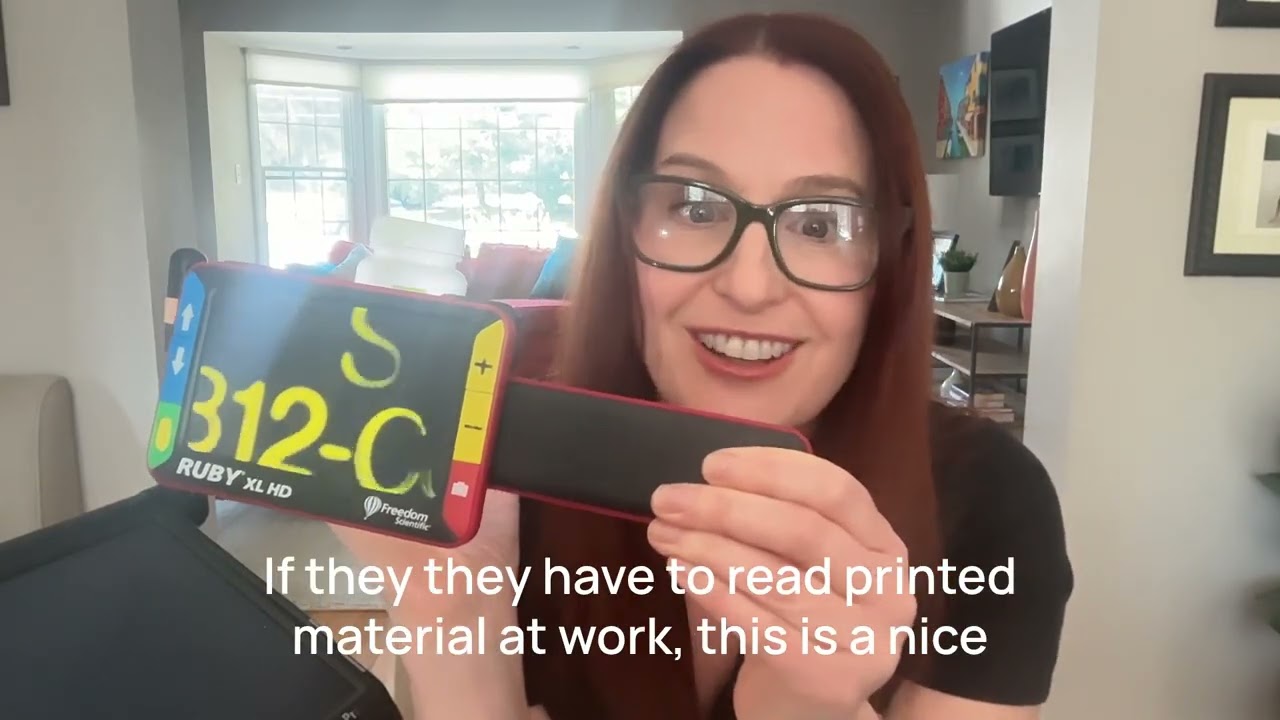
Dawn will demonstrate four optical magnification devices for reading:
Full Field Microscopes
Prism half eyes glasses
Handheld magnifiers
Stand magnifiers
About Your Host
Dawn is a Certified Low Vision Therapist (CLVT) and licensed Occupational Therapist with over 20 years of experience helping people with vision loss live independently. She works directly with patients in clinical settings, developing personalized strategies to help people achieve their goals.
Connect & Subscribe
Don't miss an episode! Subscribe to the Living with Vision Loss Podcast on your favorite podcast platform.
Reach out to Dawn on with questions.
Keywords: how to read with low vision, size magnification, low vision reading, iPad for low vision, iPhone accessibility, increase font size iPhone, Zoom feature iPhone, critical print size, large print books, Libby app, dark mode low vision, magnification and field of view, low vision devices, reading with macular degeneration, legally blind reading options, audiobooks for blind
Medical Disclaimer
The information provided on the Living with Vision Loss Podcast is for educational and informational purposes only and is not intended as a substitute for professional medical advice, diagnosis, or treatment. Always seek the advice of your physician, ophthalmologist, optometrist, or other qualified healthcare provider with any questions you may have regarding a medical condition or treatment options. Never disregard professional medical advice or delay seeking it because of something you have heard on this podcast.
Living with Vision Loss Podcast © 2026 | Become More Independent in Your Everyday Life
Повторяем попытку...

Доступные форматы для скачивания:
Скачать видео
-
Информация по загрузке: