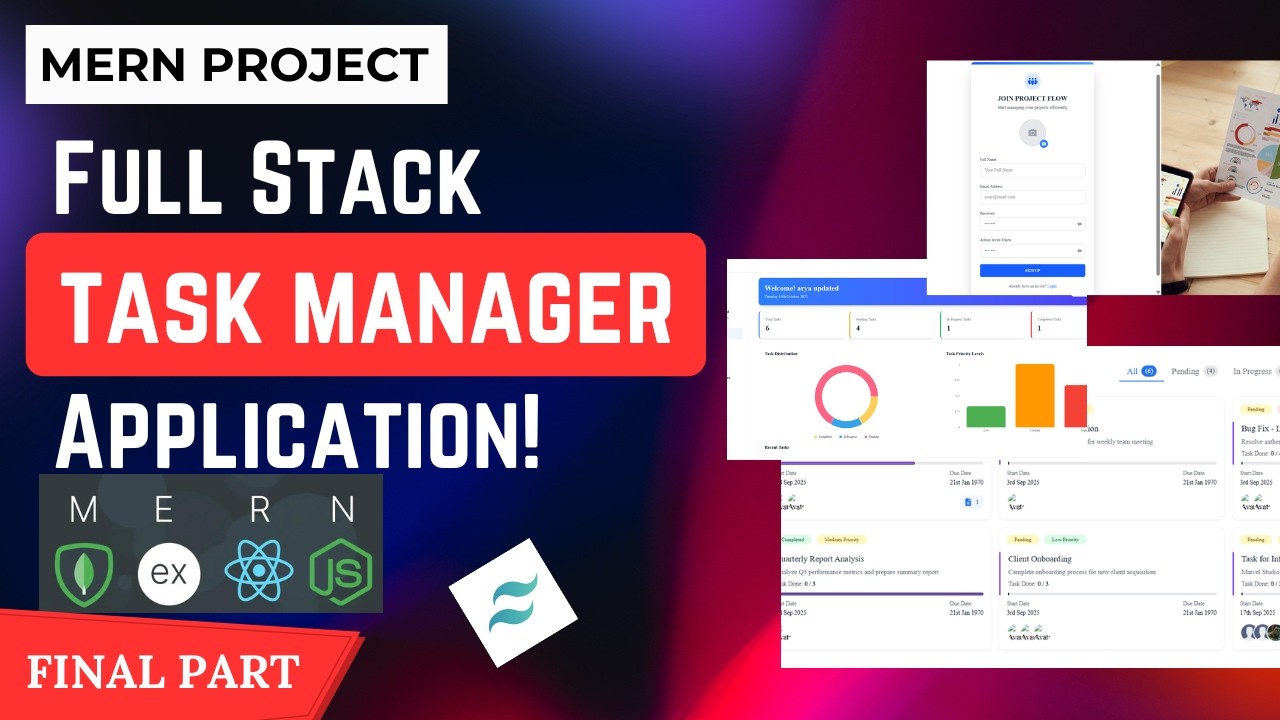
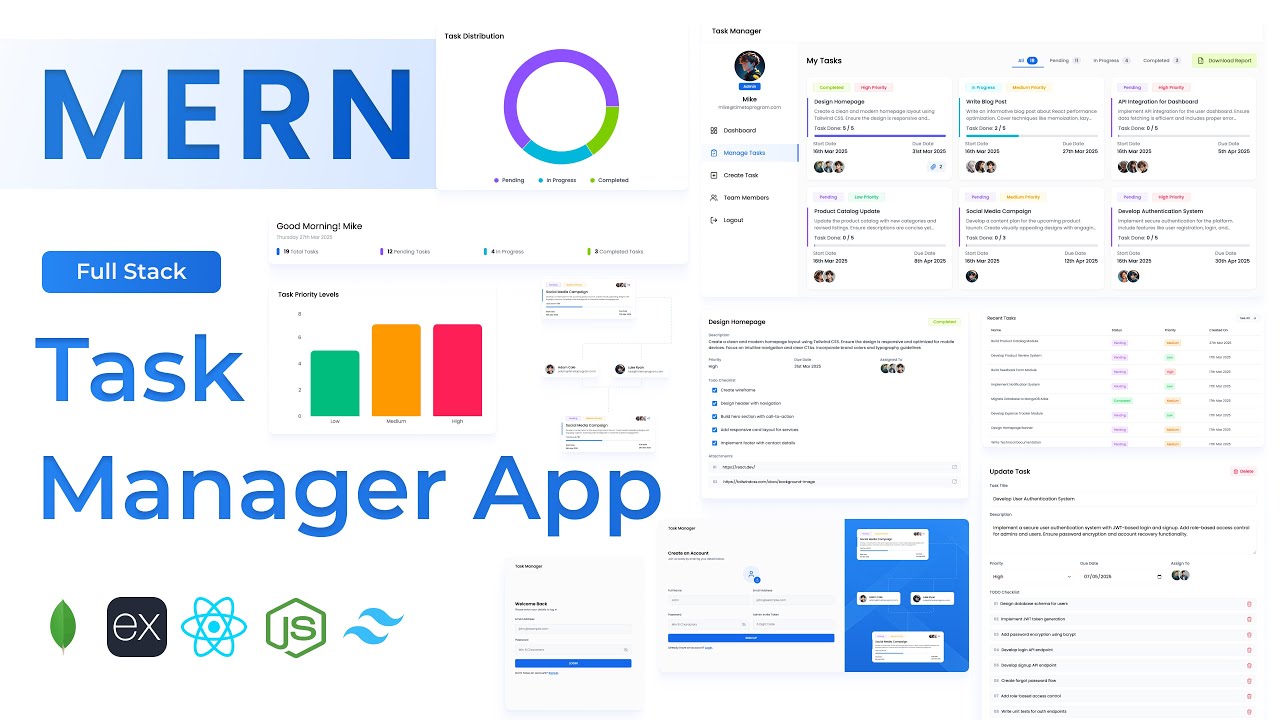
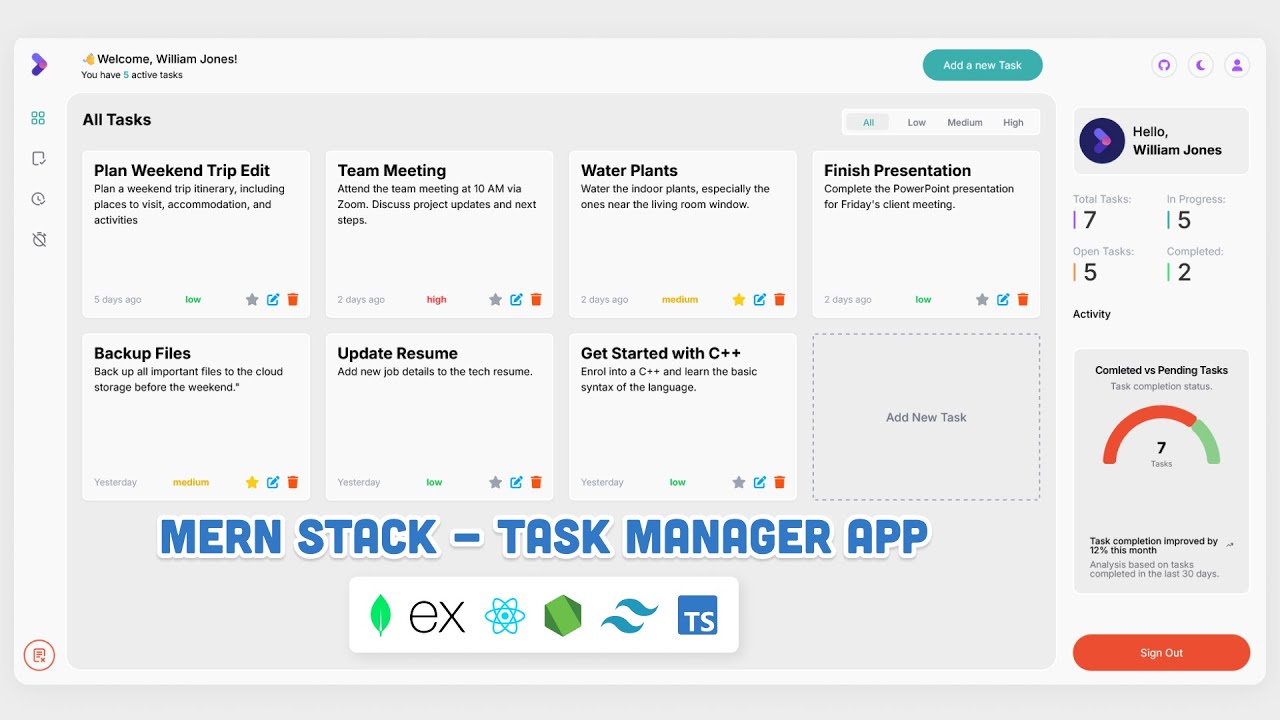
Build a Full Stack MERN Task Manager + Admin Panel | React, Node.js, MongoDB, Express | MERN
Автор: CODENOVUS
Загружено: 2026-02-21
Просмотров: 335
Описание:
Build a Full Stack MERN Task Manager + Admin Panel | React, Node.js, MongoDB, Express | MERN
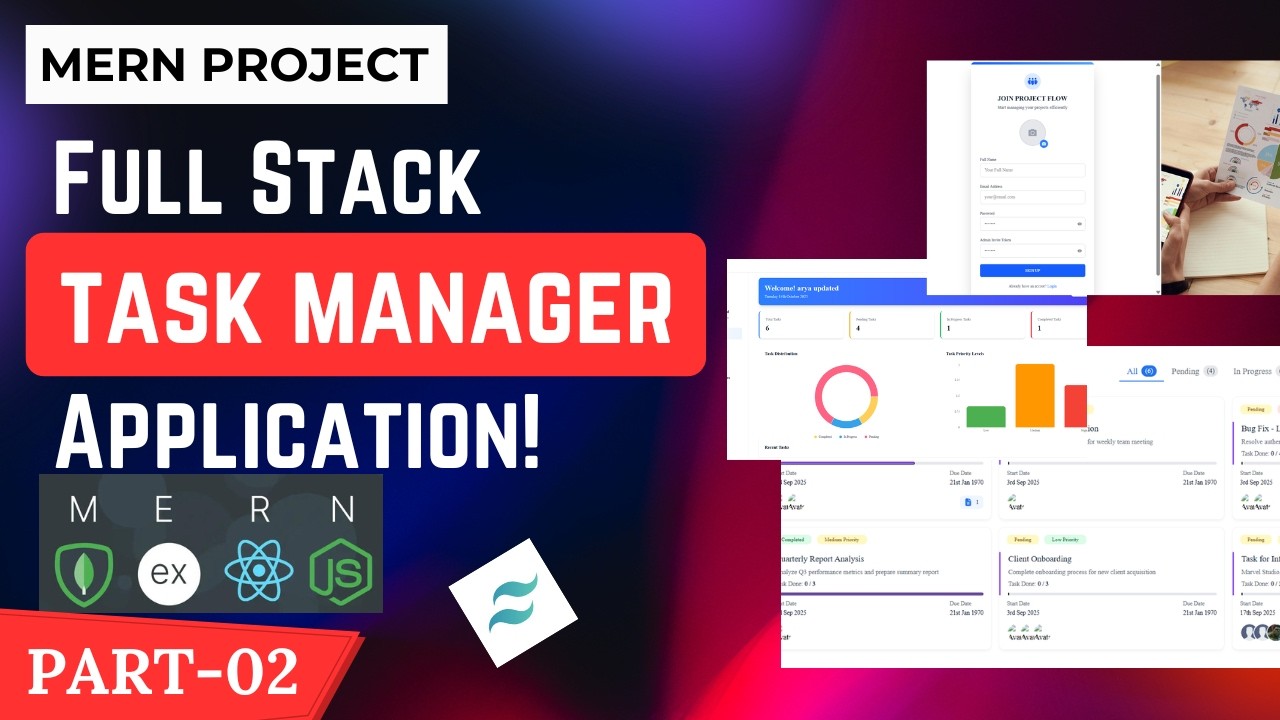
In this comprehensive tutorial, you will learn how to build a complete, fully-responsive Task Manager Application and Admin Panel from scratch using the MERN Stack (MongoDB, Express.js, React, Node.js). This is a full-stack project perfect for your portfolio, featuring user authentication, team collaboration, priority tracking, and file attachments.
🚀 Get the FULL SOURCE CODE here: https://github.com/suicide-machine/Ta...
This project goes beyond a simple CRUD app. We are building a production-ready task management tool with an advanced admin panel for managing users and tasks.
✨ Features Implemented in this MERN Stack Project:
✅ User Authentication & Authorization - Secure login and role-based access (Admin/User).
✅ User Dashboard - Personalized view of assigned tasks, progress tracking, and task insights.
✅ Advanced Task Management - Create, read, update, and delete (CRUD) tasks with due dates, priorities, and descriptions.
✅ Automated Status Updates - Task status intelligently changes based on checklist completion.
✅ Team Collaboration - Assign tasks to multiple team members and track their completion in real-time.
✅ Priority & Progress Tracking - Categorize tasks by priority (Low, Medium, High) and monitor completion levels with visual indicators.
✅ Task Report Downloads - Export task data into a file for offline analysis and reporting.
✅ Attachments Support - Easily add and access task-related file links (e.g., Google Drive, Figma, PDFs).
✅ Fully Mobile Responsive UI - A seamless user experience on desktop, tablet, and mobile devices.
✅ Admin Panel - Full control to manage all users and tasks across the platform.
📚 Chapters / Timestamps:
00:00:00 Introduction
00:17:48 Login UI
01:19:33 Signup UI
02:00:47 Install axios and creating axios instance
02:07:33 Integrating login api
02:26:41 Add react-redux toolkit
02:48:21 Add redux-persist
03:10:12 Root route on the basis of authentication
03:16:17 Integrating signup api
03:40:50 Creating dashboard page layout
04:56:37 Api call to fetch dashboard data
05:13:25 Creating recent task section
05:52:43 Creating task distribution section (pie chart)
06:30:34 Creating task priority levels section (bar chart)
06:52:16 Building create task form
09:00:30 Validating create task form
09:08:43 Integrating create task api
09:21:42 Api call to get all tasks
09:43:13 Creating tab filters
10:04:49 Task card in manage task page
10:50:22 Get task details by id
11:01:00 Update task api integration
11:15:55 Delete task api integration
11:29:17 Get all user details api integration
11:35:00 User card UI
11:57:01 Outro
💡 Who Is This For?
This tutorial is perfect for:
JavaScript/React developers wanting to become Full Stack Developers.
Developers looking to build a complex, portfolio-worthy MERN stack project.
Anyone interested in building a real-world task management application.
Beginners seeking to understand how frontend and backend integrate.
🔔 Subscribe for more full-stack development tutorials, project walkthroughs, and coding tips: / @codenovus
Thank You. Happy Coding!😊
Build a Full Stack MERN Task Manager,full-stack mern task manager,task manager mern stack,mern task manager,task manager mern project,mern stack project,mern app full stack,task manager application using react js,mongodb express react nodeJs,mern project for resume,mern stack project with admin panel,build a full-stack mern task manager,mongodb express react node js full project,how to create a full stack website using mern,full stack mern project
Повторяем попытку...
Доступные форматы для скачивания:
Скачать видео
-
Информация по загрузке: