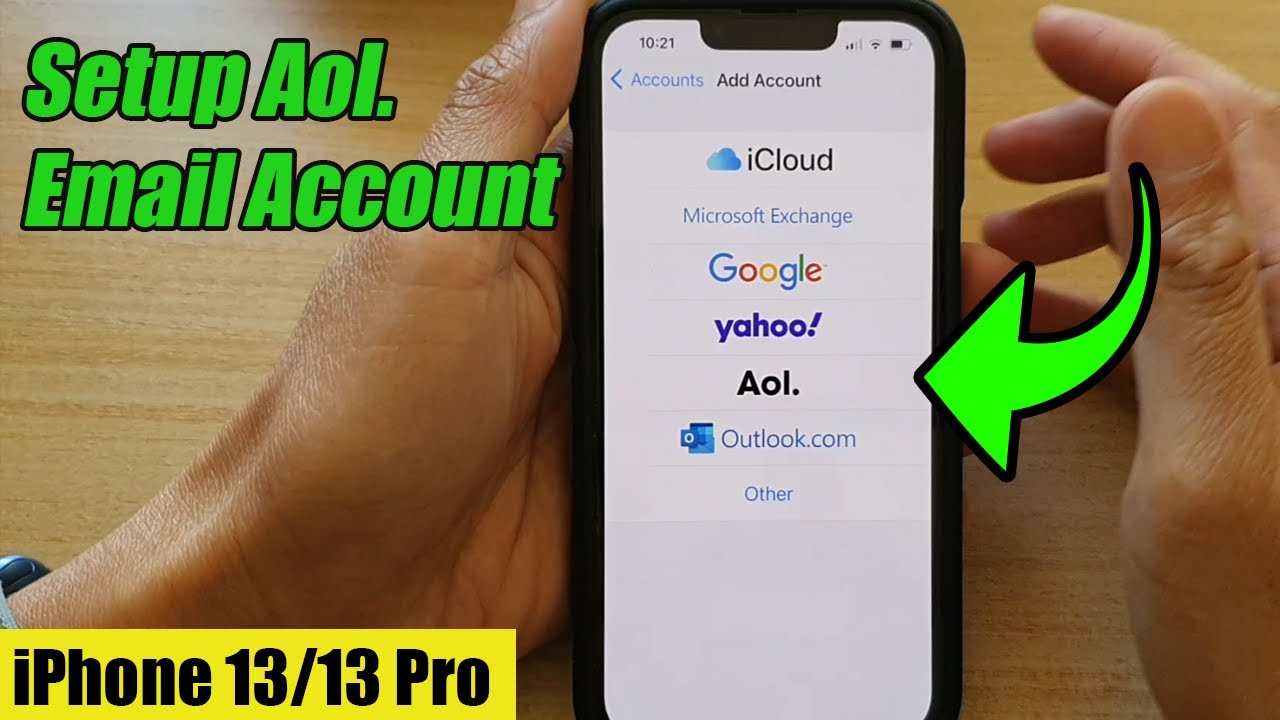
How do I create an AOL email account | How to Create a Free AOL Email Account
Автор: Basics Of Computer007
Загружено: 2024-03-22
Просмотров: 687
Описание:
As of my last update, AOL still offers email account creation. Here's a general guide on how to create an AOL email account:
Go to the AOL website: Open your web browser and navigate to the AOL website. The URL is typically www.aol.com.
Click on "Login/Join": On the AOL homepage, you'll find a button labeled "Login/Join" at the top right corner. Click on it.
Choose "Create an Account": On the login page, you'll see options to log in or create an account. Since you don't have an account yet, choose the "Create an Account" option.
Fill out the registration form: You'll be directed to a registration form where you need to provide some personal information. This typically includes your name, desired email address, password, date of birth, gender, and a few other details.
Choose your email address: AOL will usually offer you several options for your email address based on your name or other information you've provided. Select the one you prefer.
Create a password: Choose a strong password that combines letters, numbers, and special characters to secure your account.
Enter other required information: Complete any additional fields required by AOL, such as your date of birth and gender.
Verify your phone number: AOL may ask you to provide a phone number for verification purposes. Enter your phone number and follow the prompts to verify it.
Agree to the terms and conditions: Read AOL's terms of service and privacy policy, then agree to them to proceed with creating your account.
Complete the CAPTCHA: AOL might ask you to complete a CAPTCHA to verify that you're not a robot.
Finish and verify: Once you've filled out all the necessary information, reviewed everything, and completed any additional verification steps, click on the "Continue" or "Create Account" button.
Verify your email address: After creating your account, AOL might send a verification email to the address you provided during registration. Open the email and follow the instructions to verify your email address.
Once you've completed these steps, your AOL email account should be created and ready to use. You can access your account by logging in with your email address and password on the AOL website or through an email client like Outlook or Thunderbird.
#aol #email #signup #createaccount #2024 #free
Повторяем попытку...

Доступные форматы для скачивания:
Скачать видео
-
Информация по загрузке:






![Best of Driving Deep House [2026] | Chill Vocal Mix to Boost Focus, Maximize Concentration #7](https://imager.clipsaver.ru/CDnUiT9PNWc/max.jpg)