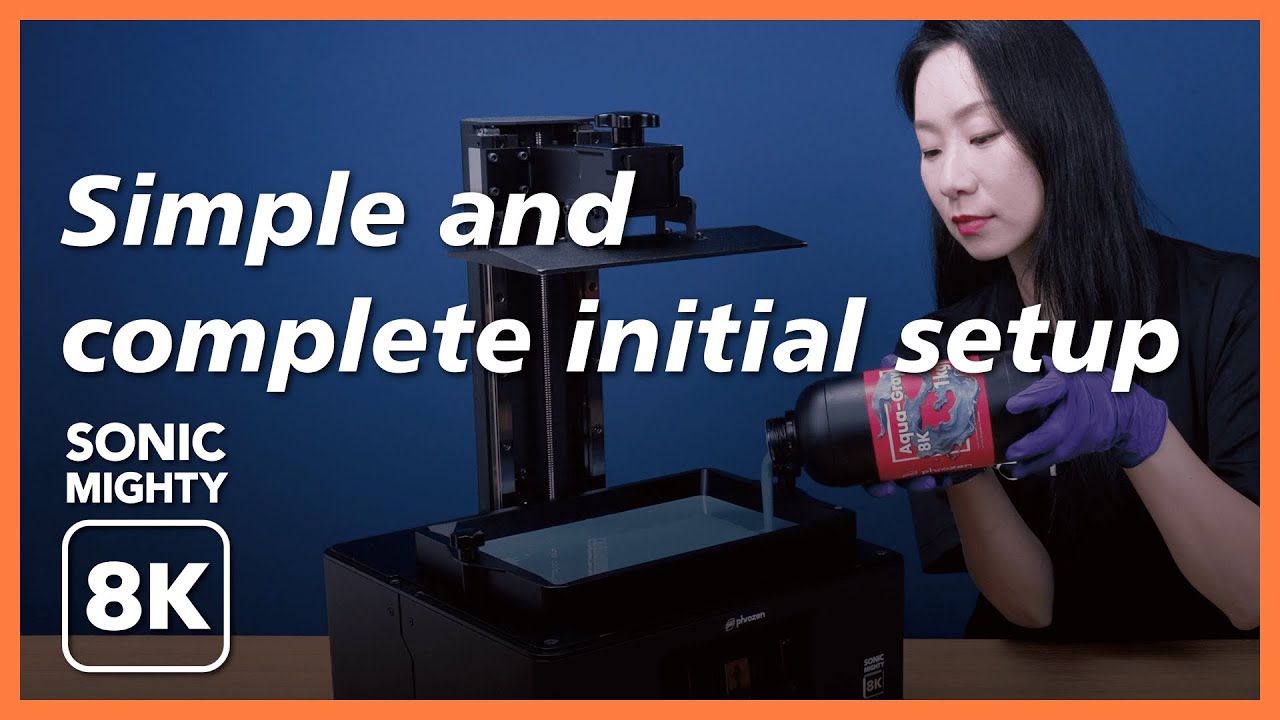
Sonic Mighty 8K – Simple & complete initial setup
Автор: Phrozen 3D Printer
Загружено: 2022-05-14
Просмотров: 23281
Описание:
Sonic Mighty 8K is designed with a new interface to enhance your 3D printing experience!
https://phrozen3d.net/mpEzs
If you are into 3D printing, let us show you how easy it can be–with Sonic Mighty 8K! When you turn on your printer for the first time, the brand-new process of booting will guide you through all the setup & testing automatically. After finishing the basic settings, the printer will automatically guide you through the LCD test, Z-axis calibration, and XP finder printing test. It’s super easy!
Now, let us show you how we boost our productivity with this amazing printer.
-
Here are the video chapters.
00:00 Opening
00:33 The LCD Test
00:57 The Z-axis Calibration.
01:33 The XP Finder Printing Test
02:33 First Printing Complete
02:50 Restore to Factory Settings
03:20 Thank you for watching!
-
Designed with mighty specs! Here are the incredible features of Sonic Mighty 8K:
✅ 28 µm Resolution: Perfectly create crisp and sharp 3D models.
✅ 10” Mono LCD Screen: Large printing volume to boost your work efficiency.
✅ 23.5 cm Ultra-Stable Dual Linear Rails: Print large & high-quality models with extreme stability.
✅ Frosted Laser Cut Building Plate: Allows models to attach firmly onto the building plate
✅ New User Interface: Easy navigation for a more user-friendly printing experience.
✅ Supports Third-Party Software: including CHITUBOX, Lychee, and other slicers.
In the meantime, join our Facebook group for the inside scoop: / 681709216495640
-
Follow us on
Facebook ➜ / phrozen3d
Instagram ➜ / phrozen3d
TikTok➜ / phrozen3d
Twitter➜ / phrozen3d
#LCD3DPrinting #SonicMighty8K #8KPrinter
Повторяем попытку...
Доступные форматы для скачивания:
Скачать видео
-
Информация по загрузке:


![3D-принтер Phrozen Sonic Mighty 8K для печати на смоле [ЧЕСТНЫЙ ОБЗОР]](https://image.4k-video.ru/id-video/LBWK47EGZyg)


