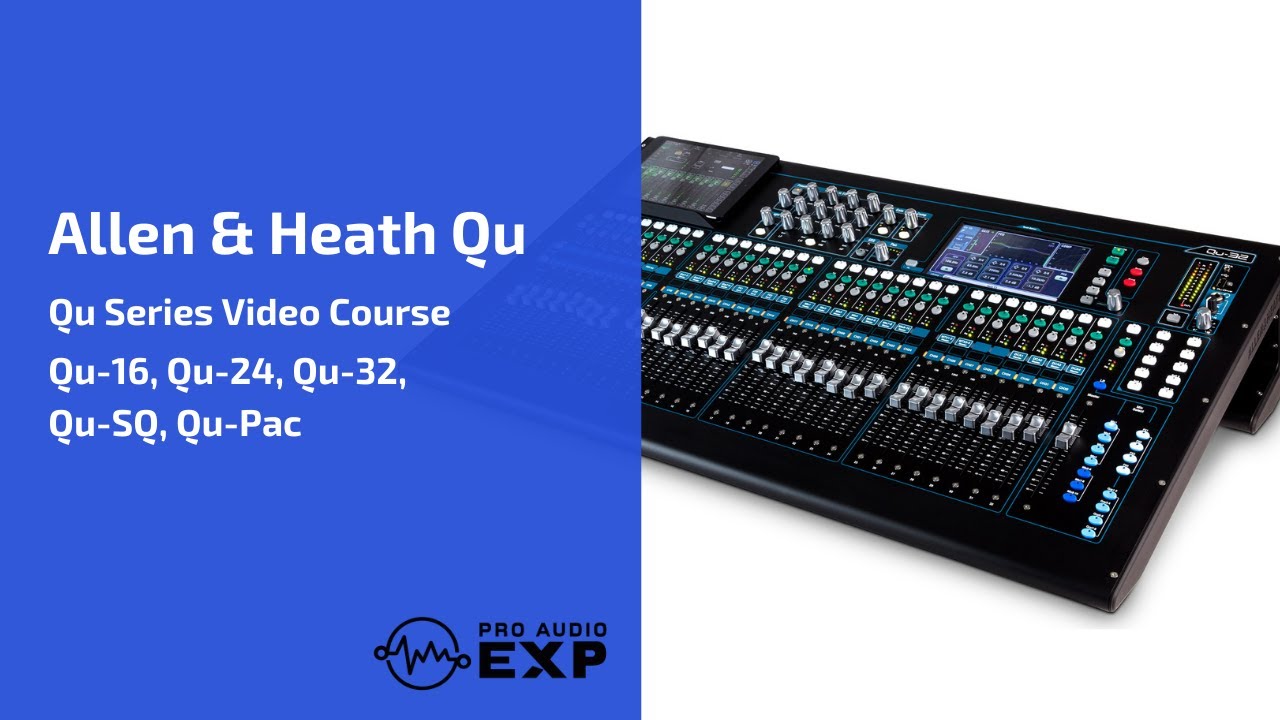
Allen & Heath Qu Series Using with a DAW through USB (Qu-16, Qu-24, Qu-32, Qu-SB, Qu-Pac)
Автор: ProAudioEXP
Загружено: 2021-01-25
Просмотров: 74626
Описание:
Check out our complete video course on the Allen & Heath QU Series at https://proaudioexp.com/products/alle...
Get your free Backstage Toolkit at https://proaudioexp.com/pages/backsta...
Audio Engineer David Wills’ (Michael Jackson, Whitney Houston) personal toolkit developed from over 30 years in the business.
Perfect for any Musician, Audio Engineer or Music Producer. The kit includes our EQ Cheat Sheet, Live Sound Checklist, Mixing Tricks, Compression Chart & Interviews by Grammy Award Winning Engineers.
Thanks for checking out ProAudioEXP's channel!
Please SUBSCRIBE and tap the bell to get our new videos in your feed!
David Wills
PS: If you want to know what is inside the training we've put the outline below.
INTRODUCTION
Differences between Models
Overview of Front Panel
Overview of Rear Panel
Updating Firmware
Backing up the QU
Factory Reset
MIXING 101
What do Mixers do?
What is the Signal Flow?
Subgroups
Aux Sends
Effect Routing
Pre-Fader vs. Post-Fader Sends
EQ Types
Dynamic Processing
INPUT CHANNEL
Signal Flow on the QU Series
Getting around the Screen
Naming Channels
Setting Levels
Phantom Power
Phase
Delay Compensation
Stereo Linking
Ducker vs. Insert
Fn (Function) Key
Setting Input Sources
Gate
Saving Settings in the Library
HPF (High Pass Filter)
PEQ (Parametric EQ)
Compressor
PAFL (Solo)
Using the Library
Copy/Paste/Reset Function
Mute Groups
Using Soft Keys
ROUTING
Routing Overview
Mix Busses
Subgroups
Matrix Mixes
DCAs
EFFECTS
Effects Signal Flow
Selecting and Editing Effects
GEQ (Graphic EQs)
SHOWS/SCENES/LIBRARIES
Overview
Working with Scenes
Saving Data to USB Key
WORKFLOWS/TIPS
Live Sound
Recording
Using with a DAW
ADDITIONAL SCREENS & SETTINGS
GRADUATION!
Appendix 1: Using Wirelessly
Appendix 2: QU-You
Appendix 3: QU-Pad
Повторяем попытку...
Доступные форматы для скачивания:
Скачать видео
-
Информация по загрузке:


