تحميل نطاقات Sentinel-2 بدقة مكانية وصيغة حسب الرغبة باستخدام Copernicus Browser
Автор: Geomatics Engineer
Загружено: 2026-01-24
Просмотров: 437
Описание:
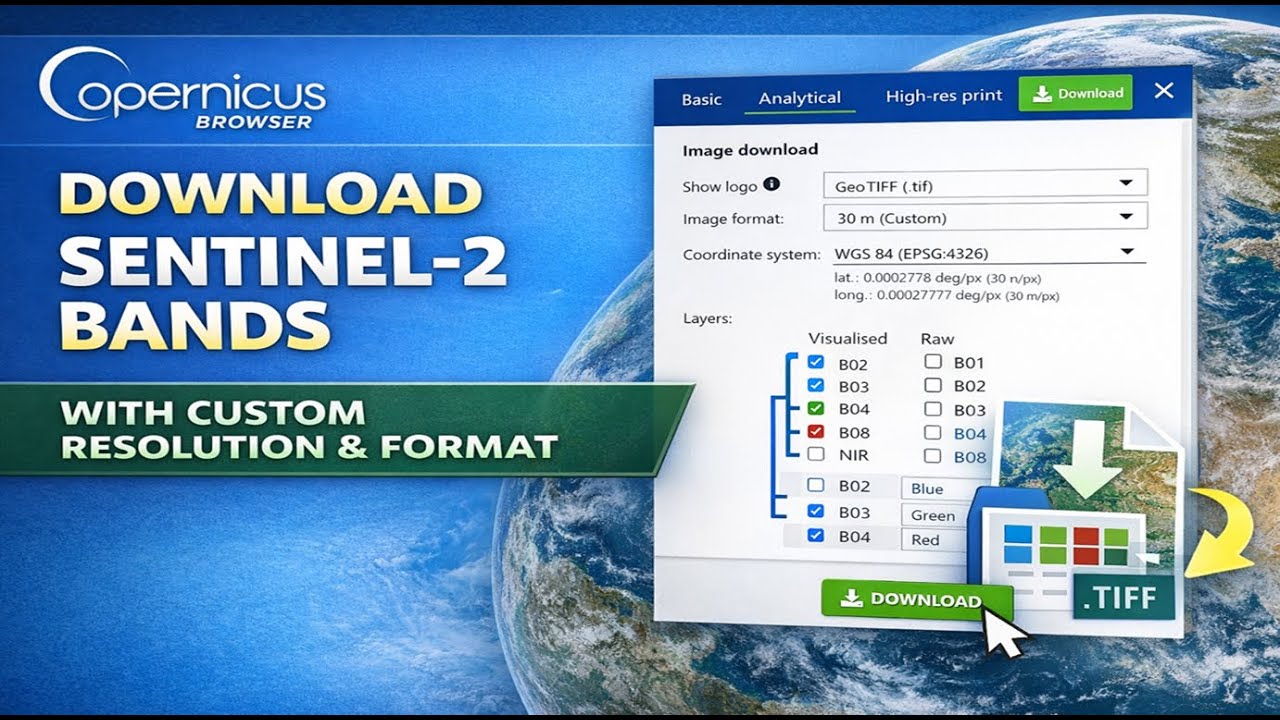
In this video, you’ll learn how to download Sentinel-2 spectral bands with custom resolution and file format using Copernicus Browser.
This tutorial is ideal if you want full control over:
Output spatial resolution (10m, 20m, 30m, or custom)
File format (GeoTIFF, JPG, PNG)
Coordinate system and projection
Individual raw bands or visualized layers
🔹 What you’ll learn:
How to use the Analytical Download option in Copernicus Browser
Selecting Sentinel-2 L2A products
Downloading individual bands (B02, B03, B04, B08, etc.)
Setting custom resolution
Choosing the correct file format for GIS workflows
Best practices for importing data into ArcGIS Pro, QGIS, or Python
🔹 Why this matters:
Downloading Sentinel-2 data with the wrong resolution or format can cause:
Incorrect analysis results
Resampling errors
Poor performance in GIS software
This workflow ensures clean, analysis-ready satellite data for remote sensing, environmental studies, agriculture, and GIS projects.
📌 Platform: Copernicus Browser
📌 Satellite: Sentinel-2 (L2A)
📌 Level: Beginner → Intermediate
Повторяем попытку...
Доступные форматы для скачивания:
Скачать видео
-
Информация по загрузке: