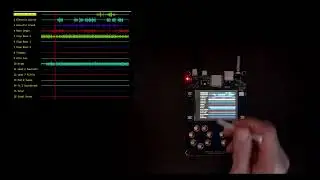
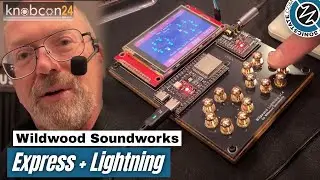
Using the Sample View - Wildwood Lightning Essentials - 6 of 7
Автор: Wildwood Soundworks
Загружено: 2025-12-21
Просмотров: 57
Описание:
Lightning features two synthesizer engines: a sample-based synth and an FM synth.
In this video, you'll see how to use the Sample View to record and assign samples for the Lightning sample-based synth.
The sample-based synth comes with a sample library of 128 instrument sounds and 56 drum or percussion sounds.
For the sample-based synth you can record your own samples or provide them as .wave files.
To record your own samples, you'll need a USB UAC1.0 compliant audio device with input capability (e.g. a USB headset or USB microphone).
You can define your own banks for sample-based sounds or reuse the default instrument bank. In this video, we reuse the default bank to keep things simple, but in a studio setting, you would most likely want to create your own banks.
You can assign any number of samples to any number of notes. If a note doesn't have a sample associated with it, Lightning will interpolate from the nearest assigned sample.
Once you've created a set of samples you like, you can save them as a Sample Group (.grp) file. You can also define a Sample Group to load at startup (instead of the default sounds) and save it as a profile. This lets you manage and switch between virtually any number of sample banks.
Find more information on Wildwood Lightning at https://wildwoodsoundworks.com
Повторяем попытку...

Доступные форматы для скачивания:
Скачать видео
-
Информация по загрузке: