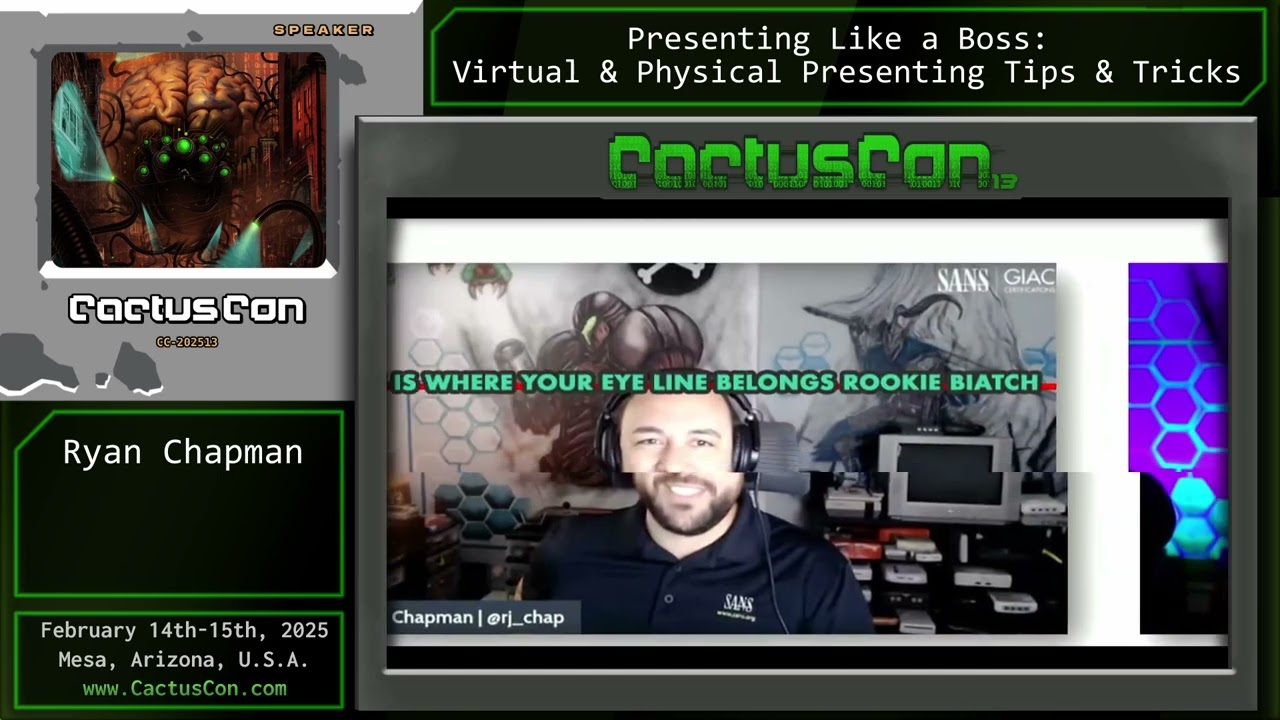
CC13: Presenting Like a Boss: Virtual & Physical Presenting Tips & Tricks
Автор: CactusCon
Загружено: 2025-05-09
Просмотров: 112
Описание:
Level‑up every talk: proven camera, audio, slide‑design and stage‑presence tricks that make virtual and in‑room presentations shine.
After 10+ years of conference talks, SANS courses and livestreams, R.J. Chap distills the habits that separate memorable speakers from forgettable ones.
Virtual polish – lighting, framing, DSLR vs webcam, mic selection & background discipline.
Audio hygiene – dynamic vs condenser mics, noise gates, compressors and why fans + phone buzz ruin recordings.
Slide & demo clarity – large fonts, OS scaling, ZoomIt/‑mac equivalents, cursor highlights and Snagit/Flameshot screenshots.
Stage craft – eye‑line, body movement, lav vs podium mics, remote clickers (Logitech Spotlight) and backup adapters.
OpSec & screen‑sharing – guest‑mode browsers, hiding desktop icons, disabling notifications, quick‑access traps.
Delivery drills – pacing, time‑boxing, Q&A handling and “designer” slide auto‑layout for non‑artists.
Takeaway: a repeatable checklist that keeps audiences engaged—whether you’re on Zoom or under conference lights.
00:00 Host intro & talk title
00:24 Meet R.J. – threat hunter & serial presenter
01:45 Why good talks matter & today’s agenda
03:00 Picking topics you’re passionate about
06:05 Virtual setup: lighting, camera, framing
07:00 Backgrounds & distraction control
09:30 Camera eyeline & presenter clothing
10:30 Audio: mic types, gates & compressors
14:45 Physical stage: owning space & eye contact
17:15 Remote clickers, laser alternatives, Power Glove hack
19:20 Repeat the question—Q&A etiquette
20:45 Video outputs, HDMI/DVI/USB‑C adapters
21:59 Slide design: PowerPoint Designer & AI art gotchas
24:55 Laptop power, Focus Assist & notification hygiene
26:25 Screen‑sharing OpSec (guest mode, hide icons)
27:55 Font scaling & resolution tips
30:35 Live demo: ZoomIt, terminal & cursor highlights
34:30 Explorer & desktop cleanliness
36:40 Browser guest mode & full‑screen demo
38:30 Screenshot workflows (Snagit, Shottr, Flameshot)
40:35 Practice vs improv—finding your balance
43:30 Final thoughts & presenter motivation
52:10 Audience Q&A
#presentationskills
#publicspeaking
#CactusCon
#VirtualPresenting
#ConferenceTalks
Повторяем попытку...
Доступные форматы для скачивания:
Скачать видео
-
Информация по загрузке:







![Men's Rugby 🏉 Cal Golden Bears @ UBC Thunderbirds [Feb 7, 2026]](https://imager.clipsaver.ru/tlkbd-vHZ9k/max.jpg)

