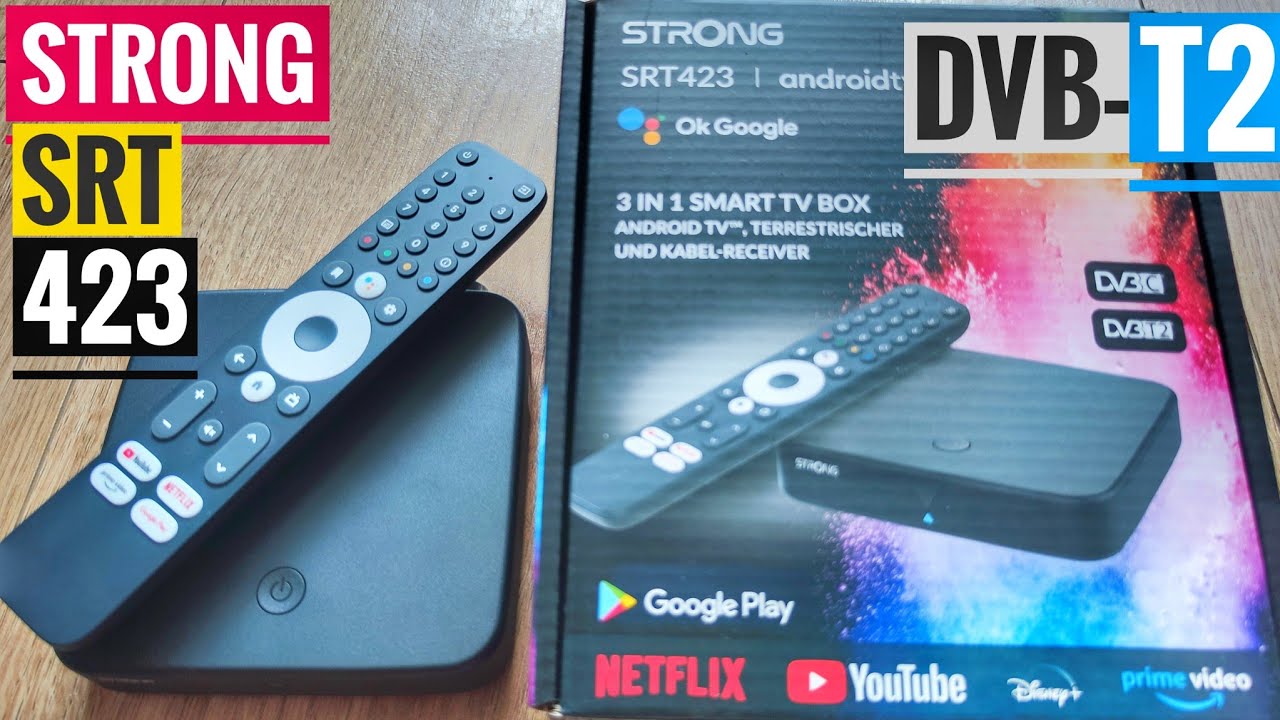
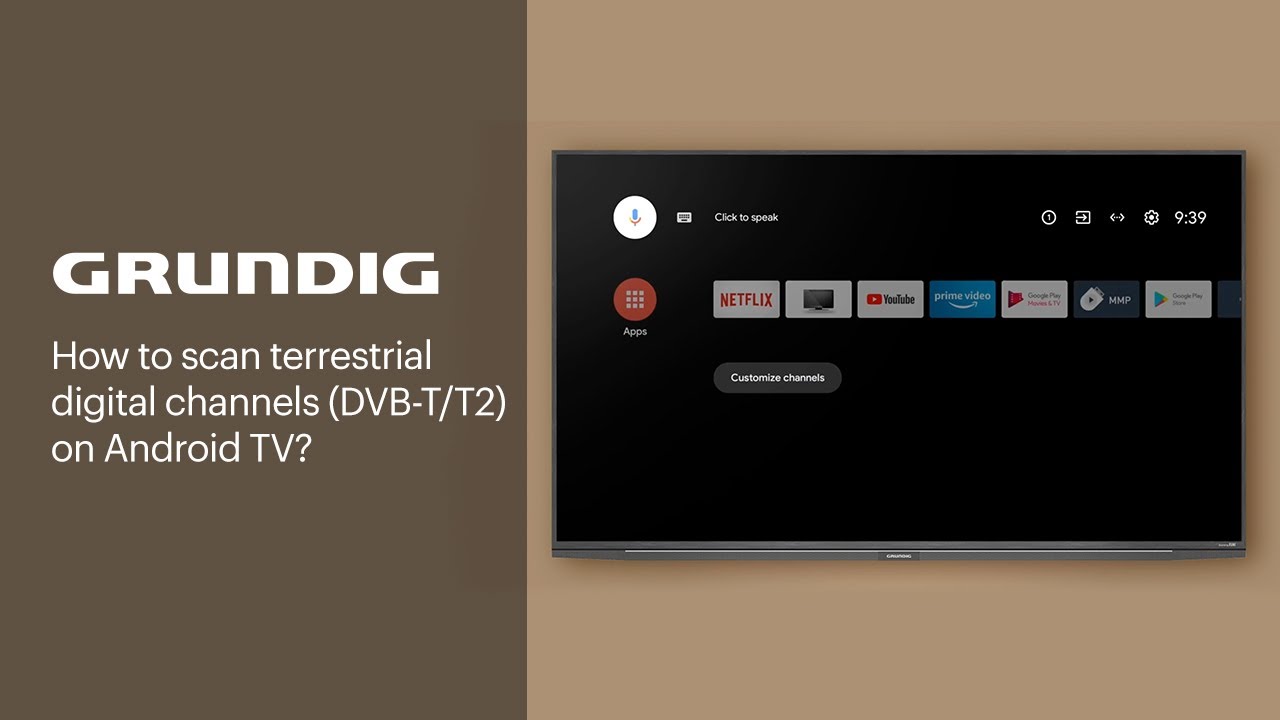
How to scan terrestrial digital channels (DVB-T/T2) on Android TV? | GRUNDIG
Автор: Grundig
Загружено: 2021-10-07
Просмотров: 29128
Описание:
In this video, you will find information on how to scan terrestrial digital channels (DVB-T/T2) on an Android TV.
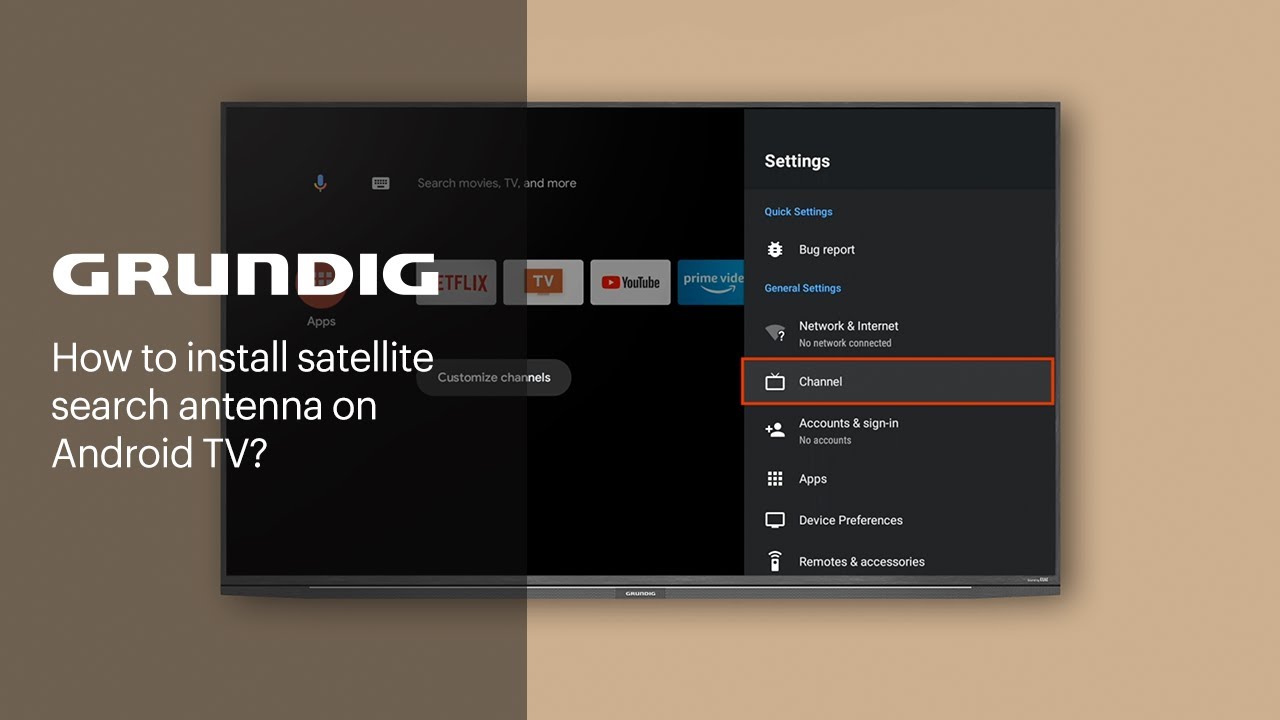
Go to settings and select channel.
Enter channel installation mode, then select antenna.
Go up and select channels.
Select channel scan.
Wait until the channel search is complete. This may take a few minutes.
After scanning is completed, your terrestrial digital channels will be available on your Grundig Android TV.
Enjoy!
Join our movement: https://www.respectfood.com
Visit our website: https://www.grundig.com
Subscribe to our channel:
https://bit.ly/SubscribeGrundigChannel
Follow us on social media:
Facebook: / grundig
Instagram: / grundig
Повторяем попытку...
Доступные форматы для скачивания:
Скачать видео
-
Информация по загрузке: