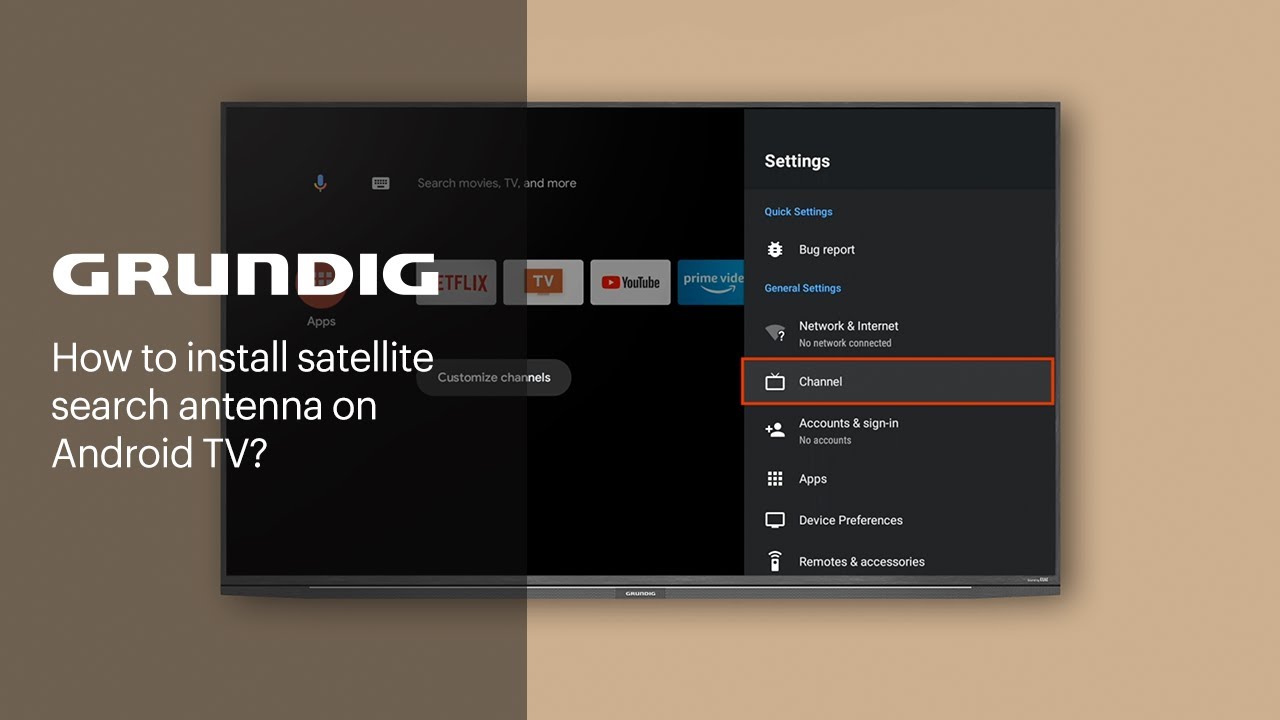
How to install a satellite search antenna on Android TV? | GRUNDIG
Автор: Grundig
Загружено: 2022-06-23
Просмотров: 54008
Описание:
In this video, you will find information regarding how to install a satellite search antenna on Android TV.
Go to settings and select the channel.
Select channel installation mode.
Go to General Satellite.
Select channels and go to Satellite Re-scan.
Go to Antenna Type and select DiSEqC 1.0.
Select satellite from the list.
Go to satellite Selection and select a satellite from the list.
Select LNB Configuration from the Satellite Detail menu.
If the TV is connected directly to the satellite without a switchboard, the installation can be completed by Selecting “One.”
Go to DiSEqC port and select DiSEqC A.
Go back to the Satellite Detail menu, select scan type and select Next.
Wait a few minutes until the channel scanning is complete.
Join our movement: https://www.respectfood.com
Visit our website: https://www.grundig.com
Subscribe to our channel:
/ @grundig
Follow us on social media:
Facebook: / grundig
Instagram: / grundig
Повторяем попытку...
Доступные форматы для скачивания:
Скачать видео
-
Информация по загрузке: