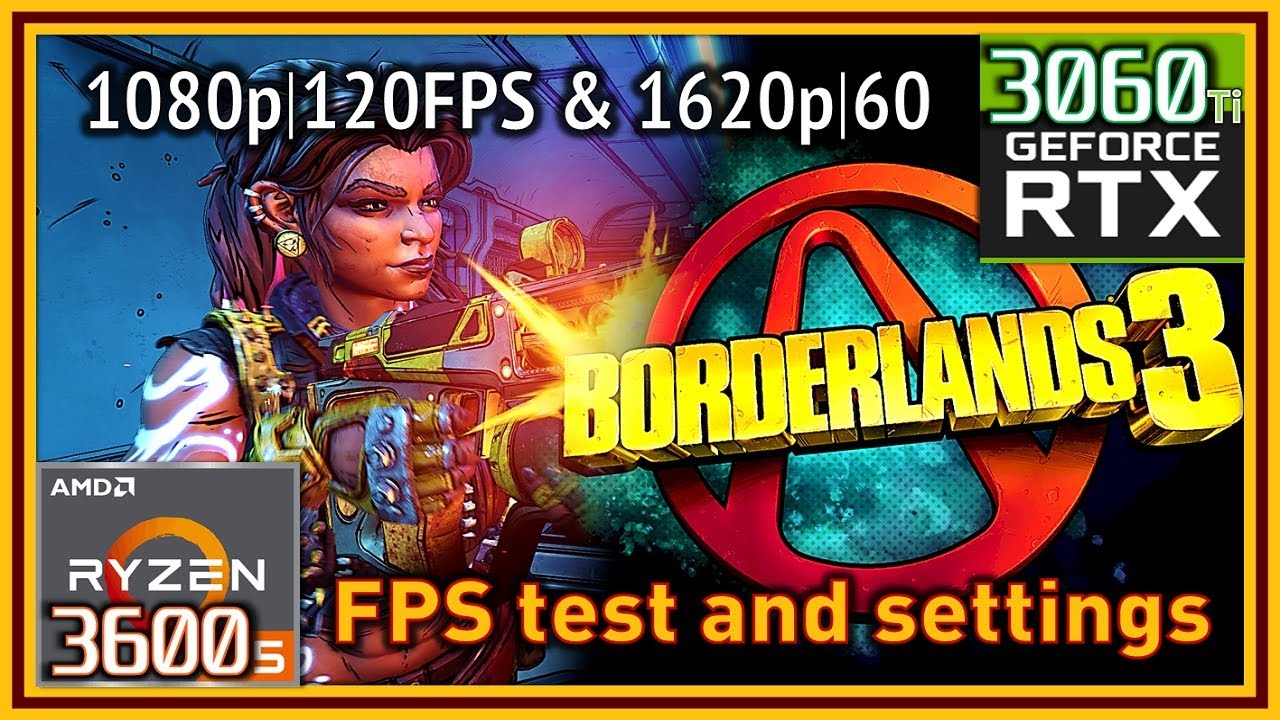
Borderlands 3 PC - Ryzen 5 3600 & RTX 3060 Ti - FPS Test and Settings | 60-120 FPS Optimal Settings
Автор: Sholva
Загружено: 2021-01-22
Просмотров: 3376
Описание:
#Borderlands3 #RTX3060Ti #Ryzen3600
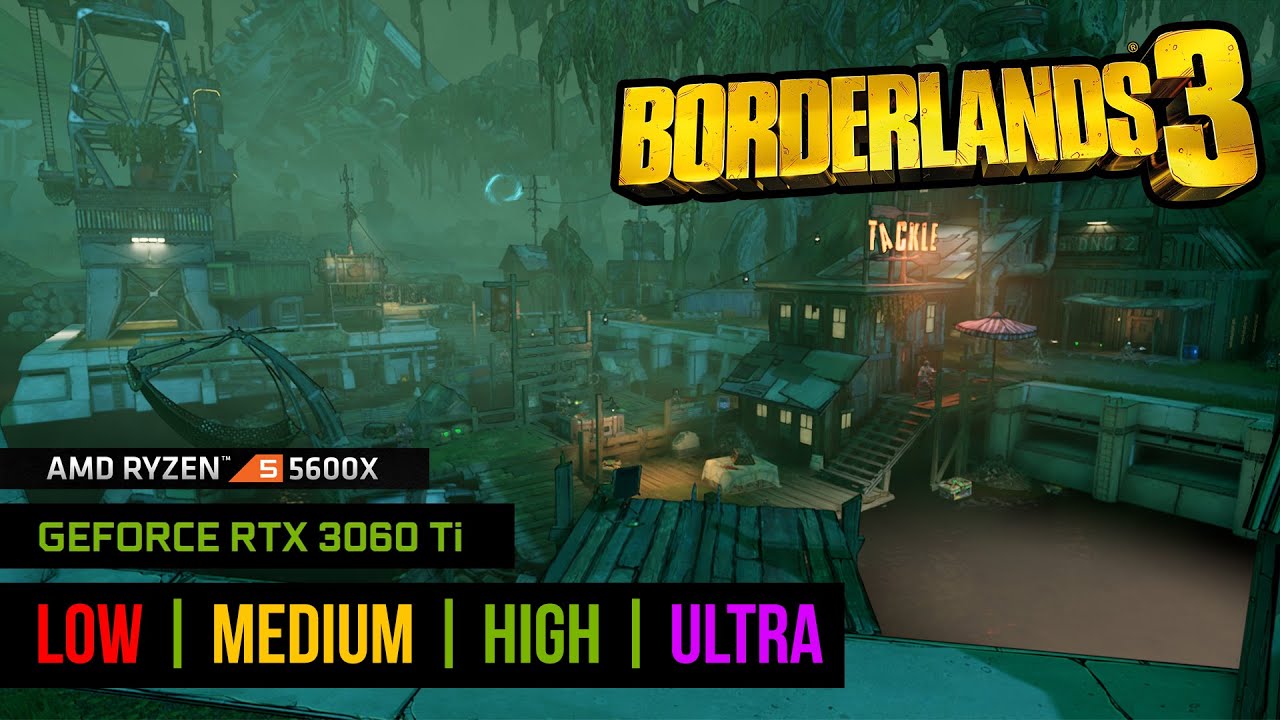
Borderlands 3 PC tested and benchmarked on Ryzen 5 3600 and RTX 3060 Ti.
Greetings, everybody.
Today we’re testing Borderlands 3, on the R5 3600 and RTX 3060 Ti.
My current PC specs:
-CPU: Ryzen 5 3600 (stock settings) with Coolermaster Hyper 212 Black RGB (w/2 fans, push-pull).
-Mobo: MSI B450 Gaming Pro Carbon AC.
-GPU: Gigabyte RTX 3060 Ti Gaming OC and WHQL driver 461.09.
-RAM: Crucial Ballistix Sport LT (2x8GB) CL16 DDR4@3200 Mhz.
-Storage: PNY XLR8 CS3030 1TB NVMe (O.S. and game), Samsung 750 EVO 500 GB.
-Case: Fractal Design Meshify S2 (Intake: 2x140 Front, 1x120 Lower Front - Exhaust: 1x140 Rear, 1x120 Top/VRM Area).
-PSU: Corsair RMx 650W 80+ Gold.
-O.S: Windows 10 Pro 64bit (v.2004).
-Monitor: AOC AGON AG251FG 1080p-240Hz.
My previous BL3 video on the GTX 1070: • Borderlands 3 - Ryzen 5 3600 & GTX 1070 - ... .
Some timestamps:
[BENCHMARKS]
00:00 - Intro and 1080p Badass Settings, DX12
03:39 - [DX11]1080p Badass Settings
04:20 - [Badass Settings]DX11 vs DX12 Results
04:50 - [DX12]Ultra Settings
05:40 - [DX11]Ultra Settings
06:26 - [Ultra]DX11 vs DX12 Results
07:04 - High Settings
07:51 - Medium Preset
08:43 - Low Settings
09:30 - Very Low Settings
10:18 - 125% Resolution Scale (1350p), Badass Settings
11:57 - 150% Resolution Scale (1620p), Badass
12:54 - 200% Resolution Scale (4K), Badass
13:40 - [120 FPS Cap]Custom Settings
15:40 - [60 FPS Cap]"Quality Mode" Custom Settings, 150% Resolution Scale
[GAMEPLAY]
17:38 - 1080p, Badass Settings, uncapped FPS (Pandora - The Droughts)
19:15 - 1080p, 120 FPS cap, Custom Settings
20:56 - 150% Resolution Scale, 60 FPS Custom Settings (Athenas area)
23:03 - 150% Scale, 60 FPS Badass Settings
25:33 - 1080p, 120 FPS cap, Custom Settings
As we can see in the video, now it seems that DX12 performs a tiny bit better for my system than back in the day, a year ago, when I last tested this game, on my GTX 1070. Compared to the 1070, the 3060 Ti offers a huge boost especially at Badass and Ultra Settings, where it’s more than 70%, and around 50+% for high Settings. The deltas keep going down the lower the settings simply because of CPU limits being reached at lower settings, which doesn’t matter because we won’t play at such low settings anyway, on the 3060 Ti.
Higher resolution scales are then possible, with very decent results, and so is the option to play at locked 120 FPS, 1080p, with quite decent settings too; Full Ultra Settings for 120 FPS are a bit close and sometimes we’ll drop below 120, so it’s best to adjust some settings if we want 120 FPS most of the time.
For a higher quality experience and still smooth, we can use 150% scale, which equals to 1620p resolution from 1080p as native, and pretty high settings actually, mostly everything set to Ultra minus, for safety just in case, Volumetric Fog set to Medium, and maybe Material Complexity. I’ve seen it drop below 60 at Sanctuary due to some Volumetric Lights in there when the setting is at Ultra, so keep that in mind for this particular combo.
All in all, great performance on the RTX 3060 Ti for this game, nothing much else to add really.
As usual, I hope this can be useful to any of you, and I’ll see you next time : )
Повторяем попытку...
Доступные форматы для скачивания:
Скачать видео
-
Информация по загрузке: