Raspberry Pi 2 External Hard Drive Installation: Part 3 - a Step-by-Step Guide!
Автор: coobird's lab
Загружено: 2017-05-01
Просмотров: 54768
Описание:
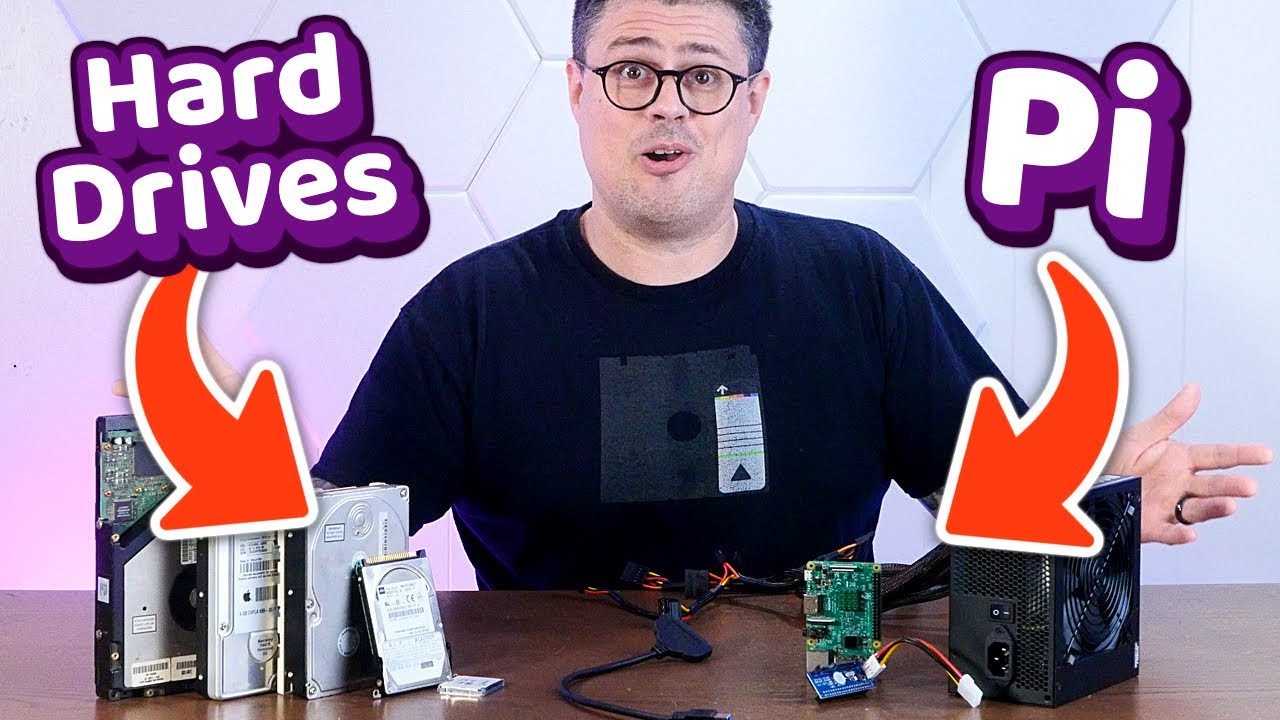
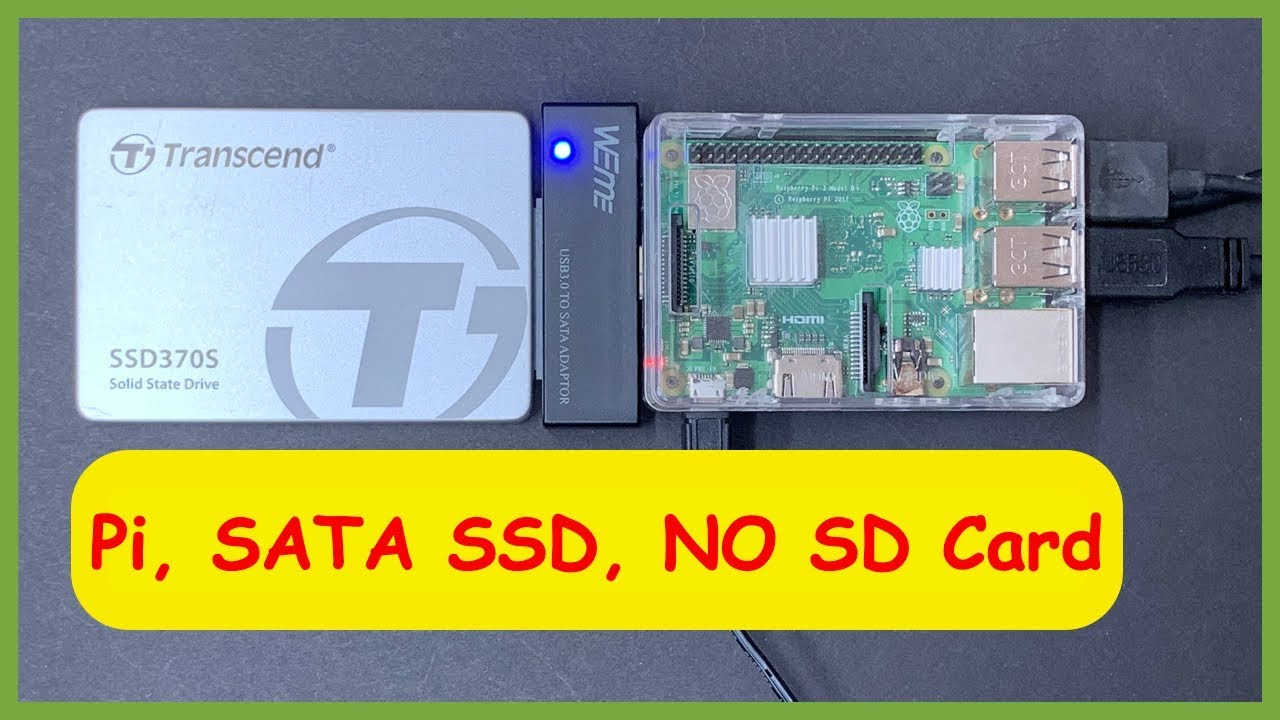
In this video, we go through and connect an external SATA hard drive to a Raspberry Pi 2, using an SATA-to-USB converter board (which was purchased as "junk" for 300 yen at Akihabara) -- this allows us to power the hard drive directly from the USB port of the Pi.
Some points that are discussed are the importance of power sources (such as using a decent power brick and a USB cable that is rated for high current), using a 2.5 inch SATA disk (as 3.5 inch drives need higher voltage that isn't provided by the USB port), and the actual commands used to mount the hard drive to the Pi from Linux.
This is Part 3, the final episode in a series of attempting to connect an external hard drive to the Raspberry Pi 2.
Links to videos in this series:
Part 1: • Raspberry Pi 2 External Hard Drive Install...
Part 2: • Raspberry Pi 2 External Hard Drive Install...
Повторяем попытку...

Доступные форматы для скачивания:
Скачать видео
-
Информация по загрузке: