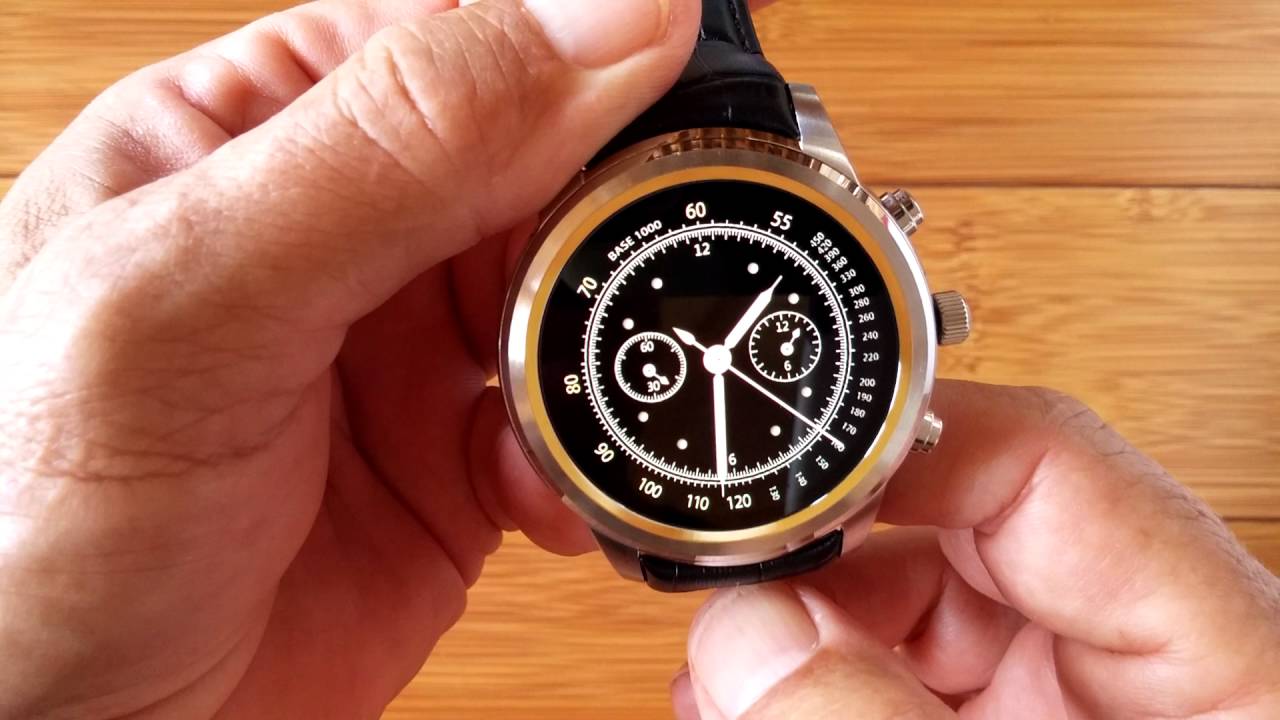
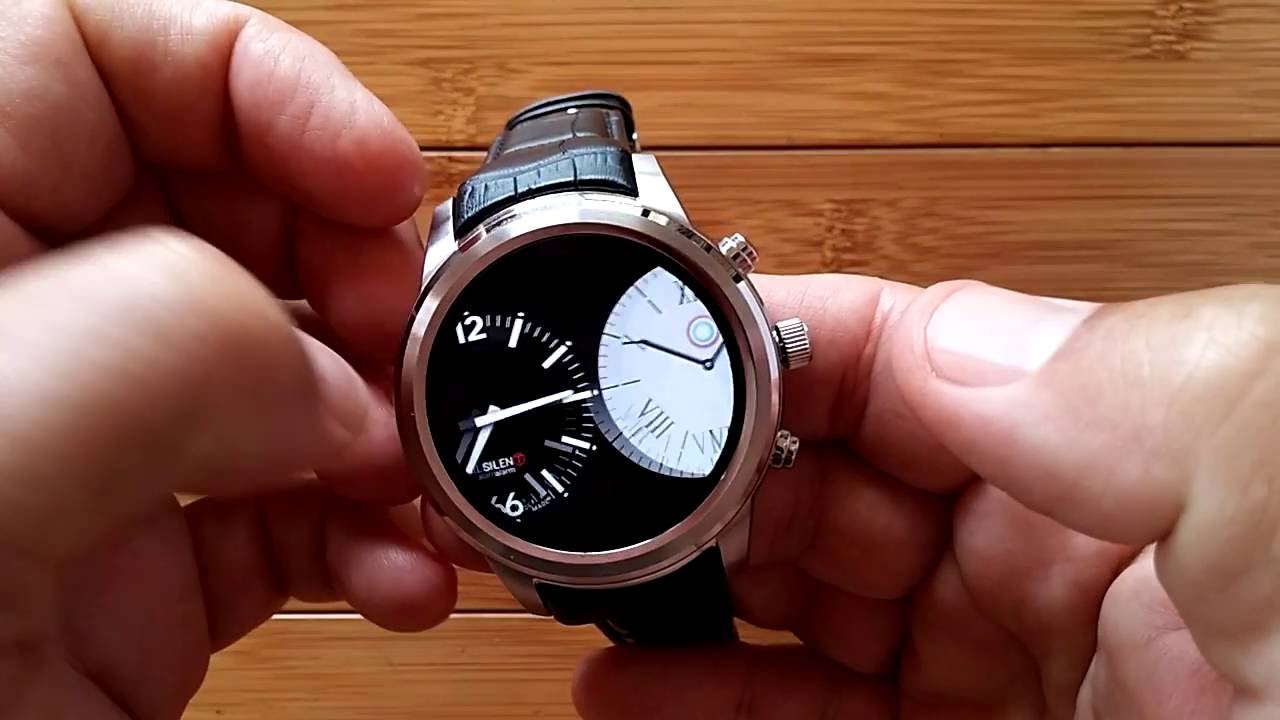
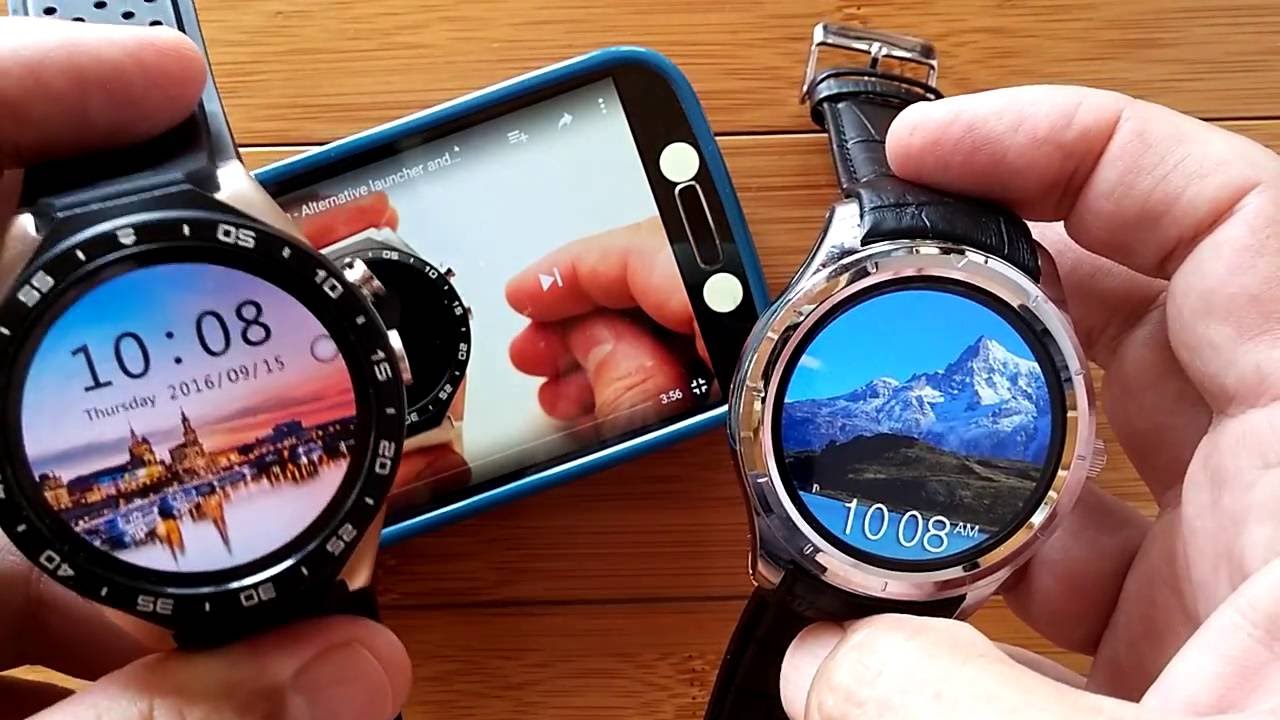
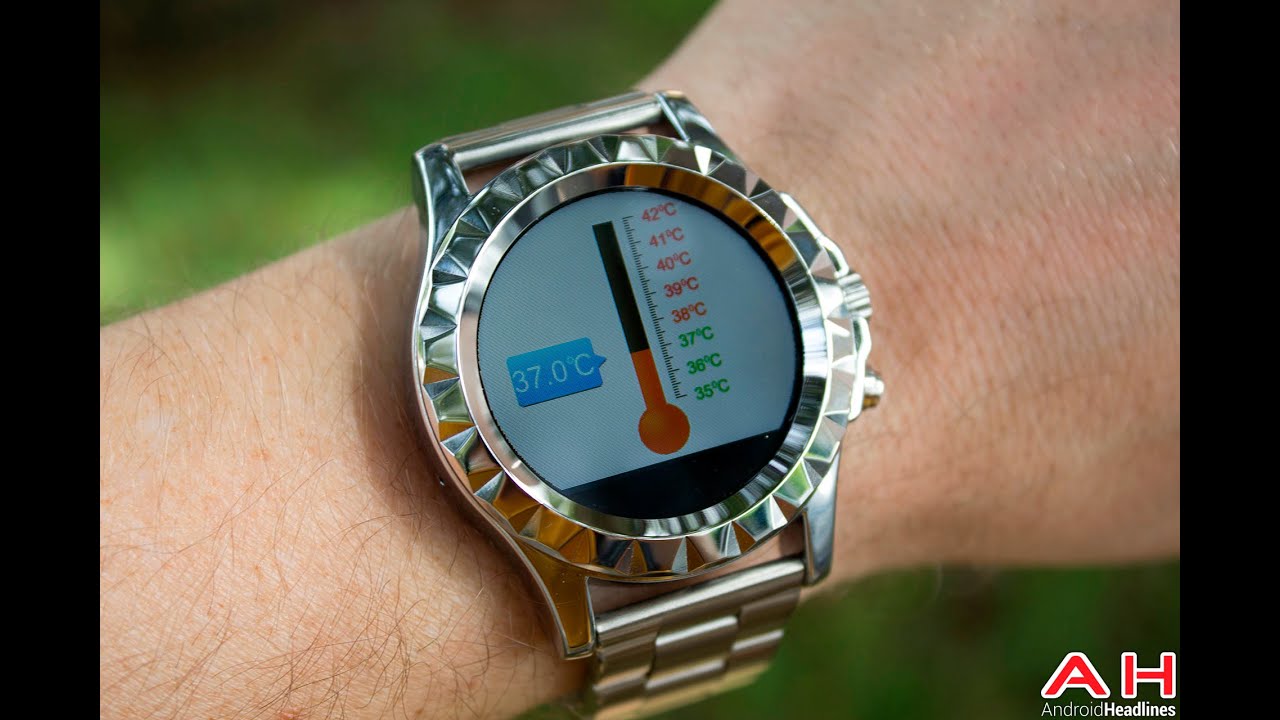
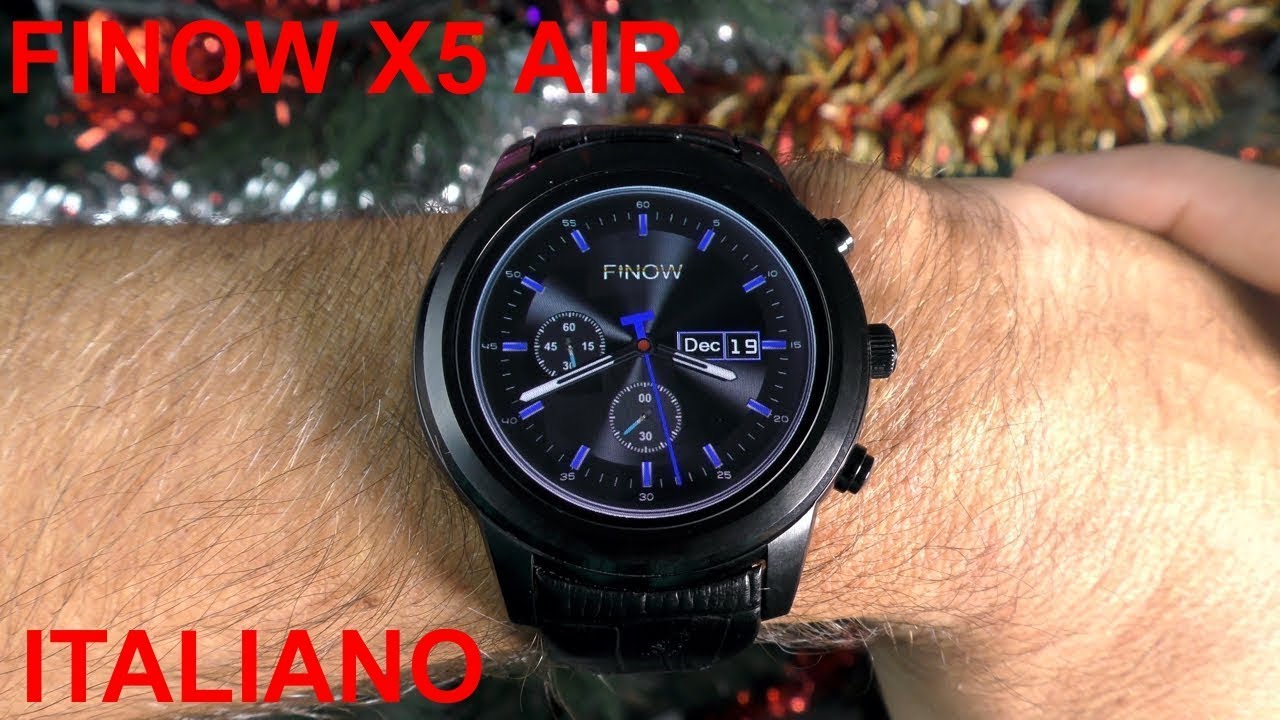
FINOW X5 BRILLIANT Smartwatch: Full Review
Автор: SmartWatch Ticks
Загружено: 2016-04-25
Просмотров: 55469
Описание:
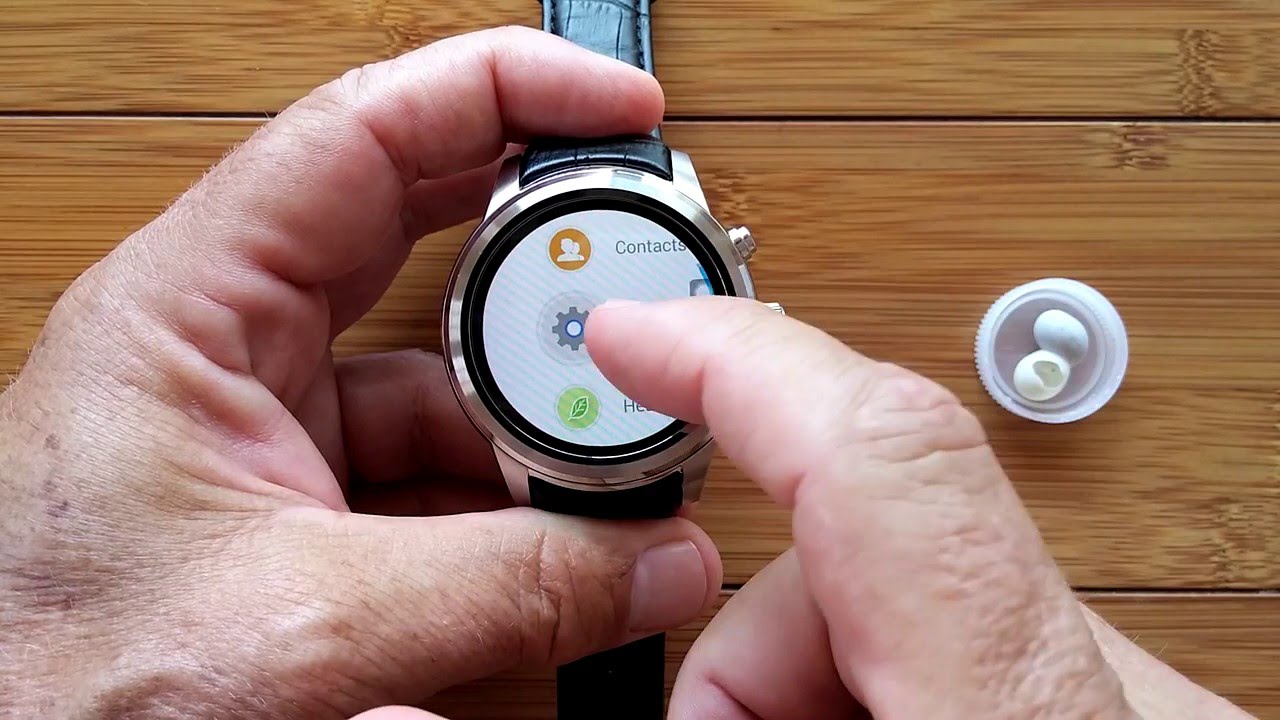
Here's (almost) everything you'll need to know about this new FINOW X5 smart watch phone to get you started. You'll go through each of the menus and into each of the installed apps. As a bonus, you will get a peek at a huge number of additional apps you may want to install to make this device extremely functional.
Unique "robot" watch face design by Meredith Drew. Thanks Meredith! Download here: https://plus.google.com/1160310043528...
Featured watch in this video: FINOW X5
This featured watch is available here:
http://www.aliexpress.com/store/2337268
Watch also Available here:
http://www.aliexpress.com/store/2189028
Company website:
http://www.finowatch.com
And for everything related to this class of Smart Watch Phone (FINOW X5 as well as X1, X3, No.1 D5, K8 mini, etc.), follow this G+ Community: https://plus.google.com/u/0/communiti...
Many thanks to Lokifish Marz for all the hard work and support he tirelessly provides us all.
Here’s the link to the phone app you need for tethering: http://www.app2open.com/download
UPDATE 2016-05-04:
Hey everybody, check this out: http://www.mforbes.ca/x5-smartwatch-a...
UPDATE 2016-07-18:
mrqu1cky has just replied to a thread you have subscribed to entitled - Finow X5 3G smart watch - in the Other SmartWatches forum of xdc-developers:
I recently purchased this device and as luck would have it, the charging base does not connect well. While it charges the battery without issue, the usb storage feature doesn't really work. If I jiggle it, I can sometimes get it to allow me to turn on USB storage, but the storage never shows up on my computer. I made a n00b mistake and deleted the active watchface rendering the watch useless with nothing but a blank screen on boot. In order to circumvent this issue:
1) Press and hold all three buttons until reboot.
2) You'll see a list of options in Chinese, scroll down using the bottom button to select the only line containing the phrase in English "eMMC"
3) Once highlighted, select with the middle button
This will perform a factory reset and the machine will boot back factory settings.
UPDATE 2016-07-24:
For those of you thinking about replacing your X5's bands and wanting to save the antennas and restore connectivity, this link is for you!
http://www.mforbes.ca/x5-smartwatch-a...
#smartwatch
Повторяем попытку...
Доступные форматы для скачивания:
Скачать видео
-
Информация по загрузке: