Import DAVINCI RESOLVE Timelines To UNREAL ENGINE
Автор: tiedtke.
Загружено: 2026-01-11
Просмотров: 949
Описание:
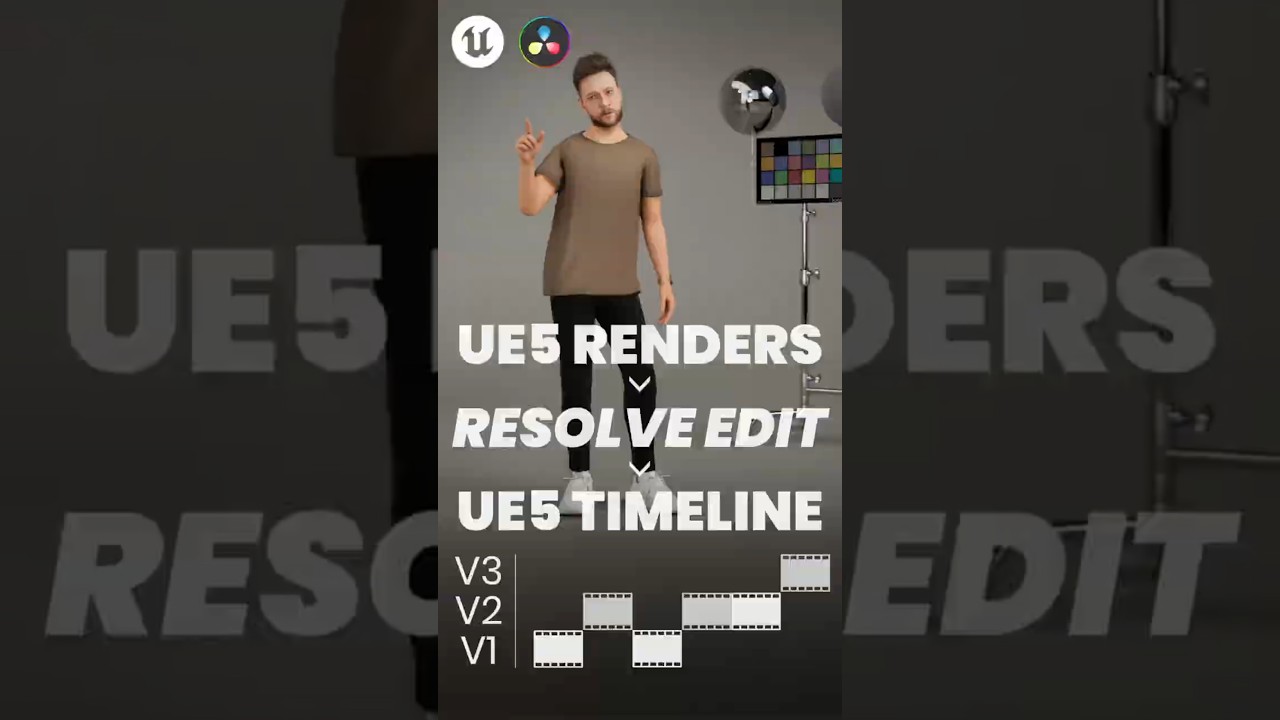
In this video I show how to render a multi-camera scene in Unreal Engine 5, edit the footage in DaVinci Resolve, and then export/import the XML timeline back into UE5 — so the camera cuts and timecode stay intact. That means you can see exactly what part of your animation is actually in the final cut and do clean animation fixes only where it matters (no wasted cleanup on shots that never show).
You’ll learn:
• Setting up multiple cameras and rendering shots in UE5
• Creating an edit in DaVinci Resolve and exporting an XML timeline
• Importing the XML back into UE5 with timecode & camera cuts preserved
• Using this workflow to coordinate edit timing with animation cleanup
Whether you’re a cinematic artist, animation TD, or Unreal storyteller, this workflow helps you sync edit decisions with animation work more efficiently — cutting unnecessary revisions and tightening your production pipeline.
👉 Subscribe for more Unreal & production videos: https://tiedtke.short.gy/youtube
👉 Watch next: • Data Burn In WBP in Unreal Engine 5.5 for ...
Hey! Do you want me to make a video tutorial for you? Become a supportive member channel to get exclusive perks:
https://tiedtke.short.gy/join 💛
Chapters / Timestamps
00:00 — What you'll learn in this video
00:44 — Exporting shots & importing into DaVinci
02:45 — Editing in DaVinci Resolve timeline
03:45 — Export XML & import into Unreal
05:20 — Summary
Tools Covered
• Unreal Engine 5
• DaVinci Resolve
• XML workflows & timeline timecode
#UnrealEngine5 #UE5Tutorial #DaVinciResolve #AnimationWorkflow
✉️ For business inquiries, contact me at: [email protected]
If you liked this video please consider subscribing - it's free but helps my channel grow! 💛
Get the files from my videos on my Gumroad!
🔸https://app.gumroad.com/tiedtke
📸 Follow me on Instagram!
🔸 / tiedtke
🤝 Connect with me on LinkedIn!
🔸 / tiedtke
🎨 See all my CGI art on ArtStation!
🔸https://www.artstation.com/tiedtke
✉️ For any business inquiries please email me!
🔸[email protected]
My journey into animation started in a pretty simple way. Growing up, my brothers and I spent a lot of time building intricate LEGO worlds and creating stop-motion films using our dad's DV camcorder. It wasn’t anything special at the time, just a way to pass the hours, but looking back, I can see how that playful experimentation set the stage for my interest in storytelling and animation.
My older brother’s interest in creative work also had a big influence on me. Watching him get into the arts made me want to try my hand at it too, even though I wasn’t sure exactly where it would lead. So, I took a chance and pursued it, and over time, that childhood curiosity about bringing things to life through animation turned into something I still do every day. It’s a career, yes, but more than that—it’s a way for me to keep telling stories and exploring new ideas, frame by frame.
#unrealengine5 #ue5 #unrealcinematics #virtualproduction #realtimecinematics #gamecinematics #cinematicworkflow #animationworkflow #davinciresolve #videoeditingworkflow #filmworkflow #postproduction #animationcleanup #cameraediting #multicamera #xmlworkflow #timecode #shotbasedworkflow #animationforfilm #cgfilmmaking #digitalfilmmaking #realtimevfx #unrealpipeline #cinematictiming #editingtips #ue5cinematics #renderworkflow #filmtools #vfxworkflow
Повторяем попытку...
Доступные форматы для скачивания:
Скачать видео
-
Информация по загрузке: