AWS Cloud App Development: 3. Set up a budget
Автор: Lionel Pinkhard
Загружено: 2024-12-27
Просмотров: 11
Описание:
How to Set Up a Budget on AWS – Manage Costs Effectively
In the third video of this AWS Cloud App Development series, we focus on an essential aspect of using AWS: cost management. With AWS Budgets, you can monitor and control your cloud spending to avoid unexpected charges and ensure you stay within your financial goals.
What You'll Learn in This Video:
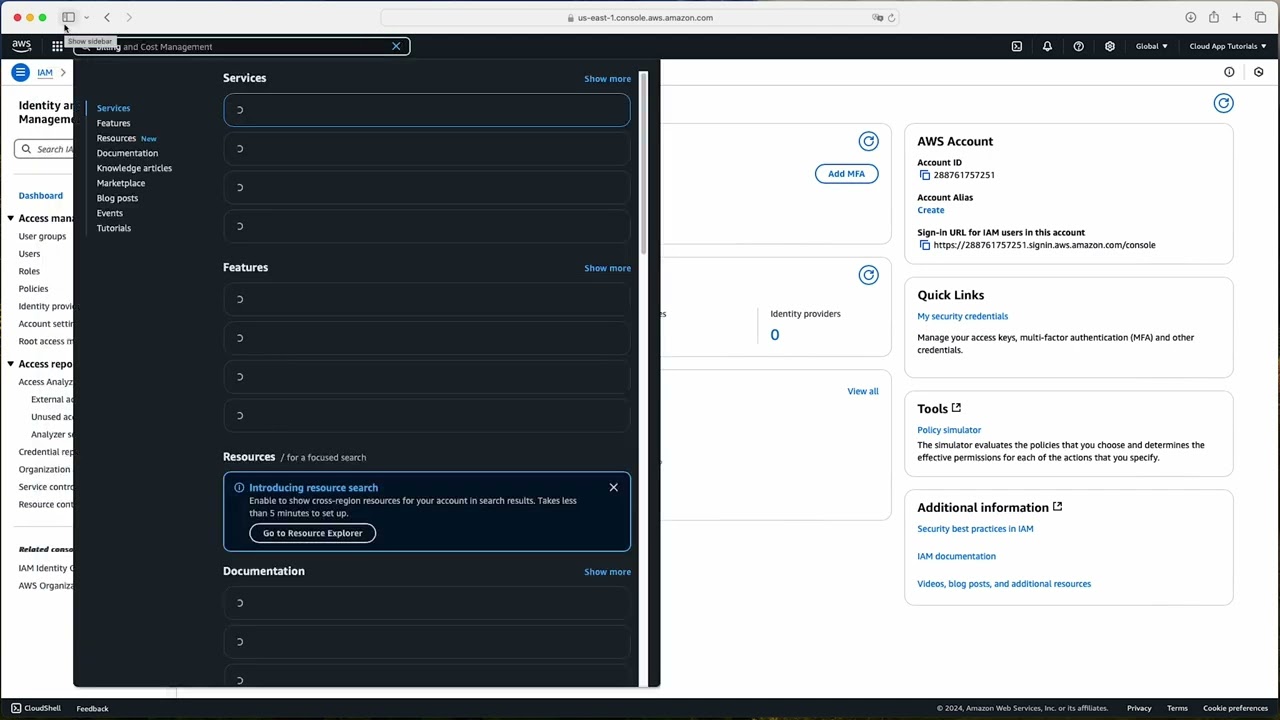
Step-by-step guide to creating an AWS monthly budget.
How to set alerts and notifications for budget thresholds.
Why AWS Budgets Matter:
AWS is a pay-as-you-go platform, and costs can quickly add up if not monitored. Setting up a budget helps you:
Stay within your financial limits.
Receive real-time alerts for unexpected spikes in usage.
Plan your cloud expenses effectively as your project grows.
Who Is This Video For?
Beginners setting up their first AWS account.
Small Businesses looking to manage AWS costs effectively.
Developers and IT Teams who want better visibility into cloud spending.
Frequently Asked Questions:
Q: Is setting up a budget in AWS free?
A: Yes, creating and managing budgets in AWS is free. However, additional services like Cost Explorer may have associated charges for advanced features.
Q: Can I set multiple budgets?
A: Yes, you can create multiple budgets for different services, accounts, or projects.
Q: What happens if I exceed my budget?
A: AWS will send alerts and notifications based on the thresholds you set, but it won’t automatically stop services. You’ll need to take action to manage costs.
Subscribe to my channel and turn on notifications to stay updated on the AWS Cloud App Development series. Let’s build smarter, cost-effective cloud applications together!
#AWS #AWSBudgets #CloudCostManagement #AWSTutorial #CloudDevelopment
Повторяем попытку...
Доступные форматы для скачивания:
Скачать видео
-
Информация по загрузке:


