AWS Cloud App Development: 1. Setting up an AWS account
Автор: Lionel Pinkhard
Загружено: 2024-12-24
Просмотров: 71
Описание:
How to Create an AWS Account – Beginner’s Step by Step Guide
Hey, welcome to the first video in my AWS Cloud App Development series! Whether you’re a developer, IT pro or a total newbie to the cloud, this video will walk you through the steps to create your very own AWS (Amazon Web Services) account. AWS is one of the most powerful and popular cloud platforms out there with tools and services to help you build, deploy and manage cloud applications.
By the end of this video you’ll have an AWS account up and running and ready to start exploring the cloud!
Why AWS?
AWS is the most scalable, flexible and reliable cloud out there. Whether you’re hosting a simple website or building a complex machine learning model, AWS has the tools and infrastructure you need.
This video is for:
Newbies to cloud.
Pros looking to get started with AWS.
Cloud students.
AWS Cloud App Development Series:
This video is part of my series on building cloud applications with AWS. In the next videos we’ll cover:
Navigating the AWS Management Console.
Setting up and managing EC2 instances.
Configuring Security Groups & Application Load Balancers.
Building scalable and secure cloud applications.
Subscribe and hit the notification bell so you don’t miss out on these tutorials!
FAQs:
Q: Is AWS Free?
A: AWS has a Free Tier which allows you to use many of their services for free within certain limits for the first 12 months. Perfect for learning and small projects.
Q: What do I need to sign up for AWS?
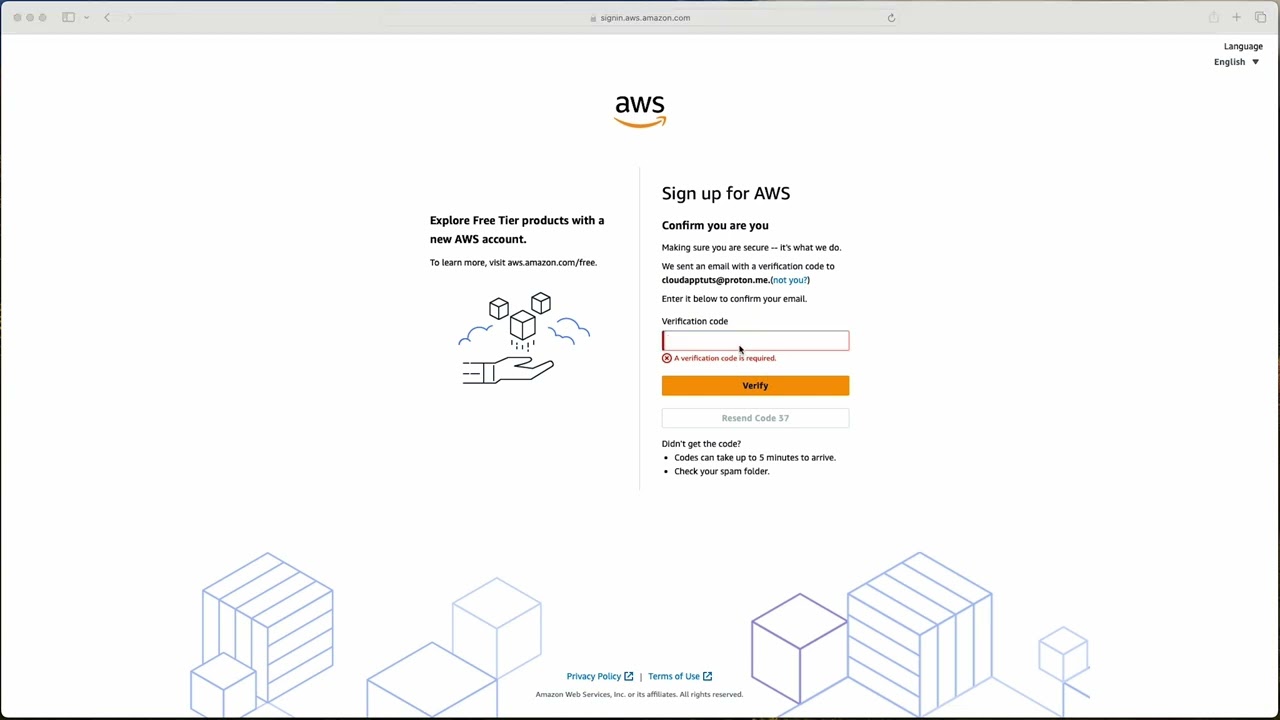
A: A valid email address, a phone number for verification and a payment method (credit or debit card). Even with the Free Tier, AWS requires a payment method to secure your account.
Q: Will I be charged during the sign up process?
A: AWS may authorise a small charge on your payment method for verification but this is refunded shortly after verification is complete.
Q: Can I follow this tutorial without any cloud experience?
A: Yes! This video is for total beginners and walks you through each step.
Subscribe:
If you liked this video please like, subscribe and share with anyone who wants to get started with AWS. Comment below if you have questions or need help.
What’s Next?
Now that you have your AWS account up and running, let’s get into the cloud! In the next video I’ll be walking you through the AWS Management Console and we’ll start building a basic Next.js app!
Subscribe and hit the notification bell to stay tuned for the series!
Let’s get started!
#AWS #CloudComputing #AWSTutorial #CloudDevelopment #TechTutorial #BeginnersGuide #AWSAccountCreation
Повторяем попытку...
Доступные форматы для скачивания:
Скачать видео
-
Информация по загрузке: