Mastering Elecraft K3S Power Levels For WSJT-X FT8 Success
Автор: Ham Radio Adventures With K0PIR
Загружено: 2024-07-10
Просмотров: 1410
Описание:
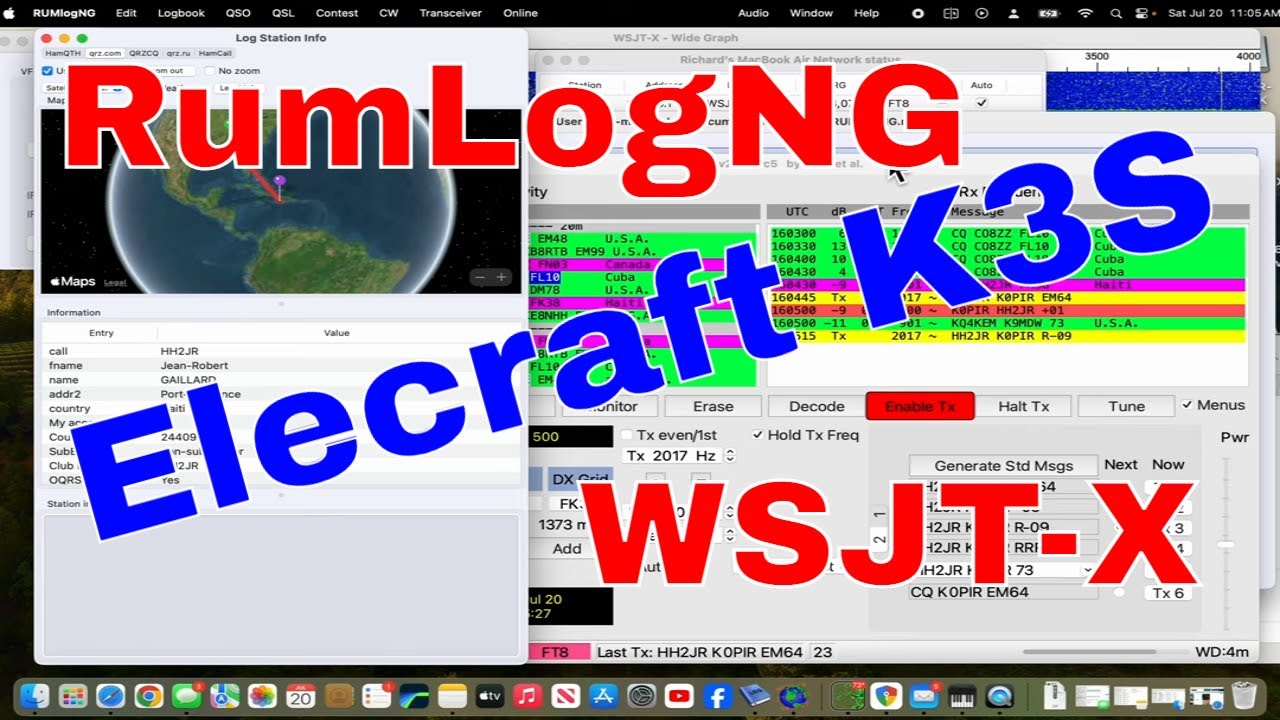
In this video, I take you along as I set up my trusty Elecraft K3S in my camper while camping in Alabama this summer. This is no easy task, but I show you how I did it. I hope you find this video helpful, and I would love it if you would subscribe to my channel for more videos like this!
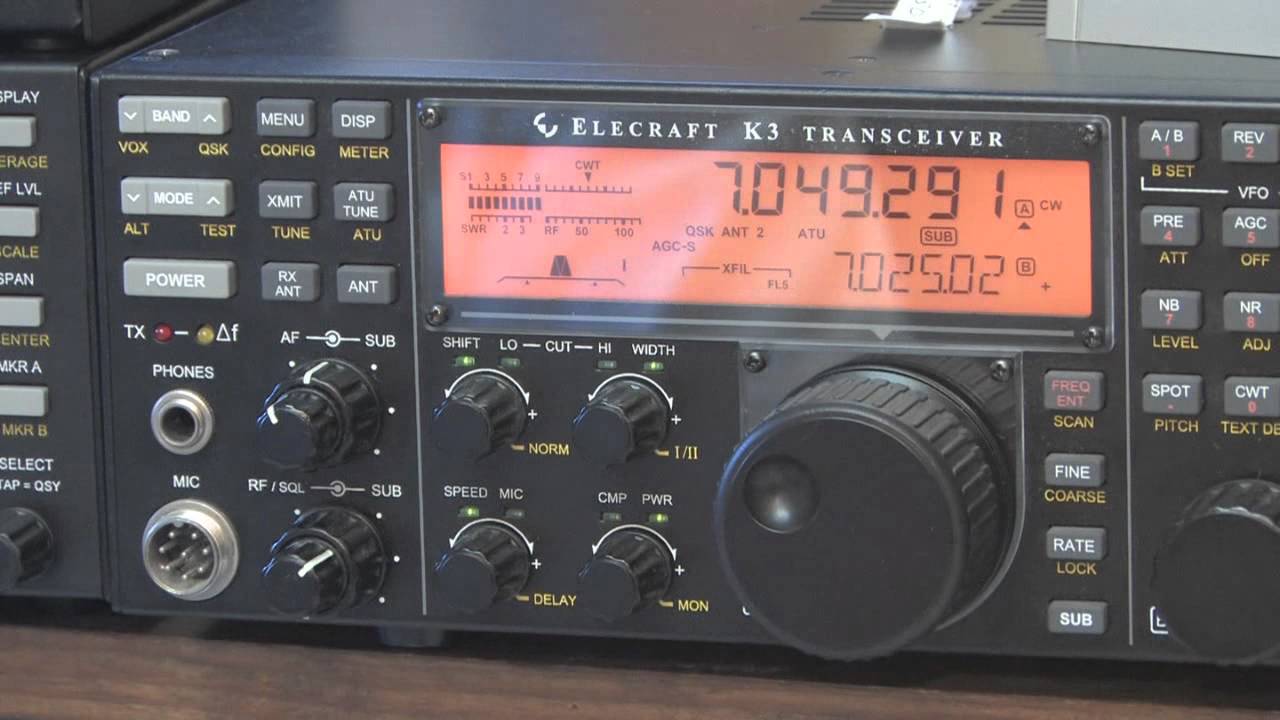
In my Elecraft K3S I have the KIO3B board (sound card) installed. The USB cable is a simple printer cable going from the K3 to the laptop. The software driver for this is here.
First, you should be using DATA A mode. WSJT-X will set it correctly when connected. Set the K3/K3S MIC SEL to LINE and set the level to about 30 (midrange). This will be done by rotating the MIC knob on the radio. Must be in DATA A Mode to see this.
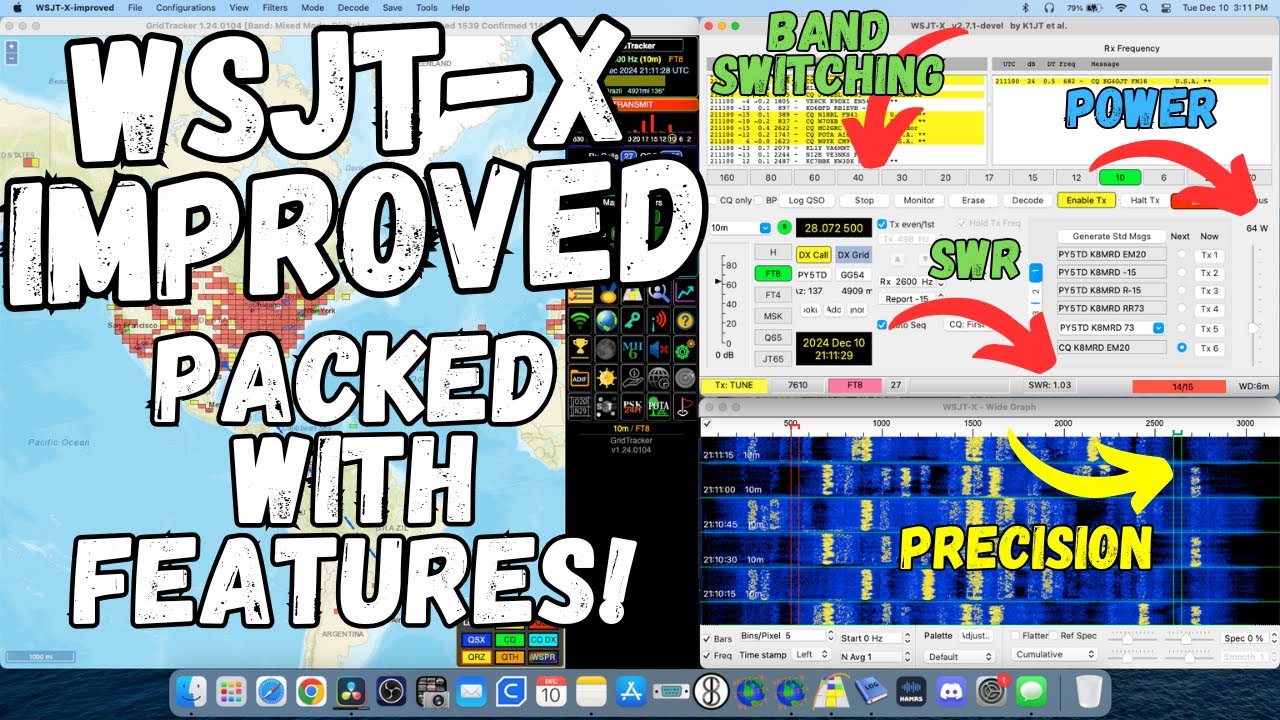
In WSJT-X, adjust the power slider to the middle of the scale. It is important to note that the power slider in WSJT-X controls the output power of the software, not the transceiver. Use the RF power control on the K3 to increase or decrease power output.
In Windows adjust the Speakers (USB Audio CODEC) to 50%.
Start by setting the RF power control on the Elecraft K3S to a level that matches your desired output power. It is recommended to start with a lower power setting and gradually increase it until you achieve the desired signal strength.
Monitor the ALC meter on the Elecraft K3S while transmitting. The ALC meter should ideally stay within the 4 to 5 bar range, indicating that the ALC is properly controlling the output power. If the ALC meter goes higher than 5 bars, it means that the ALC is limiting the output power, and you should reduce the Line/Mic control (see video). The 5th bar is the “NO ALC” point for the K3/K3S.
Monitor the power output and signal quality while transmitting. Use the WSJT-X software's built-in signal reports, the Elecraft K3S's power meter (external if you have one) and ALC meter to ensure that the power output is within the desired range and that the signal quality is optimal.
I'm an Amateur Radio enthusiast. I love the hobby and experimenting with radios, antennas and software. I have a lot of fun. On my YouTube channel I upload videos mostly on the Icom 7300 and Icom 7610 as well as Ham Radio software programs. I hope to inspire people to get involved in Amateur Radio.
Want to buy what I use in these videos? (Affiliate links below)
Diesel Heater for camper ► https://ebay.us/PWa1NJ
This is a neat little portable CW paddle ► https://ebay.us/pM7pYx
Stove top espresso maker► https://ebay.us/F06HRV
Icom 7300 & 7610 Accessories page► https://www.k0pir.us/icom-7300-access...
Icom 7300► https://ebay.us/NdNy3D
Arborist throw line► https://ebay.us/GIRiA3
Portable Solar Panel► https://ebay.us/JAcWVQ
CW Interface► https://ebay.us/OYz3xq
CI-V Cable► https://ebay.us/vvwZFJ
Yamaha CM500 headset mic► https://ebay.us/4RMExO
BM800 Microphone► https://ebay.us/i0Yltb
Icom SM-50 Microphone► https://ebay.us/9EJnew
○○○ LINKS ○○○
For everything Ham radio related please visit my website ► http://www.K0PIR.us
My Instagram feed ► /
My Twitter feed ► / k0pir
Facebook page ► / hamradiok0pi. .
Visit my QRZ page ► https://www.qrz.com/db/K0PIR
Thanks for watching! Please like, subscribe and share!
Best 73 – Rich, K0PIR
*Affiliate links may reward me with monetary gains. You will not be charged any extra for using the links above.
00:00 Introduction
00:15 K3 Menu
08:24 Windows Sound
10:55 WSJT-X Setup
#hamradio #elecraft #wsjt
Повторяем попытку...

Доступные форматы для скачивания:
Скачать видео
-
Информация по загрузке: