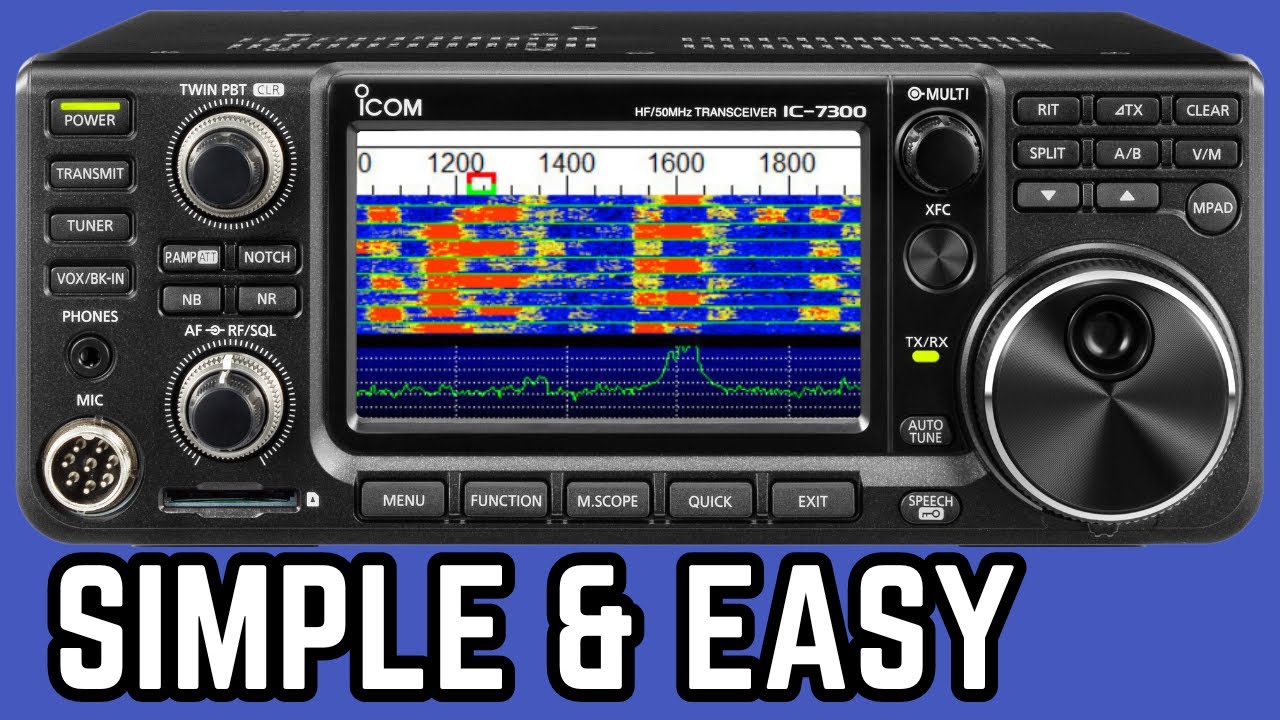
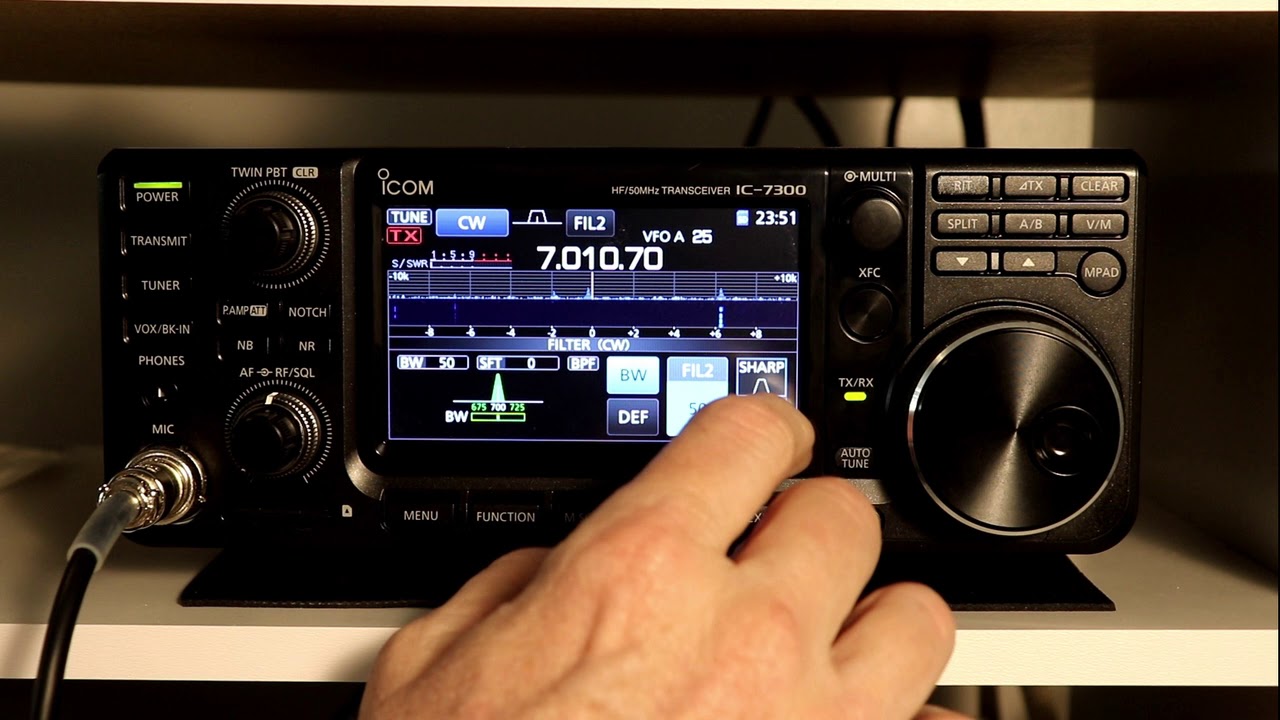
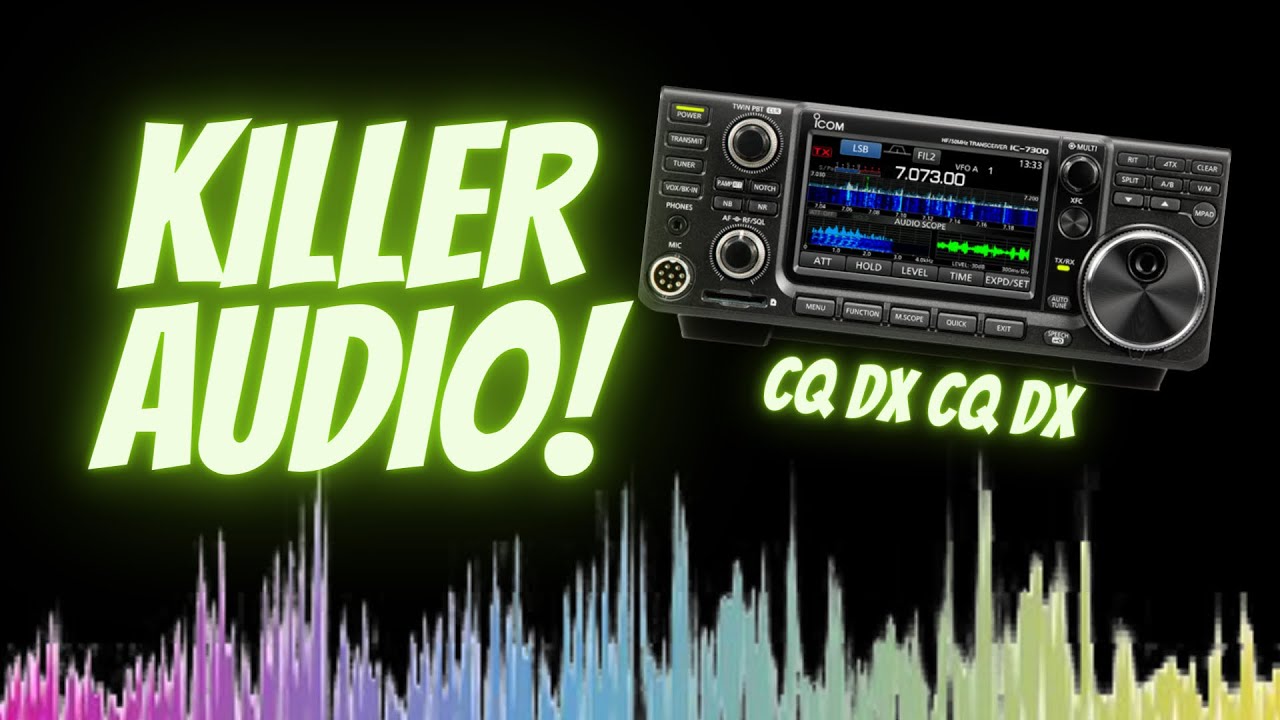
Master your IC-7300 WSJT-x Setup for flawless communication
Автор: ND3N Ham Shack Chat
Загружено: 2024-01-24
Просмотров: 10664
Описание:
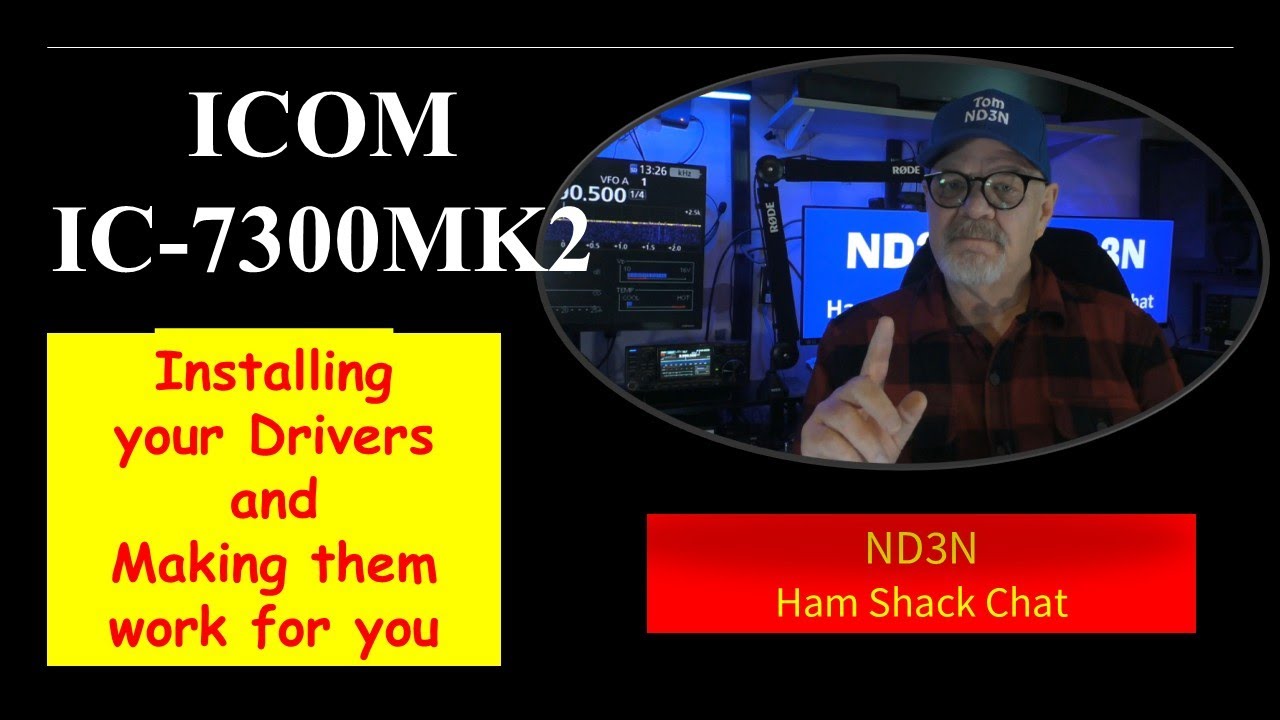
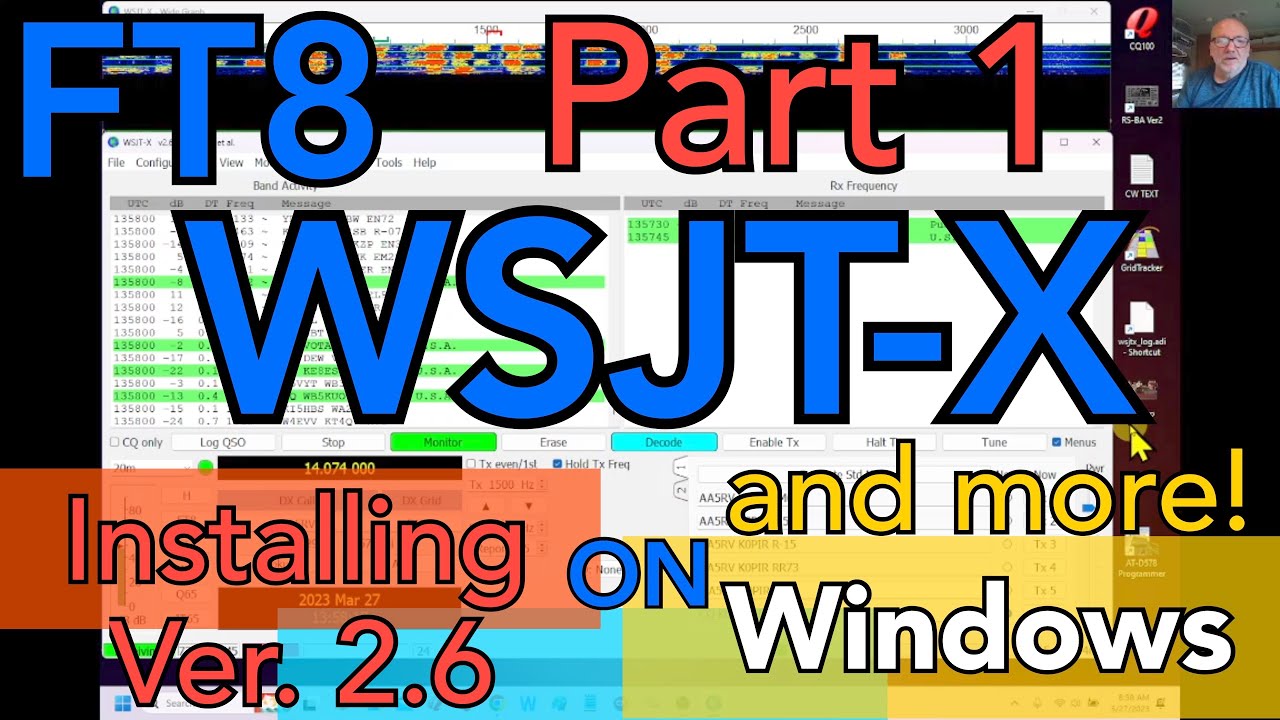
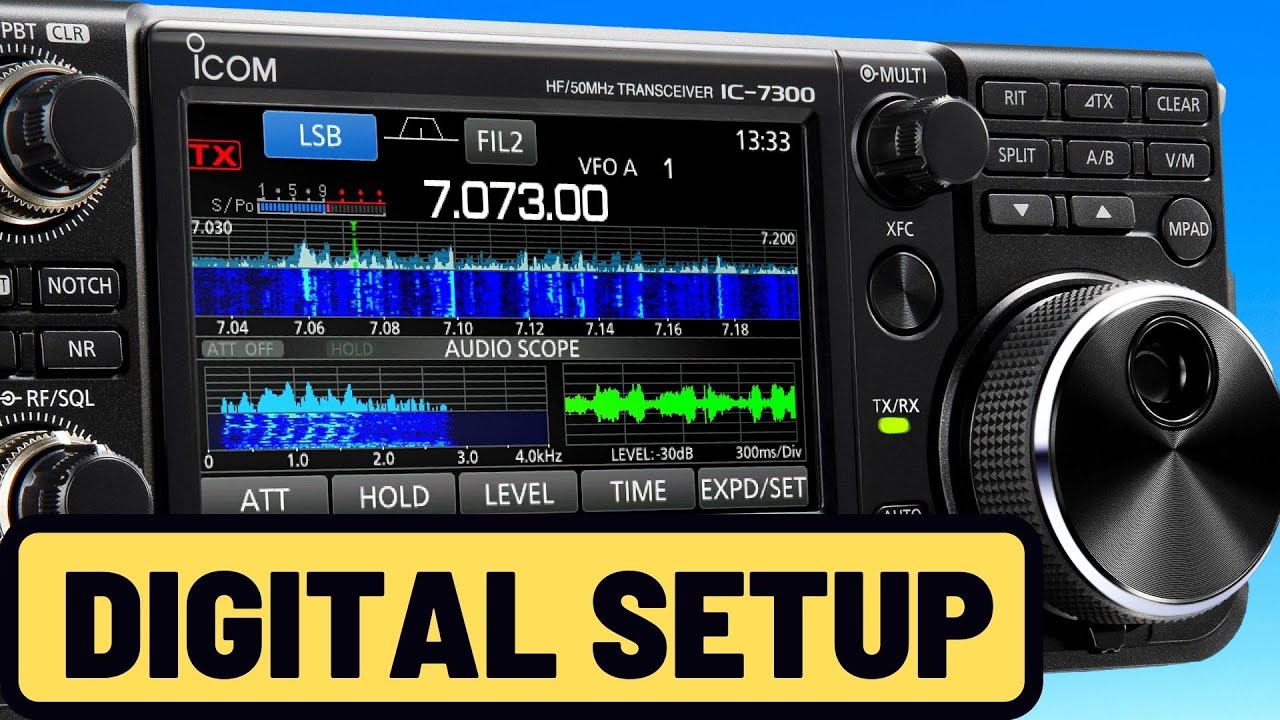
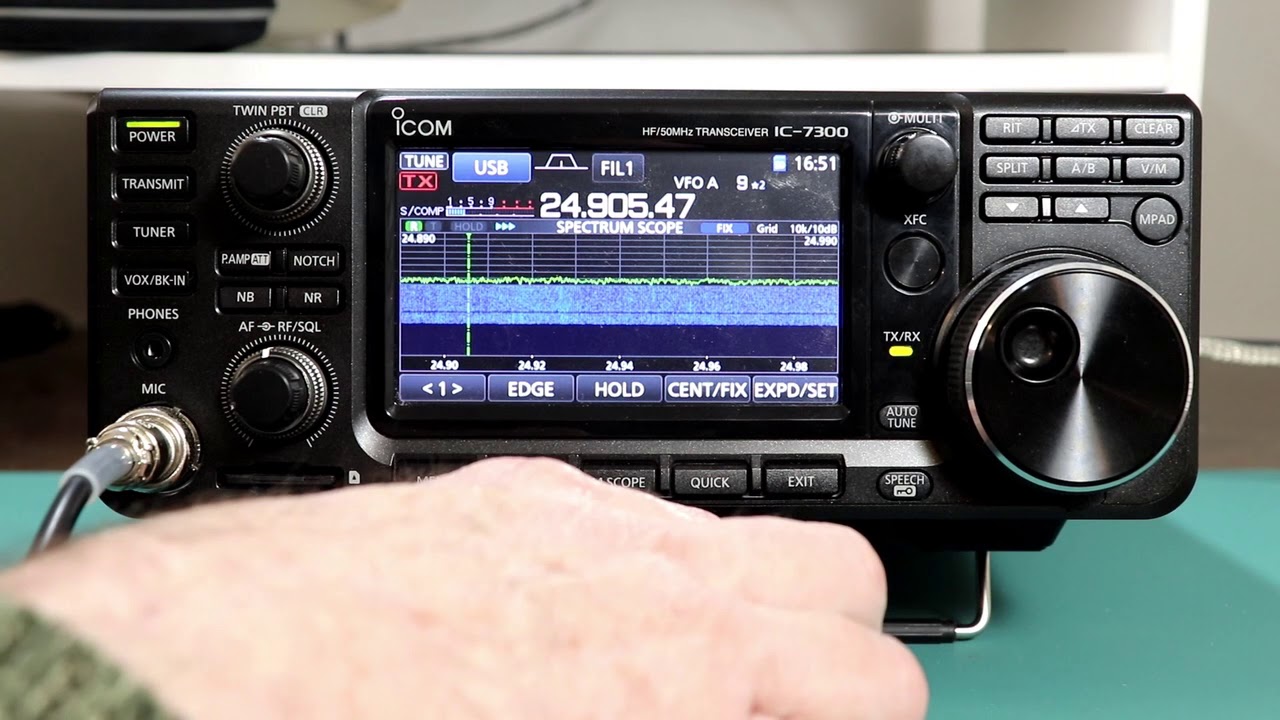
Arguably, the ICOM IC-7300 is one of the most popular rigs in Ham Radio. Also arguably, WSJT-x/FT8 is one of the most popular modes on the air today. So, this video comprehensively presents everything you need to make the magic happen.
Links:
IC-7300 Manuals and Driver download page:
https://www.icomamerica.com/lineup/pr...
WSJT-x S/W Download page:
https://wsjt.sourceforge.io/wsjtx.html
Dimension 4 (Time keeping) Download page:
http://www.thinkman.com/dimension4/do...
My Video about Dimension 4:
• How Dimension 4 Can make better TIME for H...
Chapters:
01:32 Setting up your computer
07:32 Setting up your IC-7300
15:20 Setting up WSJT-x
18:19 FT8 Operations and Demo
Setup review:
– Setting up your computer
a. Turn your rig and power supply off
b. Download and install drivers
c. Tip – also download manuals (Basic and Full)
d. Download WSJT-x
e. Go ahead and turn your power supply and rig back on
f. Make sure your time is synchronized
– Setting up your rig (Tip: Use a stylus instead of your finger)
a. Mode (USB-D)
b. Filters
c. Multi-Knob Press
a. RF Power (keep it low)
b. Monitor Level
d. Function Screen
a. P.AMP 1
b. AGC: MID
c. NOTCH: OFF
d. NB & NR: OFF
e. IP+: ON
f. VOX: OFF
g. MONI: ON
e. MENU: Tone Control/TBW
a. TX: TBW: 200-2700
f. MENU: FUNCTION
a. TX Delay (HF and 50M): OFF
b. Time-Out Timer (CI-V): OFF
c. TUNER Switch: Auto
g. MENU: CONNECTORS
a. ACC/USB Output Select: AF
b. ACC/USB AF Output Level: 50% (adjust later if needed)
c. ACC/USB AF SQL: OFF (Open)
d. ACC/USB IF Output Level: 50%
e. USB MOD Level: 50%
f. DATA MOD: USB
g. CI-V/CI-V Baud Rate: Show options, Select Options, Mine is 9600
h. CI-V/CI-V Address: 94h
i. CI-V/CI-V Transceive: ON
j. CI-V/CI-V USB Port: Unlink from REMOTE
k. CI-V/CI-V USB Baud Rate: Pick your favorite, mine is 115200
l. CI-V/CI-V USB Echo Back: ON
m. CI-V/CI-V Serial Function: CI-V
– Setting up WSJT-x / FT8 demo
a. Device Manager/Ports (COM & LPT)
b. Pick (Silicon Labs CP210x USB to UART Bridge (COM?) (Make a note of your COM Port number.)
c. TIP Label your rig
d. Double Click to open and click on Port Settings
e. Bits per second: Select your data rate
f. Data Bits 8, Parity None, Stop Bits 1, Flow control: none
g. Run WSJT-x and open File/Settings
h. Select General Tab
a. My Call
b. My Grid
c. IARU Region: All
d. Full Call in Tx1
i. Display
a. Select Blank Line
b. Display distance
c. Tx message
d. Show DXCC, grid
j. Behavior
a. Double-click on call
b. Calling CQ forces
k. Select Radio Tab
a. Select your Rig
b. CAT Controls
i. Serial Port
ii. Baud Rate
iii. Data Bits
iv. Stop Bits
v. Handshake
c. PTT Method: CAT
d. Mode: Data/Pkt
e. Split: None
f. TEST CAT – TEST PTT
l. Select Audio Tab –
a. Input and Output set to USB Audio CODEC
b. Save Directory and AzEl directory: leave on default
c. Click the OK button to exit settings
m. In the Main Control Page.
a. Select Hold Tx Freq
b. Select Auto Seq
c. Select FT8
n. Select best band
a. Waterfall
i. Four sliders, upper left move slider to the right to see all the signals, including the weak ones.
ii. Find a frequency open on both transmit and receive
iii. Adjust to that frequency by Ctrl/click
iv. Reduce intensity of waterfall by moving slider to the left
v. Adjust Bins/Pixels up and down to show full BW
vi. Adjust Start to 300 Hz
vii. Adjust N Avg to 1, controls how fast the water falls…
b. Select Tune and adjust your ALC
i. Use vertical Pwr slider on the far right up and down until ALC is indicating between 1/3 and ½ full scale.
Thanks for watching. Please remember to Like, Share, and Comment. And please consider subscribing to this video.
73 de Tom, ND3N
Повторяем попытку...
Доступные форматы для скачивания:
Скачать видео
-
Информация по загрузке: