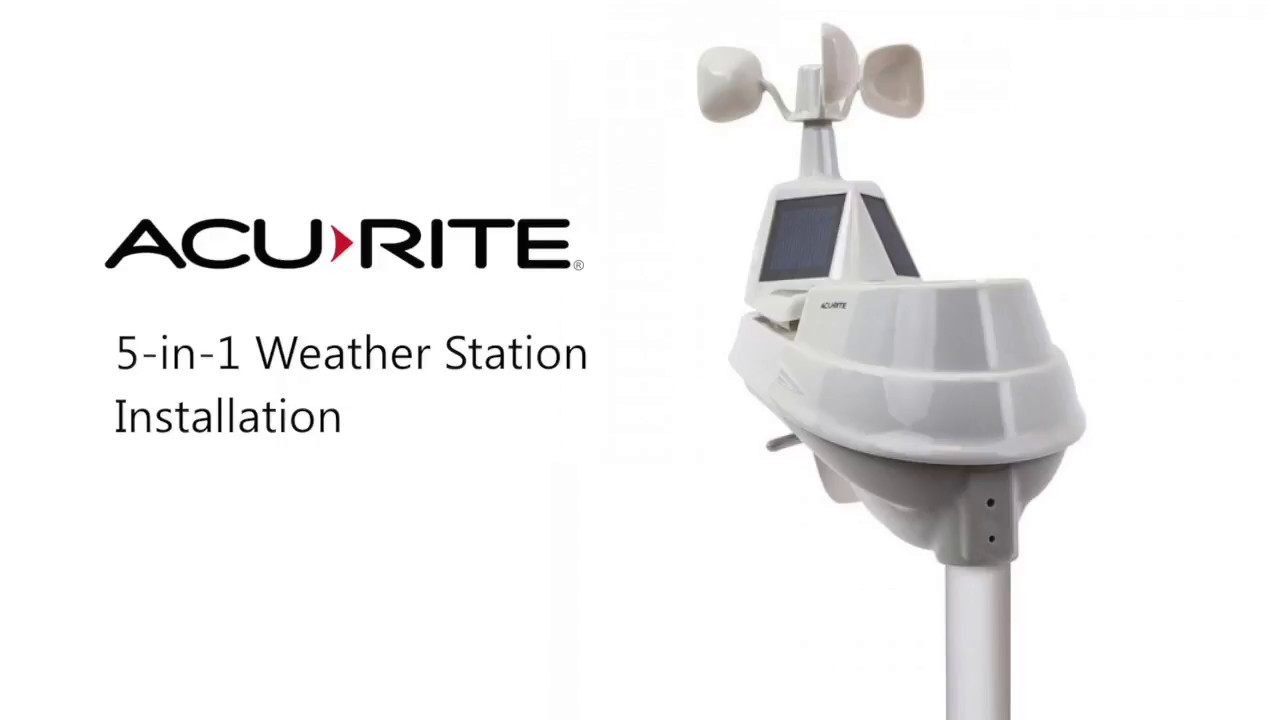
Install the AcuRite 5-in-1 Weather Sensor
Автор: AcuRite
Загружено: 2012-01-18
Просмотров: 179560
Описание:
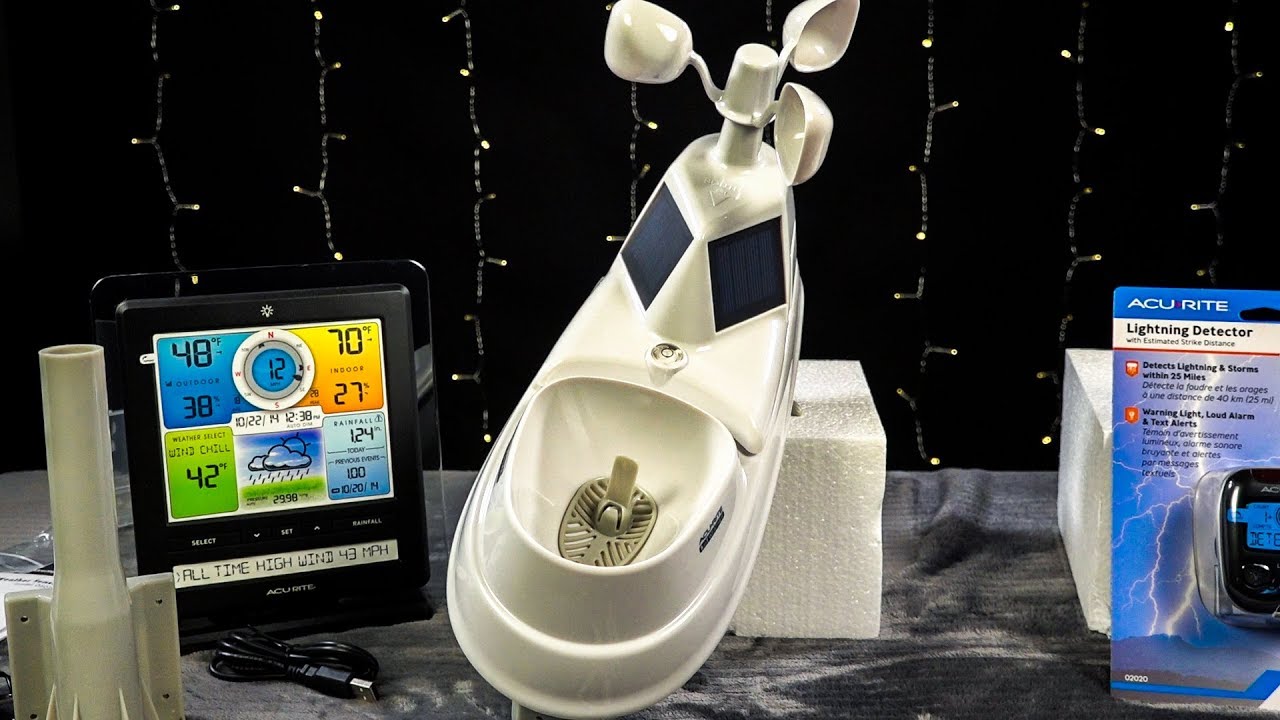
https://www.acurite.com/learn/install... AcuRite 5-in-1 Weather Sensor installation video. AcuRite's 5-in-1 includes 5 weather features built into 1 sensor: Temperature, Humidity, Wind Speed, Wind Direction & Rainfall
Video Transcript:
"To set up your 5-in-1 sensor, you need the sensor, the mounting base, two short screws and four long screws. First, remove the battery cover located on the bottom of the sensor, then set the A/B switch to A. Insert four "AA" batteries into the sensor and close the cover. Next, fasten the mounting base to a post or pole with four screws. Insert the mounting base into the hole of the bottom of the sensor. Make sure the arrows on top of the senor are pointed in the proper direction, and the bubble level is centered. Fasten the sensor to the mounting base with two screws. Then remove and discard the rain gauge stabilizer on the bottom of the unit. Your 5-in1 sensor is now ready to use."
Повторяем попытку...

Доступные форматы для скачивания:
Скачать видео
-
Информация по загрузке: