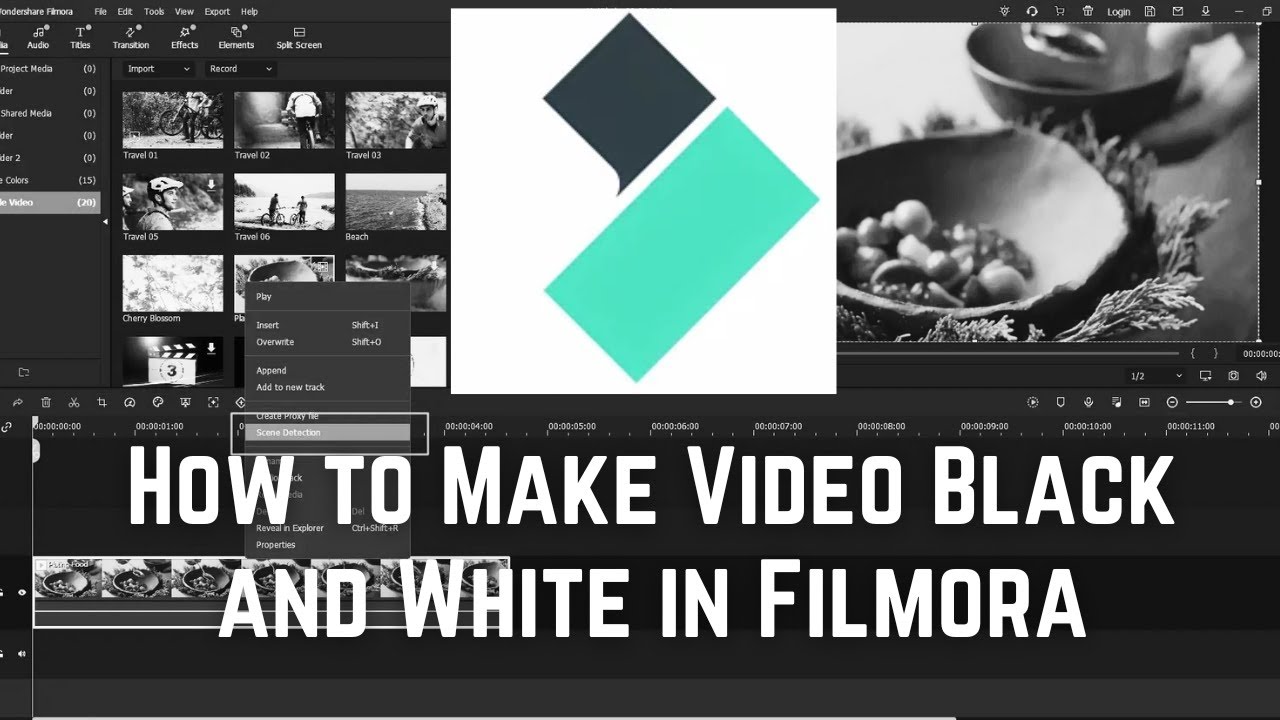
How To Use Zoom Out Effect in Your Video in Filmora
Автор: ProgrammingKnowledge2
Загружено: 2023-04-08
Просмотров: 3475
Описание:
The Zoom Out effect in Filmora is a popular effect that can be used to create a dramatic transition or emphasize a change in perspective in your video. Here are the steps to use the Zoom Out effect in your video in Filmora:
Step 1: Import Your Video Clip
Import your video clip to Filmora's timeline by dragging and dropping the file into the timeline.
Step 2: Split the Clip
Split the clip at the point where you want the Zoom Out effect to begin by clicking on the scissors icon located in the toolbar above the timeline.
Step 3: Add Zoom Out Effect
Click on the "Zoom" button located on the toolbar above the timeline. This will open the "Zoom" settings window.
Step 4: Adjust Zoom Out Settings
In the "Zoom" settings window, adjust the "Zoom Out" settings to create the desired effect. You can also adjust the duration of the effect by dragging the slider located under the "Zoom Out" setting.
Step 5: Preview the Effect
Preview the effect to make sure it looks the way you want it to. You can do this by clicking on the "Play" button located in the preview window.
Step 6: Export the Video
Once you're satisfied with the effect, export the video with the Zoom Out effect applied.
That's it! You've now learned how to use the Zoom Out effect in your video in Filmora.
Повторяем попытку...

Доступные форматы для скачивания:
Скачать видео
-
Информация по загрузке: