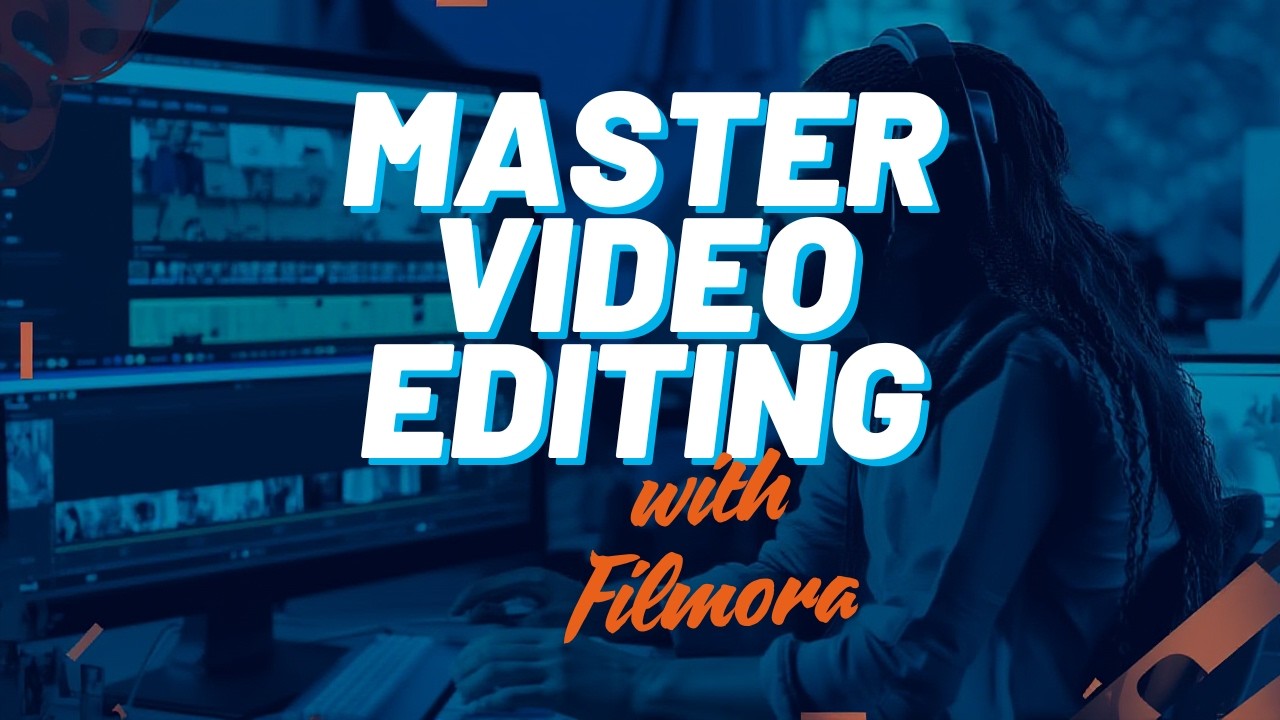
Filmora LAYERS EFFECTS ANIMATION
Автор: Digital Academy
Загружено: 2026-02-13
Просмотров: 4
Описание:
Stop guessing and start creating! If you’ve ever wondered how professional editors get smooth motion graphics and animations, the secret is Keyframing. In this complete guide, I’m breaking down everything you need to know about mastering animation in Wondershare Filmora.
👇 DOWNLOAD THE FREE ASSETS:https://www.udemy.com/course/wondersh...
Whether you're a complete beginner or you've been editing for a while, this tutorial will help you take your videos from static to cinematic. We’ll go frame-by-frame so you never feel lost.
📌 In this deep dive, you’ll learn:
🔹 What is Keyframing? The simple concept explained simply.
🔹 The "Aha!" Moment: How to add your first keyframe in under 60 seconds.
🔹 Advanced Motion: Creating zoom effects, pan effects, and moving text.
🔹 Real-World Project: We'll edit a short intro sequence together using only keyframes.
🔹 Troubleshooting: Why your keyframes might not be working (and how to fix it).
Filmora for Beginners: The COMPLETE Start-to-Finish Course
Welcome to the ultimate Filmora Masterclass! If you are brand new to video editing and feel overwhelmed by the software, you are in the right place.
Filmora has come a long way in recent years! It’s a really solid video editing software for a range of users on both Mac and Windows.
It has a bunch of awesome new AI tools AND an updated interface. We’ll run through all the new features and some helpful Filmora editing tips along the way.
This complete guide will provide everything you need to know! You’ll learn how to use Filmora, quickly & easily.
Filmora 14 is an all-in-one video editing app, and it’s one of the most beginner-friendly video editing apps out there. And they have recently added a ton of useful AI tools to speed up and simplify your editing process.
Creating Project & Import Media
When you open Filmora, you need to create a project. Choose an aspect ratio first and then click New Project.
Start by importing your media. This could be your own video clips or stock footage that helps tell your story.
How to Do It: Simply select your files and import them into your editing software.
Drag to Timeline: Grab your video and drag it to the timeline to get started
Cutting Clips: Use the Cut tool to remove parts you don't need. For middle cuts, apply the Cut tool twice and delete the unwanted section.
Rearranging Clips: Feel free to drag clips around the timeline to change their order.
Adding Video Tracks: If you need to layer videos, add more video tracks to your timeline
Adding Audio Tracks: Create separate tracks for dialogue and music to keep things organized
Working with Audio. Music and voice-over
Adding Audio: Find the audio panel, then drag your choice of audio, voice-over, or music to your project
Working with Audio. Music and voice-over
Adding Audio: Find the audio panel, then drag your choice of audio, voice-over, or music to your project
Smooth Transitions: Check the transitions menu to add smooth cuts between clips
Effects and Filters: Apply filters and animated elements to elevate your video's look
There is a library of stickers and graphics to spice up your edit
Don't Lose Progress: Regularly save your project to avoid losing your edits
Once you're happy with your edit, export your video and upload it to your chosen platform
🔥 THE COMPLETE ROADMAP (Course Playlist): • filmora last edition
Lesson 1: Interface & Setup (You are here)
Lesson 2: Importing & Organizing Your Media
Lesson 3: The Art of Cutting & Trimming
Lesson 4: Adding Transitions & Effects
Lesson 5: Working with Audio (The Secret to Quality)
Lesson 6: Titles & Text Animation
Lesson 7: Color Correction vs. Color Grading
Lesson 8: Exporting for YouTube, Instagram & TikTok
👨💻 What you’ll need:
A computer (PC or Mac) with Filmora installed.
Some raw footage (I provide a free pack below!).
A desire to create!
Don't forget to SUBSCRIBE and hit the bell 🔔 so you don't miss the next lesson!
Music from #Uppbeat (free for Creators!):
https://uppbeat.io/t/paulo-kalazzi/he...
License code: SE71JX223AJ5NZ5P
Music from #Uppbeat (free for Creators!):
https://uppbeat.io/t/poetri/bloom-and...
License code: AJDZDLHYLKFA4BVH
you can get to all my courses on udmy :
https://www.udemy.com/course/learn-au...
contact on whatsapp for package :
+201027467743
free lance work on upwork :
link to my account on upwork :
https://www.upwork.com/freelancers/~0...
if you want full courses, materials,presets,programmes with its packages
contact my whatsapp account : +2 01027467743
#FilmoraForBeginners #VideoEditingCourse #LearnFilmora #ContentCreatorS
#FilmoraTutorial #VideoEditing #Keyframe #WondershareFilmora
Повторяем попытку...

Доступные форматы для скачивания:
Скачать видео
-
Информация по загрузке: