TOUCH DESIGNER Tutorial For Absolute Beginners :Learning the Interface(Parameters,Networks and OPs)
Автор: Saka studios
Загружено: 2026-01-12
Просмотров: 21
Описание:
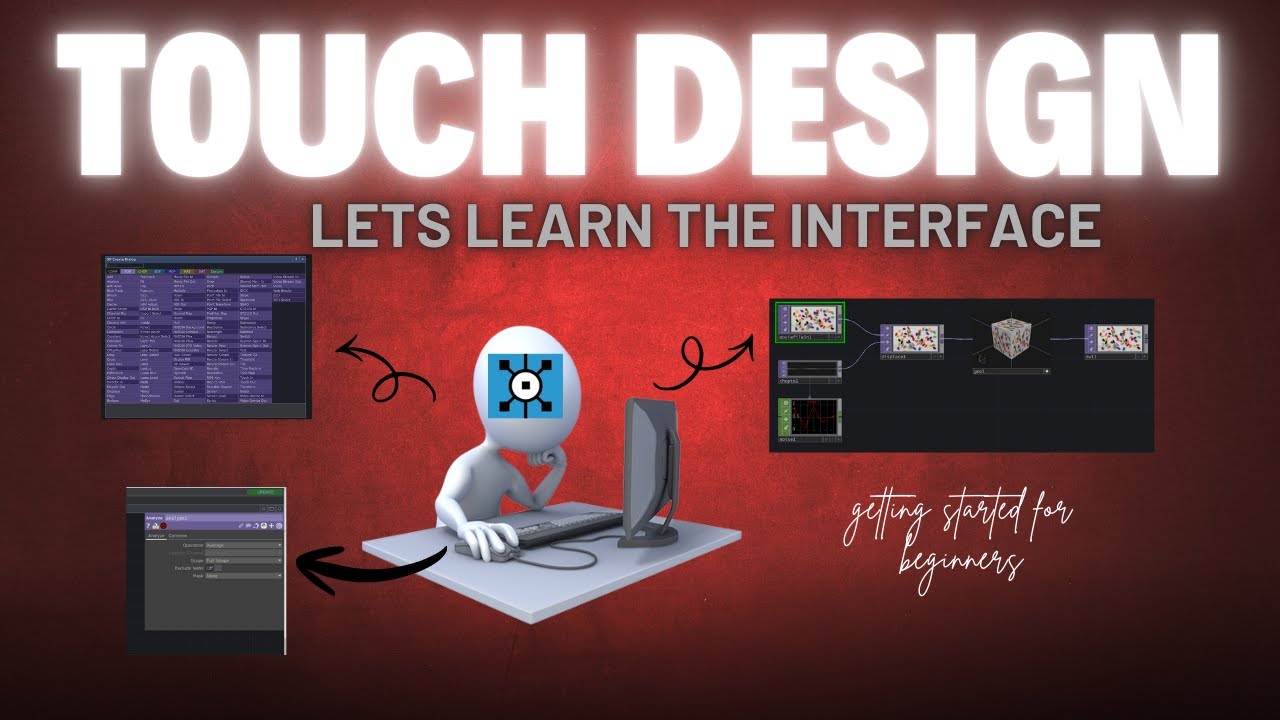
The interface of any application is a visual metaphor, and TouchDesigner is no different. Its network-based interface functions as an expansive workspace where operators essentially visual functions are connected together to generate different types of output, including visuals, audio, and data. Instead of working through layers or timelines, you build systems by wiring these operators together.
At the top of the application window are the main menus used to manage the TouchDesigner environment. These include File, Edit, Dialogs, and Help, where you’ll find essential options such as project settings, preferences, and common application dialogs.
At the core of TouchDesigner is the creation of operators. The primary way to add them is through the OP Create dialog, which you can open by pressing Tab or double-clicking on an empty area of the network. Operators are organized into families, and within each family you’ll find both generators and filters. Generators are shown in a darker shade of the family color and are responsible for creating data, meaning they only have outputs. Filters appear in a lighter shade and are used to modify that data, taking an input and producing a transformed output.
Understanding this visual language operators, families, generators, and filters is the foundation of working efficiently in TouchDesigner and thinking in networks rather than linear workflows.
Повторяем попытку...
Доступные форматы для скачивания:
Скачать видео
-
Информация по загрузке: