Tutorial Safety Designer (1/2): Configuring a 4-Signal Muting Solution with deTec4 and DMM4
Автор: SICK Sensor Intelligence
Загружено: 2025-02-03
Просмотров: 1713
Описание:
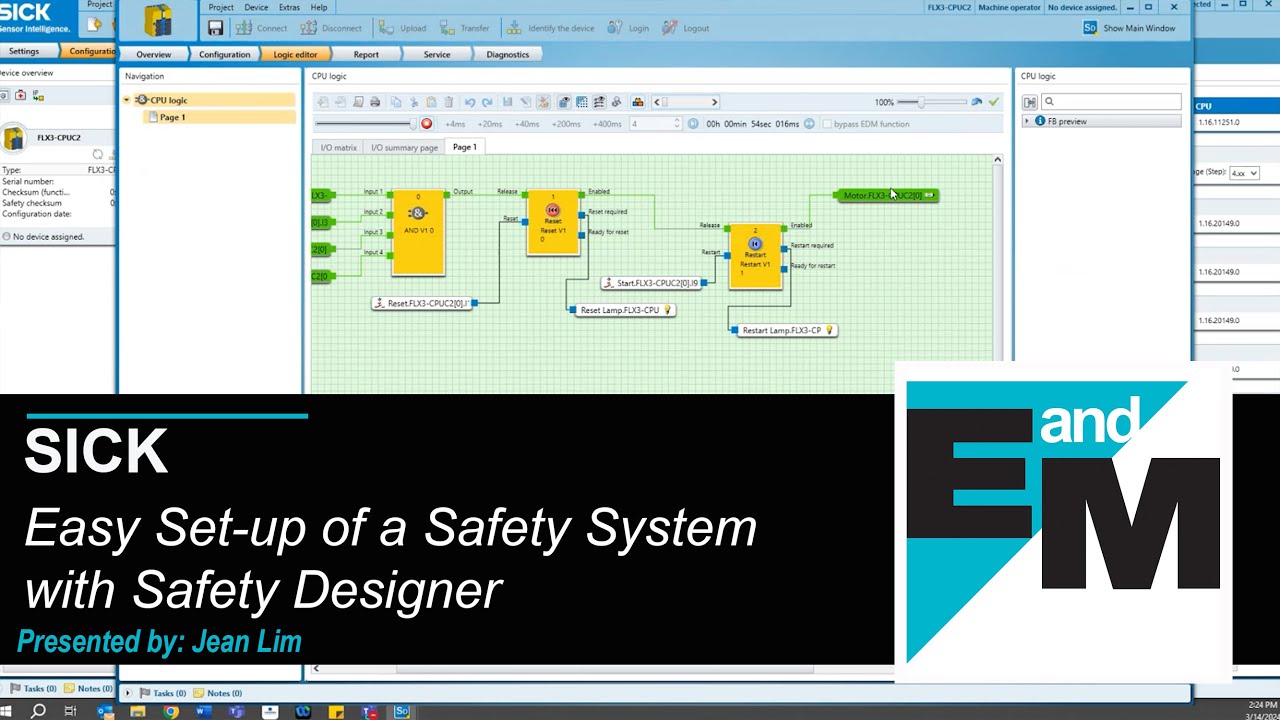
Unlock the full potential of safety light curtains and safety multibeam sensors from SICK with our step-by-step guide to configuring the hardware for a 4-signal muting solution using the DMM4 extension module. This tutorial will walk you through the entire process using our intuitive Safety Designer software, which you can download for free on sick.com.
In this video, you will learn:
How to start a new project in offline mode
Step-by-step configuration of inputs and outputs for a 4-signal muting solution
Connecting external devices like muting lamps and command devices
Assigning muting sensors and configuring safety devices
Setting up different muting operating modes for varying object heights.
Stay tuned for the next tutorial where we will configure the muting parameters!
Please note that you can use the DMM4 extension module not only for the deTec4 safety light curtain, but also for the deTem4 A/P and deTem4 safety light-beam sensors. Visit our website for more information and to download the Safety Designer software.
Click here for more information:
https://www.sick.com/DMM4
Video chapters:
0:00: Introduction
0:24: Download the Safety Designer
0:29: Starting a New Project in Offline Mode
0:50: The Configuration window
1:04: Connecting devices
2:14: Operating modes for different object heights
2:32: Wrap-up and next steps
If you like this video, please give us a like below and subscribe to our channel.
Follow us:
LinkedIn: / sicksensorintelligence
Instagram: / sick_sensor_intelligence
Facebook: / sicksensorintelligence
X (formerly Twitter): / sick_de
For information and general inquiries please contact:
https://www.sick.com/contact
Повторяем попытку...

Доступные форматы для скачивания:
Скачать видео
-
Информация по загрузке: