Digitize for appliqué with Wilcom's EmbroideryStudio
Автор: Wilcom
Загружено: 2019-03-24
Просмотров: 17993
Описание:
Captions: English / 日本語字幕
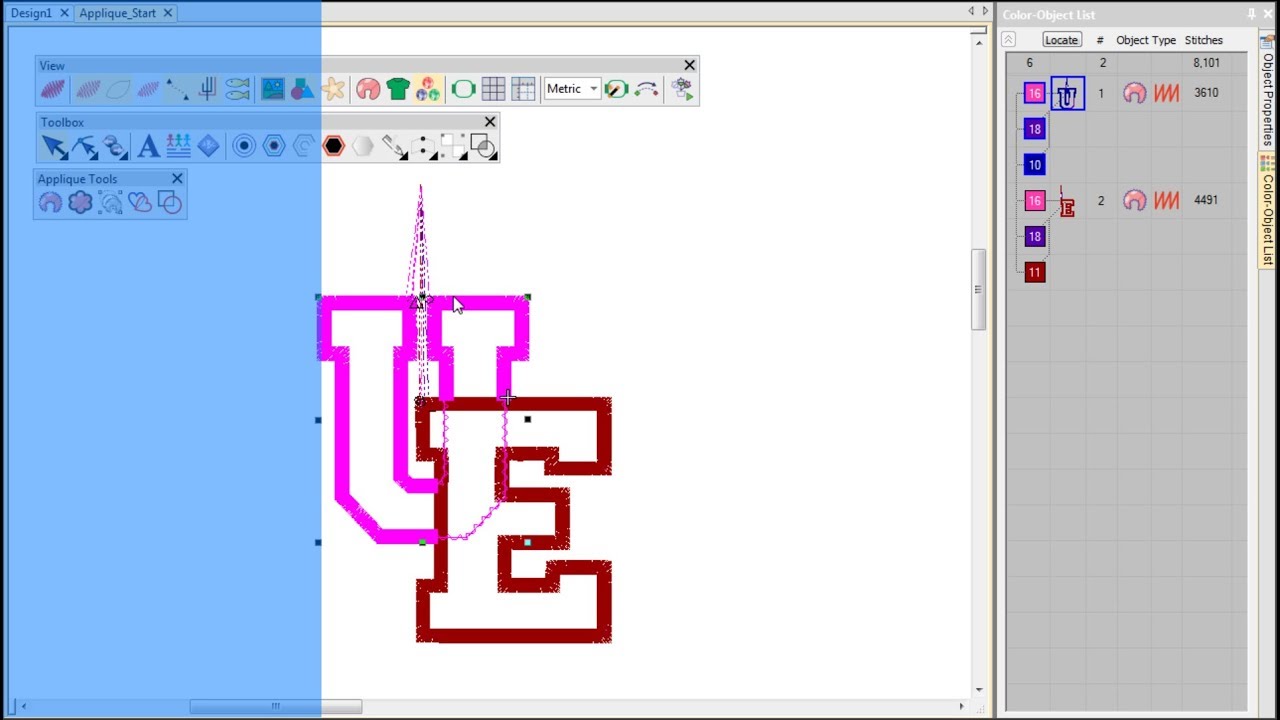
Automatically create all the stitching you need for appliqué using the Wilcom's 'Auto Appliqué' tool. You can create appliqué objects with partial cover stitching without doubling-up borders with 'Partial Appliqué'. Watch the video for an introduction to using these powerful tools in EmbroideryStudio e4.2.
For more information about this feature, see https://www.wilcom.com/help/e4/es/en/...
For commercial information about Wilcom products and services, see https://www.wilcom.com.
For official Wilcom news and announcements, community ideas and feedback, as well as community self-help, see https://community.wilcom.com.
Printed copies of the EmbroideryStudio User Guide can be ordered from Amazon.com at:
• B&W: https://www.amazon.com/dp/B0F4NGB8XM
• Color: https://www.amazon.com/dp/B0F4KYXJ5Y
Wilcomの自動アップリケツールを使用すれば、アップリケ製作に必要なすべてのステッチを自動的に作成できます。アップリケの部分指定ツールは、部分的に重なりあったアップリケオブジェクトを、上縫いが二重に重なることなく作成することができます。このビデオではEmbroideryStudio e4.2のパワフルな機能をご紹介しています。
**日本語字幕は画面右下の設定(歯車のマーク)をクリックし、字幕>日本語を選択してください**
Повторяем попытку...
Доступные форматы для скачивания:
Скачать видео
-
Информация по загрузке:


