How to Use an Extended Form in Google Forms (Step-by-Step Guide)
Автор: Delft Stack
Загружено: 2026-01-08
Просмотров: 7
Описание:
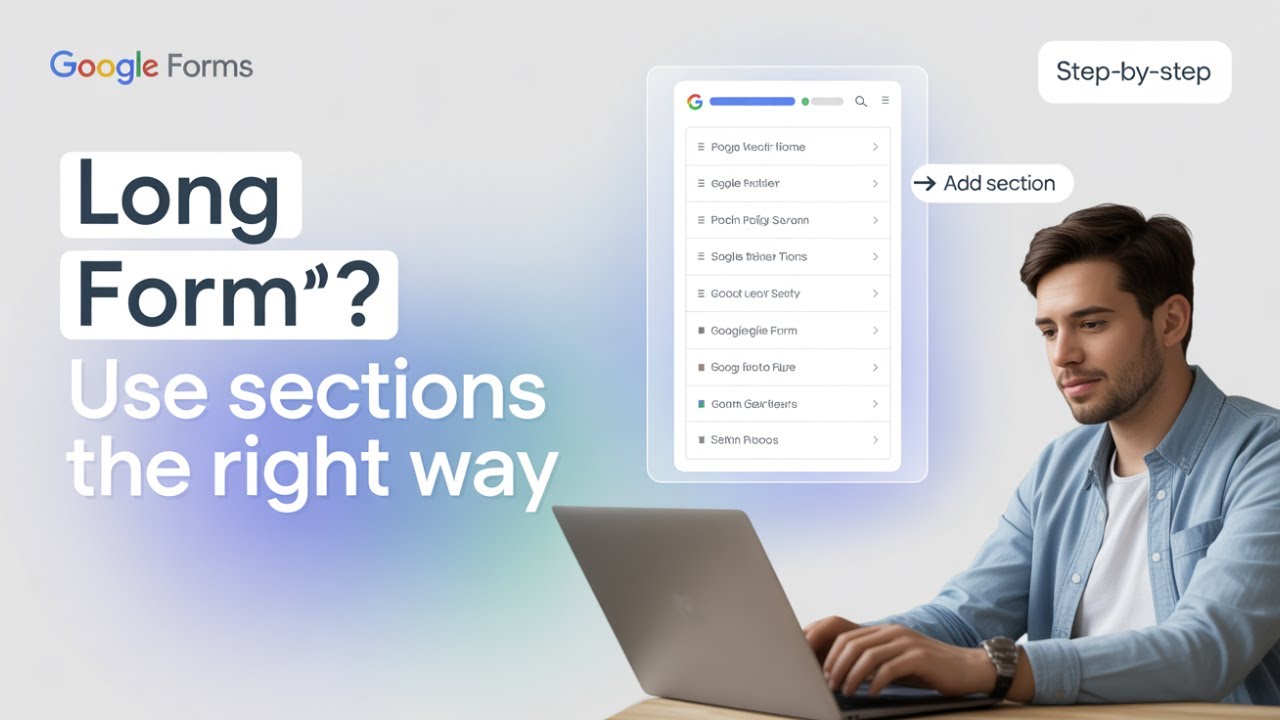
In this DelftStack tutorial, you’ll learn what an “extended form” means in Google Forms and how to create long, well-structured forms using sections and built-in settings. Although Google Forms doesn’t have an official extended form mode, this guide shows you how to design professional, easy-to-complete forms for surveys, registrations, and detailed questionnaires.
🔹 What You’ll Learn in This Video
✅ What an “extended form” means in Google Forms
✅ How to create longer forms using sections
✅ Organizing questions with section titles
✅ Enabling the progress bar for better user experience
✅ Best practices for designing long or detailed forms
⏳ Timestamps
⏱ 00:00 – Introduction
⏱ 00:10 – What Is an Extended Form in Google Forms?
⏱ 00:27 – Creating a New Form and Adding Questions
⏱ 00:40 – Adding Sections to Extend Your Form
⏱ 01:05 – Enabling the Progress Bar
⏱ 01:30 – Summary and Best Practices
📌 Summary
Long or extended forms can overwhelm users if they’re not structured properly. This tutorial shows how to break forms into sections, use progress indicators, and apply best practices so your Google Forms are clear, professional, and easy to complete.
👉 If this tutorial helped you, like the video, subscribe to the DelftStack channel, and turn on the notification bell 🔔 so you never miss the latest tips and tutorials. Let us know in the comments what type of form you’re building!
Повторяем попытку...
Доступные форматы для скачивания:
Скачать видео
-
Информация по загрузке:
![How to Add Bullet Points in Google Sheets [Full Guide 2026]](https://image.4k-video.ru/id-video/pjPesdhnIvw)







![How to Change Language in Google Sheets [Full Guide 2026]](https://image.4k-video.ru/id-video/9TbqgSfb6Kk)