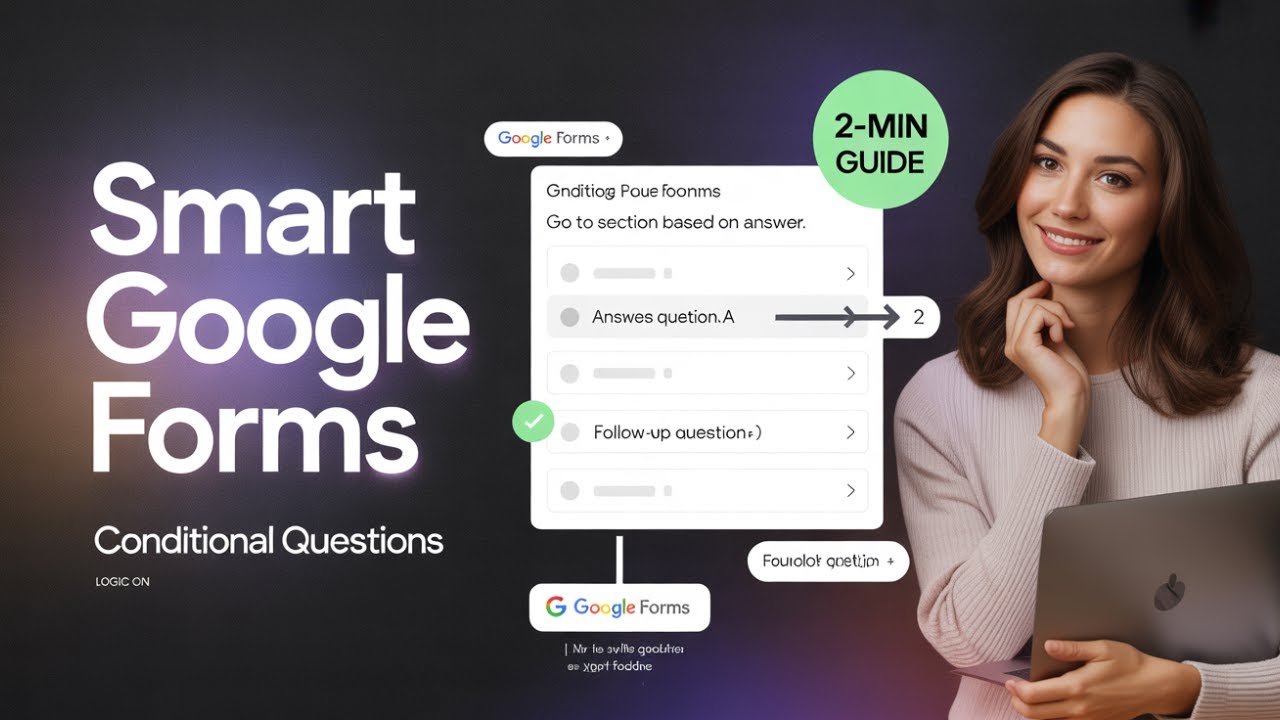
How to Create Conditional Questions in Google Forms
Автор: Delft Stack
Загружено: 2026-01-10
Просмотров: 13
Описание:
Learn how to create conditional questions in Google Forms to make your surveys smarter and more interactive 📋✨ This beginner-friendly tutorial is perfect for collecting feedback, running surveys, or improving form logic with ease.
In just a couple of minutes, you’ll set up simple conditional logic that changes questions based on user responses.
🔹 What You’ll Learn in This Video
✅ Create a new blank Google Form
✅ Add a multiple-choice question
✅ Create a conditional follow-up question
✅ Use “Go to section based on answer” logic
✅ Test and publish a conditional form
⏳ Timestamps
⏱ 00:00 – Introduction to conditional questions
⏱ 00:20 – Create a new Google Form
⏱ 00:35 – Add the main multiple-choice question
⏱ 00:57 – Add a conditional feedback question
⏱ 01:18 – Set conditional logic and test the form
📌 Summary
This tutorial shows you how to use conditional logic in Google Forms so questions appear only when needed. By following these steps, you can build cleaner, more dynamic forms that improve user experience and data quality.
👉 If this tutorial helped you, like the video, subscribe to the DelftStack channel, and turn on the notification bell 🔔 so you never miss the latest tips and tutorials. Let us know in the comments what kind of forms you’re building with conditional logic!
Повторяем попытку...
Доступные форматы для скачивания:
Скачать видео
-
Информация по загрузке:







![Официальное руководство по Power BI MCP — краткое руководство [ноябрь 2025 г.]](https://image.4k-video.ru/id-video/0ZRDTZm1iaI)




