How to Use SharpTools Themes & Styles | SmartThings Dashboards (2020)
Автор: SimplySmart123 ✅
Загружено: 2020-11-20
Просмотров: 7047
Описание:
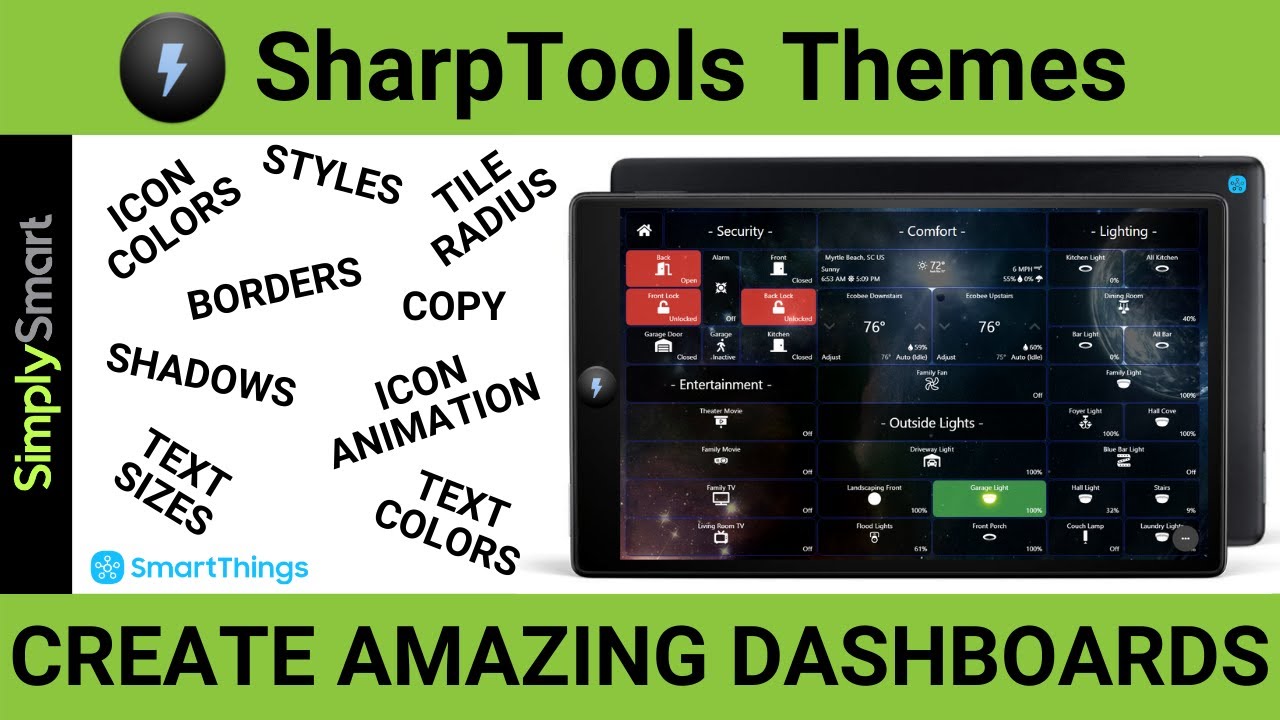
In this video, we will explore SharpTools Themes and Styles for smart home Dashboards. SharpTools Themes and Styles enable you to fine-tune the look and feel of your smart home dashboards fast and easily! You can create a Theme which is a collection of setting for dashboards and tiles including things like background colors, foreground colors, text sizes, text colors, icon animations, icon colors, shadows, borders, border colors and so much more. You can also make various Styles within the theme to make editing tiles even faster.
This is a major update and makes editing and changing the look of your SharpTools Dashboards effortlessly easy. If you are not using Themes and Styles in your current dashboards I would definitely take a look as this is the future of SharpTools Dashboard editing and styling.
You can also copy themes and edit themes to make a brand new look in seconds. Holiday Themes? Easy. Make as many themes as you want for any situation or look!
Products you will need:
▶ Samsung SmartThings Hub 3rd Gen: https://amzn.to/2XbjUdd
▶ SharpTools Dashboards: https://sharptools.io/
▶ Save on SharpTools: https://sharptools.io/user?plan=year&...
▶ Fully Kiosk Browser (Fire OS): https://www.fully-kiosk.com/en/
🔴 Be sure to like, share, and subscribe for more free videos involving smart home technology and improve your family’s life!
▶ Check Out My Latest Video: https://bit.ly/2CNjWQW
▶ Check My Most Popular Video: https://bit.ly/2UbGGoi
▶ Check Out All of Our Videos: http://bit.ly/2I1c9SY
🔴 Subscribe: https://goo.gl/VGC9iJ
Need to send me something? Product to review or anything else!
Mail: Justin Newbury
1124 White Oak Lane
Galivants Ferry, SC 29544
Contact me on Facebook:
/ simplysmart123
▶ Visit our Shop and Support this Channel - https://bit.ly/2H3djhW
▶ Visit our Website - https://www.SimplySmart123.com
▶ NEVER CLICK THIS! - https://goo.gl/VGC9iJ
Follow these 3 Simple Steps to Build the Ultimate Smart Home for Less:
-------- Building the Ultimate Smart Home ----------
--------------------- Step 1 ----------------------------
Adding Alexa Voice Assistant (the voice and ears of your smart home)
Echo Device of Some Kind (recommend amazon products for full maximum compatibility):
Echo Dot: https://amzn.to/2MW7KQ2
Echo Flex: https://amzn.to/2DjESPk
Echo Input: https://amzn.to/2OTb1T5
Echo: https://amzn.to/2QV5gXJ
Echo Plus: https://amzn.to/2Oqz1xV
Echo Studio: https://amzn.to/2OWntBU
Echo Show: https://amzn.to/35F9pDh
Echo Show 5: https://amzn.to/2F6WyPy
Echo Show 8: https://amzn.to/37LvHVI
Fire 7 Tablet: https://amzn.to/2XRzUCZ
Fire 8 Tablet: https://amzn.to/2WFV75n
Fire 10 Tablet: https://amzn.to/2NzLZLa
-------- Building the Ultimate Smart Home ----------
--------------------- Step 2 ----------------------------
Adding a SmartThings Hub (the brain of your smart home)
Samsung SmartThings Hub 2nd Gen: https://amzn.to/2KPpAoN
or
Samsung SmartThings Hub 3rd Gen: https://amzn.to/2XbjUdd
SmartThings IDE or API: https://account.smartthings.com/login
-------- Building the Ultimate Smart Home ----------
--------------------- Step 3 ----------------------------
Visit SimplySmart123.com (every compatible device to expand your smart home the right way for less)
Check out our website and store for other smart home products to expand your smart home https://SimplySmart123.com
Smart home technology doesn’t have to be hard that is why we make it as easy as 123.
Simply Smart is a participant in the Amazon Services LLC Associates Program, an affiliate advertising program designed to provide a means for sites to earn advertising fees by advertising and linking to Amazon.com.
Повторяем попытку...
Доступные форматы для скачивания:
Скачать видео
-
Информация по загрузке: