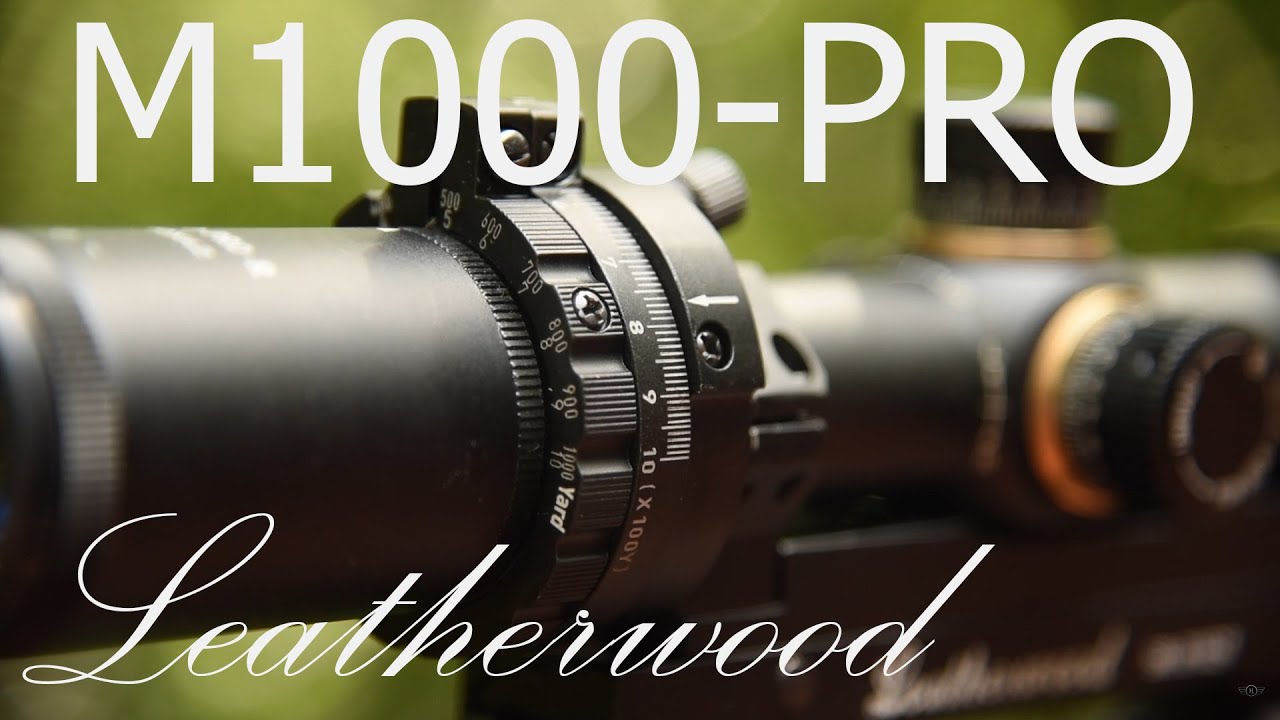
(Hi-Lux Scope Tutorials) Setting up the Leatherwood ART Scope | QUICK START VIDEO GUIDE
Автор: Hi-Lux Optics
Загружено: 2018-10-08
Просмотров: 16934
Описание:
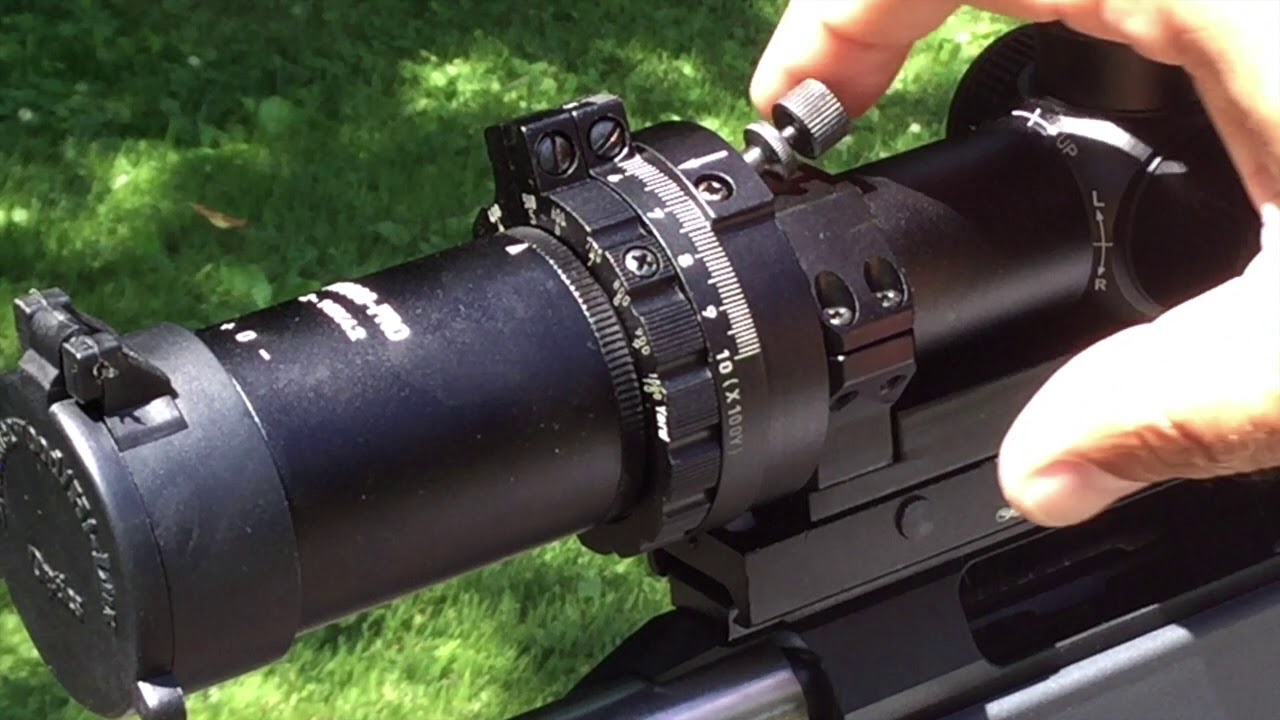
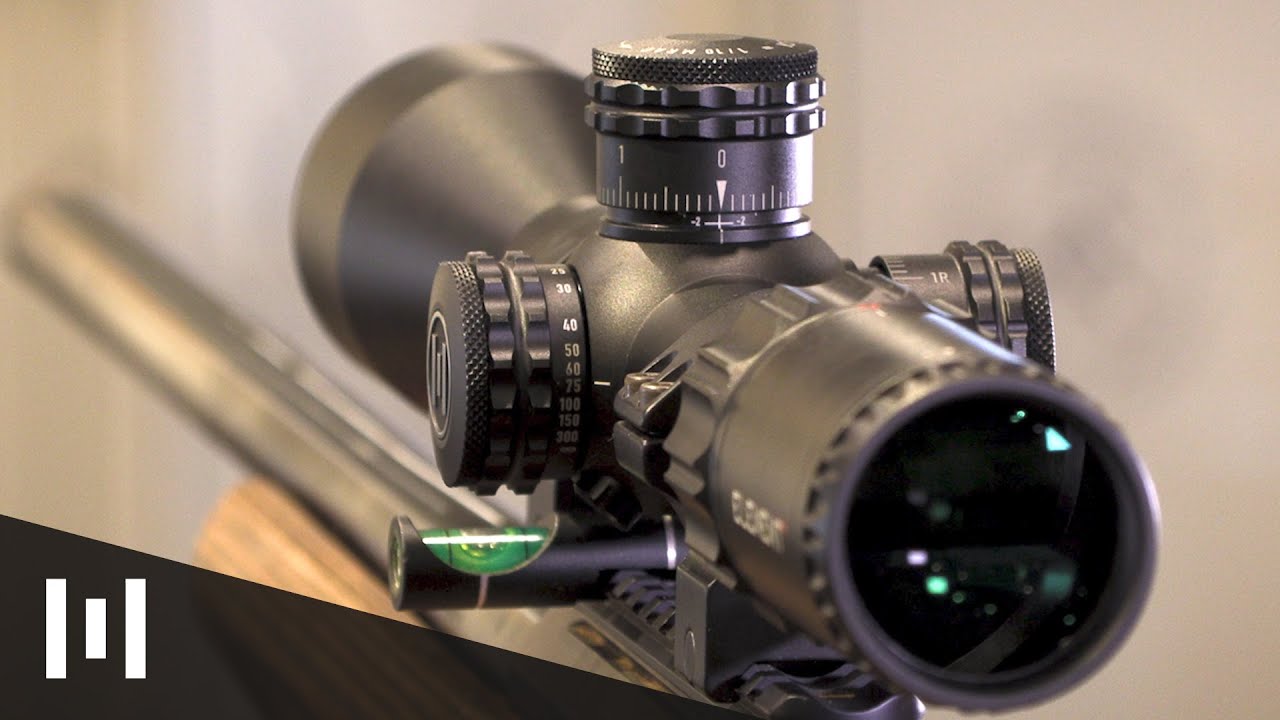
This is the quick start video tutorial for the Leatherwood Automatic Ranging Trajectory Rifle Scope. There are 3 steps that you will need to complete in order to finish setting up the ART scope.
1) Set the Trajectory Cam
Reference your DOPE data from your rifle log book or ballistic calculator and the Cam Setting Trajectory Chart in the owner's manual. Determine the cam setting that most closely matches the bullet drop of your caliber. Remember, the ballistic data should be based on the appropriate zeroing distance.
2) Zero at the Zeroing Distance
The ART scope utilizes external elevation adjustment provided in the base to compensate for bullet drop. In order for the Trajectory Cam to provide the correct amount of external elevation, the ART scope requires to be zeroed at the designated zeroing distance.
The M1000-PRO uses a 200 yard zero. The M1200-XLR uses a 300m zero.
3) Fine Tune the Cam Setting
After initial zeroing, put the turret caps back on. We recommend that you fine tune the shot placement by adjusting the cam setting. Use the following rule of thumb:
If you are SHOOTING LOW, adjust the CAM SETTING LOWER.
If you are SHOOTING HIGH, adjust the CAM SETTING HIGHER.
Manual Mode Ranging Demonstration (200-600 Yards) #600ydchallenge: • The 600 Yard Challenge | Leatherwood ART M...
Hi-Lux On Social Media:
► Follow on Facebook: / leatherwoodhiluxoptics
► Follow on Instagram: / leatherwoodoptics
Повторяем попытку...
Доступные форматы для скачивания:
Скачать видео
-
Информация по загрузке: