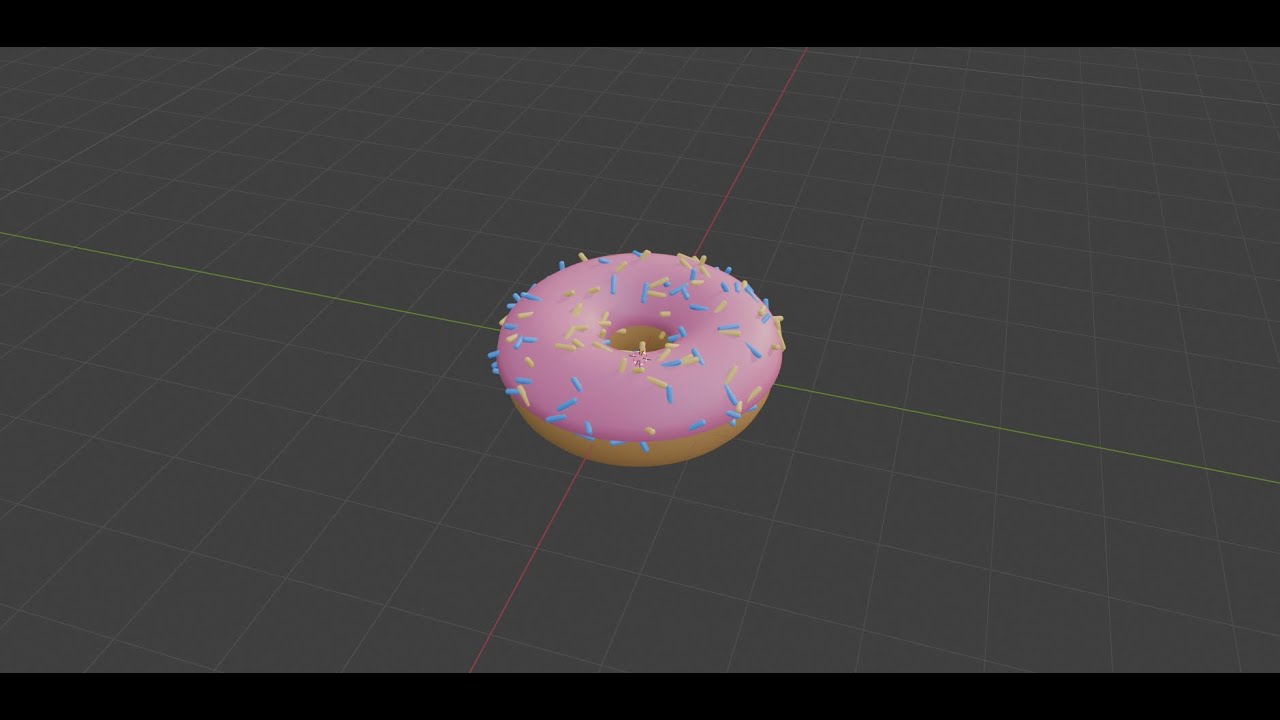
How to make an Opaque Glass Texture in Blender
Автор: RDKtutorials
Загружено: 2025-03-29
Просмотров: 261
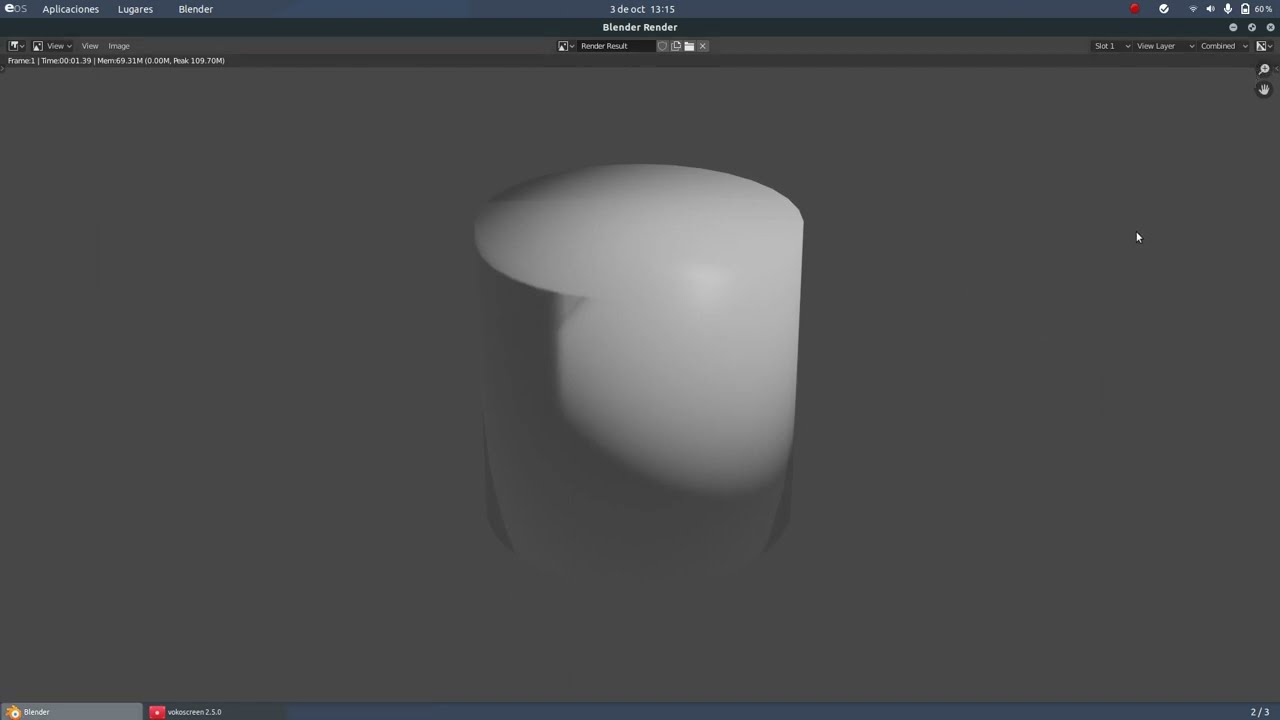
Описание: in order to make an opaque glass type texture or material in Blender, first, you want to navigate to the shading panel. inside the shading panel, click shift +A to add a ramp. it's like the color that you would like the ramp to be. plug the color of the ramp into the base color of the principal shader. had a huge saturation of between the ramp and the principal. shader, and adjust until you are happy with the coloring. The key to making the material opaque or transparent is to reduce the roughness of the principal. shader, increase the clear coat and clear coat roughness. bring The transmission all the way up to 1.0. If you want it completely opaque, you can switch it to zero. that is how to create a transparent opaque glass texture to a see-through object in blender.
Повторяем попытку...

Доступные форматы для скачивания:
Скачать видео
-
Информация по загрузке:







![Blender 5.0.1 - How To Make a Procedural Anime Hair Shader [EEVEE/CYCLES]](https://imager.clipsaver.ru/7CpV-FQGH4o/max.jpg)