Create a Spinning Ball Animation | SVGator
Автор: SVGator
Загружено: 2024-12-10
Просмотров: 3068
Описание:
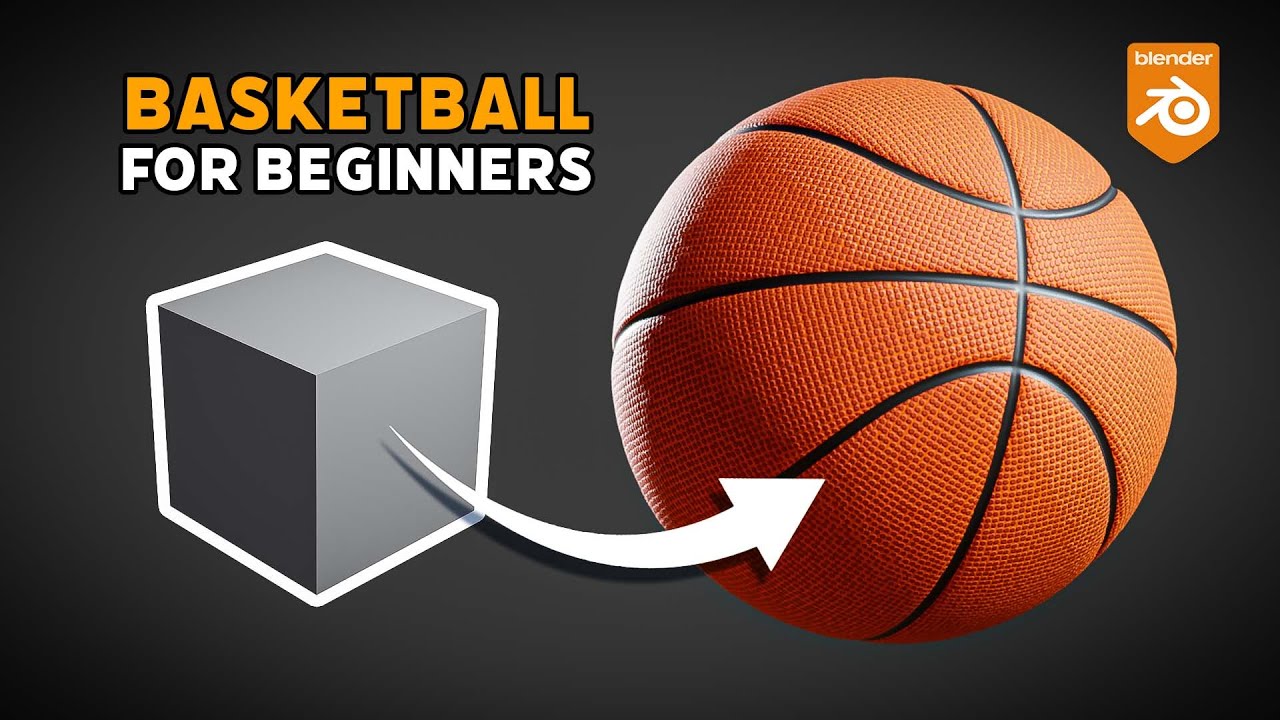
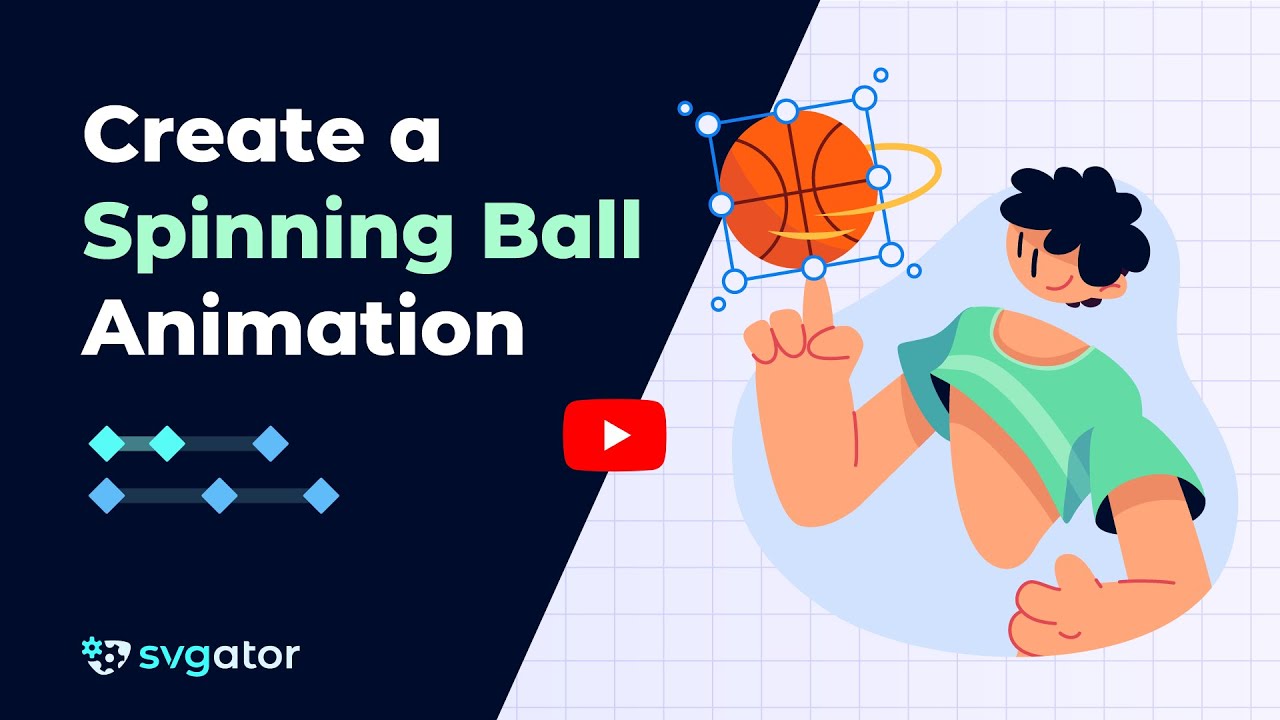
Learn how to create a fake 3D spinning basketball animation
Start animating: https://www.svgator.com
Your teacher today: Matt Gordon of https://www.g5designs.art/
This technique can be extended to other illustrations, allowing you to replicate the process.
00:41 Design the basketball illustration
08:13 Set up the shadow and the clipping path
09:49 Animating the Basketball
12:36 Enhance realism
Here's a detailed guide on how to create and animate a fake 3D spinning basketball animation, emphasizing the most critical steps.
Step 1 - Designing the Basketball
Use the ellipse tool to create a circle. Duplicate this layer and rename the copy “Clipping Path”. Change the fill of the clipping path to black.
Create another duplicate of the “Basketball” layer. Change the fill to a 2px stroke with a dark leather tone. Align this smaller circle vertically and horizontally within the basketball and then move it to the left. Holding the Alt key, click and drag it to the right while duplicating it.
Draw a straight vertical line across the basketball. Set the line's thickness to 2 points. Position the line slightly off-center if necessary.
Next, adjust and duplicate the line. Select the vertical line and duplicate it by holding down the Alt key and dragging it to create copies. Align the duplicates with the existing design, ensuring they line up perfectly with the previous line or circle.
Repeat the process of duplicating lines with the Alt key to create a series of vertical seams. Align them carefully and delete any extra duplicates. Repeat this step until you have enough seams to complete the desired spinning effect.
Duplicate one of the vertical lines by selecting it and pressing Command + D. Rotate the duplicated line while rotating to ensure it aligns perfectly at 90°. Extend the horizontal line to span the entire basketball shape, ensuring it remains properly scaled.
Select all the seam layers, and group them. Name the group "seams" for easy reference.
Step 2 - Setting Up the shadow and the clipping path
Use the Pen tool to create a curved shape that follows the contour of the basketball. Set the shape to fill mode. Reduce the opacity of the shadow layer to about 35%. Move this layer below the seams layer.
Select all the seams, shadow, and clipping path layers. Right-click and choose Create Clipping Mask.
Step 3 - Animating the Basketball
Set your animation timeline to 4 seconds. Select the seams group and add a position keyframe at the start of the timeline. Move to the 4-second mark, then shift the seams horizontally. Align the seams at the end of the timeline. Apply easing to create a smooth transition.
Step 4 - Enhancing Realism
Group all basketball-related layers into a single group. Adjust the rotation origin of the basketball group to its center. Add rotation keyframes to tilt the basketball slightly.
Step 5 - Final Touches
Adjust the animation speed and preview the animation to ensure smoothness and realism.
Subscribe: / @svgator
Let's connect:
Facebook: / svgator
Instagram: / svgatorapp
Twitter: / svgatorapp
LinkedIn: / svgator
SVGator | Web-based Animation Tool 🎨 Animate SVG, Lottie, GIF & Video⚡Create lightweight animations with an intuitive and beginner-friendly design tool.
Повторяем попытку...
Доступные форматы для скачивания:
Скачать видео
-
Информация по загрузке: