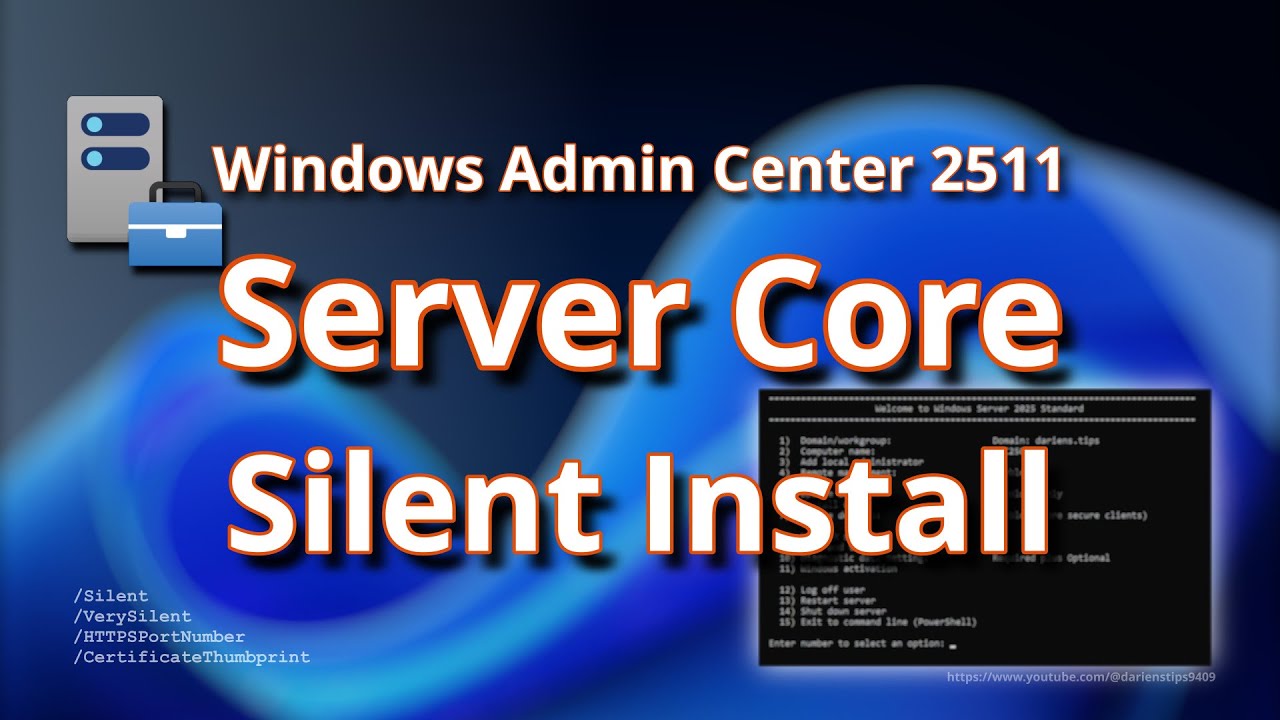
Windows Admin Center 2511 on Windows Server Core: Silent Install
Автор: Darien's Tips
Загружено: 2026-02-01
Просмотров: 136
Описание:
Install Windows Admin Center (WAC) 2511 on Windows Server Core using the new EXE installer in silent mode, while specifying a TLS certificate thumbprint and a custom HTTPS TCP port. This walkthrough covers certificate prerequisites, the exact unattended install syntax, and quick post-install validation so your WAC gateway comes up clean and reachable.
You’ll learn:
• How to install WAC 2511 on Server Core using /VerySilent
• How to set HTTPSPortNumber during install
• How to bind an existing cert using CertificateThumbprint
• How to pull and sanitize a thumbprint from Cert:\LocalMachine\My
• How to validate the gateway service and confirm the port is listening
• Common deployment pitfalls (wrong cert store, missing private key, firewall)
Target Audience: Consumers / Prosumers / IT Pros / Sysadmins / Students / Cloud engineers
Skill Level: Beginner / Intermediate / Advanced
Applies to:
✅ Windows Server 2025 / 2022 / 2019 (Server Core + Desktop Experience)
✅ Windows 11 (gateway scenarios)
Hashtags:
#WindowsAdminCenter #WAC #WindowsServer #ServerCore #PowerShell #SysAdmin #SSL #TLS #Automation #UnattendedInstall #DarienTips
Commands and Scripts GitHub:
https://github.com/DariensTips
Chapters:
0:00 Introduction
0:25 Requirement
1:25 Server Core Recap
2:44 Certificate Check
4:07 Install Windows Admin Center 2511
6:25 Connect from a PAW/SAW
7:23 Links & Resources
7:41 Thank you for watching
8:04 Operational Mindset
Links & Resources:
https://techcommunity.microsoft.com/b...
https://learn.microsoft.com/en-us/win...
https://www.microsoft.com/en-us/windo...
https://learn.microsoft.com/en-us/win...
Glossary:
AD = Active Directory
CA = Certificate Authority
LDAP = Lightweight Directory Access Protocol
PAW = Privileged Access/Administrative Workstation
PFX = Personal Information Exchange
PID = Process Identifier
SAN = Subject Alternative Name
SAW = Secure Access/Administrative Workstation
SCONFIG = Server Configuration Utility
SLAAC = Stateless Address Autoconfiguration
ULA = IPv6 Unique Local Address
WAC = Windows Admin Center
Related videos and Playlists:
• How to Fix Ajax Error 500 in Windows Admin...
• Windows Server
• Windows Server Core
Attribution:
Creme Brulee - The Soundlings (YouTube Audio Library)
Sound Effect by: https://pixabay.com/users/freesound_c...
Повторяем попытку...
Доступные форматы для скачивания:
Скачать видео
-
Информация по загрузке: