ycliper

Популярное

Музыка Кино и Анимация Автомобили Животные Спорт Путешествия Игры Юмор

Интересные видео

2025 Сериалы Трейлеры Новости Как сделать Видеоуроки Diy своими руками

Топ запросов

смотреть а4 schoolboy runaway турецкий сериал смотреть мультфильмы эдисон
Скачать

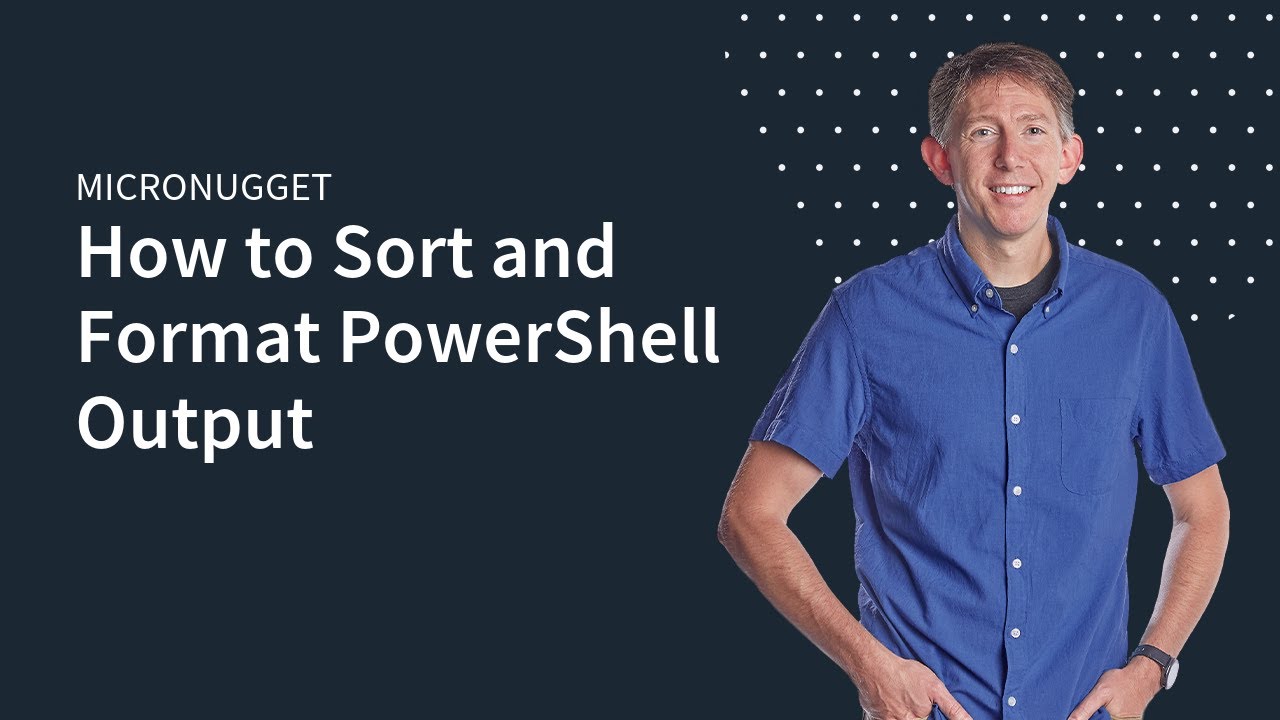
MicroNugget: How to Sort and Format PowerShell Output

Автор: CBT Nuggets

Загружено: 2019-02-12

Просмотров: 7329

Описание: Start learning cybersecurity with CBT Nuggets. https://courses.cbt.gg/security

In this video, Jacob Moran covers various PowerShell commandlets that are the workhorses of Microsoft’s command-line shell. When used improperly, these can create all sorts of unusable outputs. Jacob will guide you through the use of various format commandlets, as well as sort-object, to ensure the outputs you generate are stable and usable.

Microsoft’s PowerShell uses commandlets to employ many of its powerful functions, but these aren’t necessarily intuitive. When used correctly, they open up a whole new world of possibilities. If you apply them incorrectly, however, you’ll generate a host of unusable outputs.

Several of the commandlets Jacob will discuss include:

• Get-Process | Format-Wide
• Get-Process | Format-Wide -Column
• Get-Process | FL
• Get-Process | FL name cpu, StartTime

When you put in the effort on the front end to set PowerShell commandlets up correctly, you’ll get results that are sorted, grouped, and formatted in such a way that you can quickly find what you’re looking for. This also makes it easier for other users to view and use our scripts.

📁 Download the Ultimate Sysadmin Cert Guide: https://blog.cbt.gg/fd5v

⬇️ 4-Week Study Plan: MD-100 & MD-101: https://blog.cbt.gg/2nwg


Start learning with CBT Nuggets:

• PowerShell | https://courses.cbt.gg/be3
• Microsoft Visual Studio 2012 | https://courses.cbt.gg/gor

Не удается загрузить Youtube-плеер. Проверьте блокировку Youtube в вашей сети.
Повторяем попытку...
MicroNugget: How to Sort and Format PowerShell Output

Поделиться в:

Доступные форматы для скачивания:

Скачать видео

  • Информация по загрузке:
Скачать аудио

Похожие видео

PowerShell 101

PowerShell 101

Working With PowerShell Variables

Working With PowerShell Variables

Основы PowerShell: Изучение командлета Group-Object

Основы PowerShell: Изучение командлета Group-Object

PowerShell Remoting

PowerShell Remoting

How To Parse a JSON File Using PowerShell

How To Parse a JSON File Using PowerShell

Welcome to PowerShell 4 Foundations!

Welcome to PowerShell 4 Foundations!

PowerShell Functions

PowerShell Functions

Manipulating Objects in Microsoft PowerShell - Video 2

Manipulating Objects in Microsoft PowerShell - Video 2

PowerShell For Beginners Full Course | PowerShell Beginner tutorial Full Course

PowerShell For Beginners Full Course | PowerShell Beginner tutorial Full Course

Учебные пособия по PowerShell: Преобразование скриптов в исполняемые файлы (.exe)

Учебные пособия по PowerShell: Преобразование скриптов в исполняемые файлы (.exe)

How To Filter Objects in PowerShell

How To Filter Objects in PowerShell

MicroNugget: How to Rescue, Rollback, and Commit in Junos

MicroNugget: How to Rescue, Rollback, and Commit in Junos

ImportExcel PowerShell + Excel = Better Together! with Doug Finke

ImportExcel PowerShell + Excel = Better Together! with Doug Finke

Работа с конвейером PowerShell

Работа с конвейером PowerShell

PowerShell: Writing  Functions

PowerShell: Writing Functions

PowerShell Tutorial | Get-Process Part 2

PowerShell Tutorial | Get-Process Part 2

Как раскусить любого | 14 хитростей Макиавелли

Как раскусить любого | 14 хитростей Макиавелли

Учебное пособие для начинающих по удаленному взаимодействию с PowerShell

Учебное пособие для начинающих по удаленному взаимодействию с PowerShell

MicroNugget: How to Use Objects as Output in PowerShell

MicroNugget: How to Use Objects as Output in PowerShell

Understanding Objects In PowerShell

Understanding Objects In PowerShell

© 2025 ycliper. Все права защищены.


  • Контакты
  • О нас
  • Политика конфиденциальности


Контакты для правообладателей: [email protected]