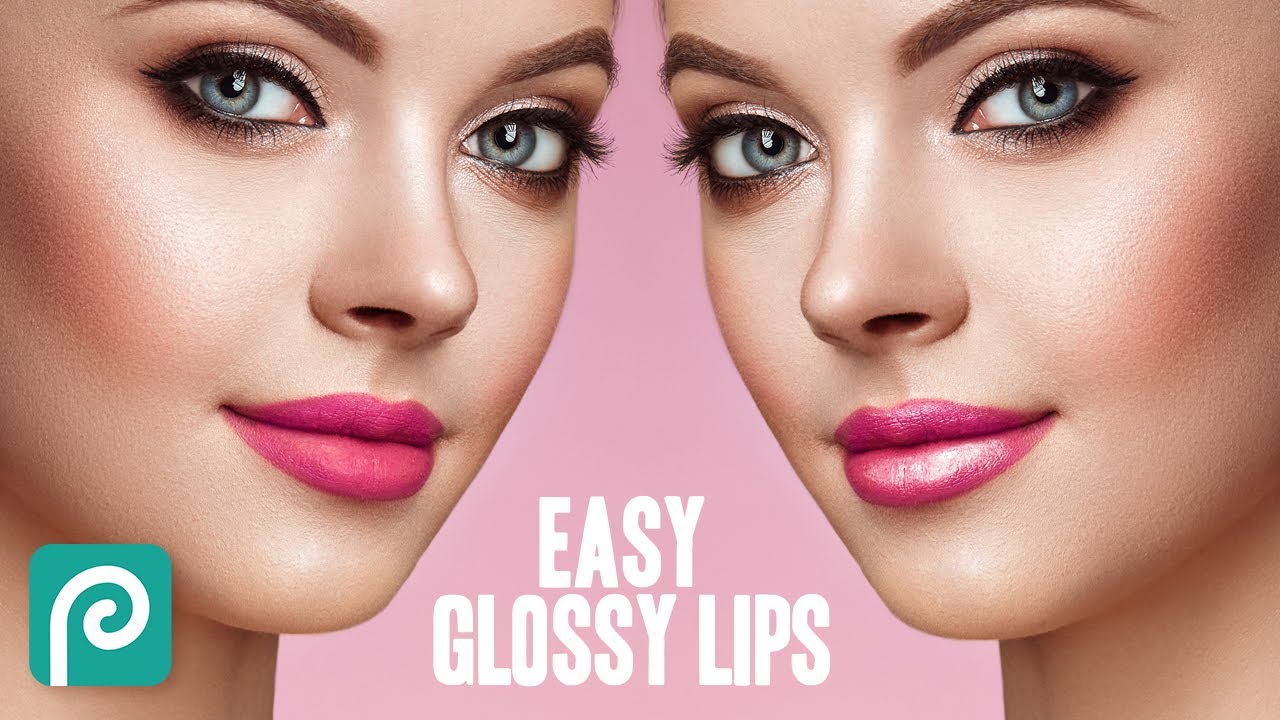
Photopea Tutorial: How to Create a Glossy Lip Effect
Автор: pixel platter
Загружено: 2021-01-20
Просмотров: 4912
Описание:
In this video, i’m going to show you a quick and easy way to create a glossy lip effect in Photopea, using the ‘blend if’ function along with the standard brush tool for a fast and very effective result. This technique can be used on many subjects (not just lips) but anywhere that needs some natural looking highlights enhancing. Instead of the Brush, why not try using the same method with a curve, or other adjustment layer.
❗Subscribe now to never miss a thing: https://bit.ly/2NlLtBc
⏱️ Useful timestamps
0:00 Video begins / introduction
1:03 Brush method for setting highlight area
1:50 ‘Blend If’ technique
3:10 Smoothing transition
Thank you so much for checking out the video. I really appreciate any like, sub or comment as it will help this new channel to grow and allow me to continue putting out quality, regular content.
#photopea #photoediting
Повторяем попытку...
Доступные форматы для скачивания:
Скачать видео
-
Информация по загрузке:
![Как создать эффект винтажного фото в Photopea — [Урок по Photopea]](https://image.4k-video.ru/id-video/x5Jk32kXCGg)