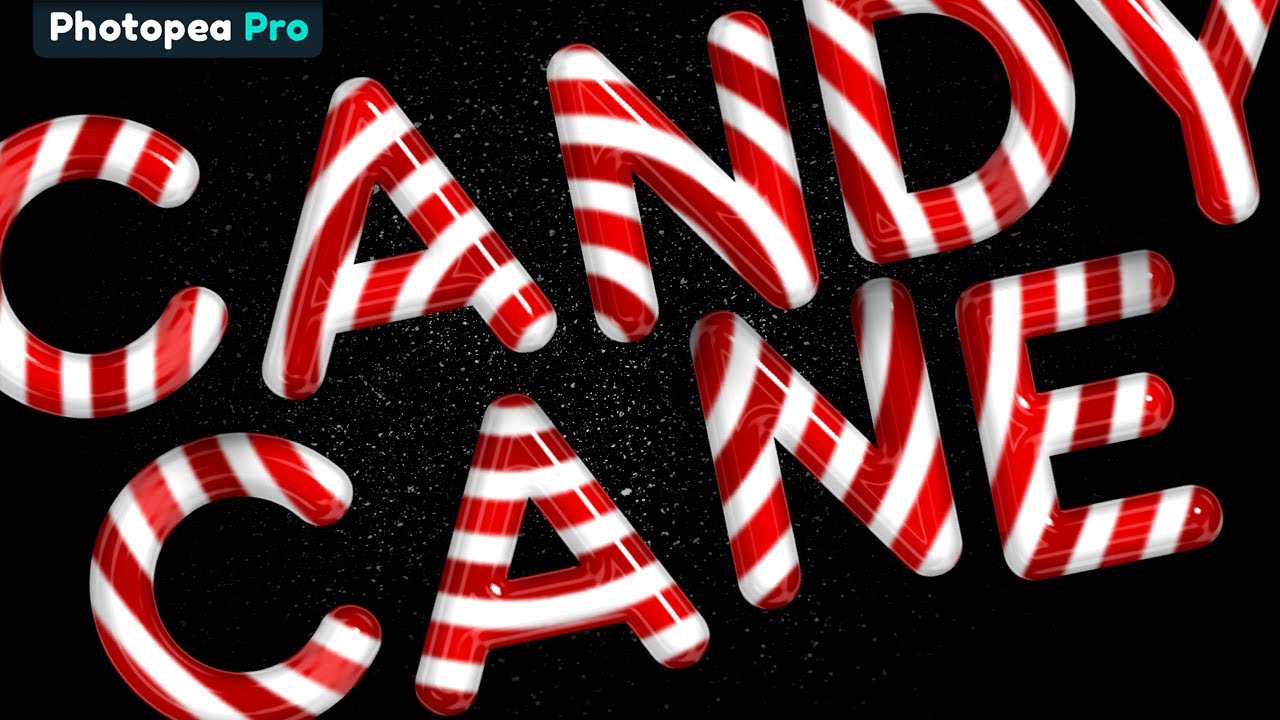
Creating a glossy CANDY CANE text effect in Photopea!
Автор: pixel platter
Загружено: 2021-12-23
Просмотров: 5137
Описание:
In this Photopea tutorial, we will be creating a super glossy candy cane text effect… just in time for Christmas!
There are loads of great techniques in this one, including how to stack layer styles to achieve amazing glossy finishes not normally possible.
And as usual, the text remains live so when it’s all set up, the font and text can be changed real time and retain the effects.
I hope you enjoy this one!
————————————————————————————————
Download Custom Font:
https://www.dafont.com/search.php?q=s...
Tutorial on how to install custom fonts in Photopea:
• Spice up your Photopea Projects with Custo...
————————————————————————————————
❗Subscribe now to never miss a thing: https://bit.ly/2NlLtBc
Повторяем попытку...
Доступные форматы для скачивания:
Скачать видео
-
Информация по загрузке:




![Урок Photopea: как напечатать текст по кругу! [Отличный приём для дизайна футболок и логотипов]](https://image.4k-video.ru/id-video/nTgP_fMeVNQ)


